Installation
Step 1: Upload Extension Files
Upload the LiveChat files to your Paymenter installation:
/var/www/paymenter/extensions/Others/LiveChat/Step 2: Enable Extension
Admin Panel → Extensions → Others → LiveChat → EnableMigrations run automatically when the extension is enabled, and again after an update.
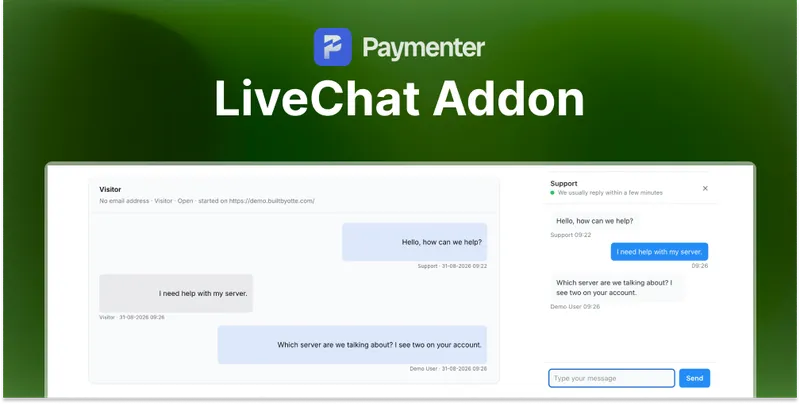
No theme changes are needed. The widget is placed with middleware on the pages you select under Admin Panel → Extensions → Others → LiveChat , and conversations are answered under Admin Panel → Live chat → Conversations .
Paymenter's cron has to be set up, otherwise old conversations are never tidied up. It runs
livechat:tidy
every hour. This is optional, the chat itself works without cron.
Need Help?
Join our Discord Server and open a ticket for support.
© 2026 LiveChat - BuiltByOtte . All rights reserved.