Requirements
- Pterodactyl Panel v2.0 or newer (the extension system).
- Administrator access to set up rules.
- Free ports on the node, or the option to let the extension create them.
Installation
The entire install happens in the Panel. There is nothing to upload to your nodes.
Step 1: Download the extension
Extract the product ZIP and keep both
allocation-manager-1.0.0.pteroext
(the installable build) and
allocation-manager-source.zip
(the editable source) if you want to customize the extension.
Step 2: Install in the Panel
- Sign in to your Panel as an administrator.
- Go to Admin → Extensions.
- Click Install and upload the
.pteroextfile. - Toggle the extension on to enable it, then reload the page.
An Allocation Manager page appears in the admin area, and every server in the admin area gets a Port rules tab.
Alternative: install from the command line
php artisan p:extension:install allocation-manager-1.0.0.pteroext --enableCreate a rule
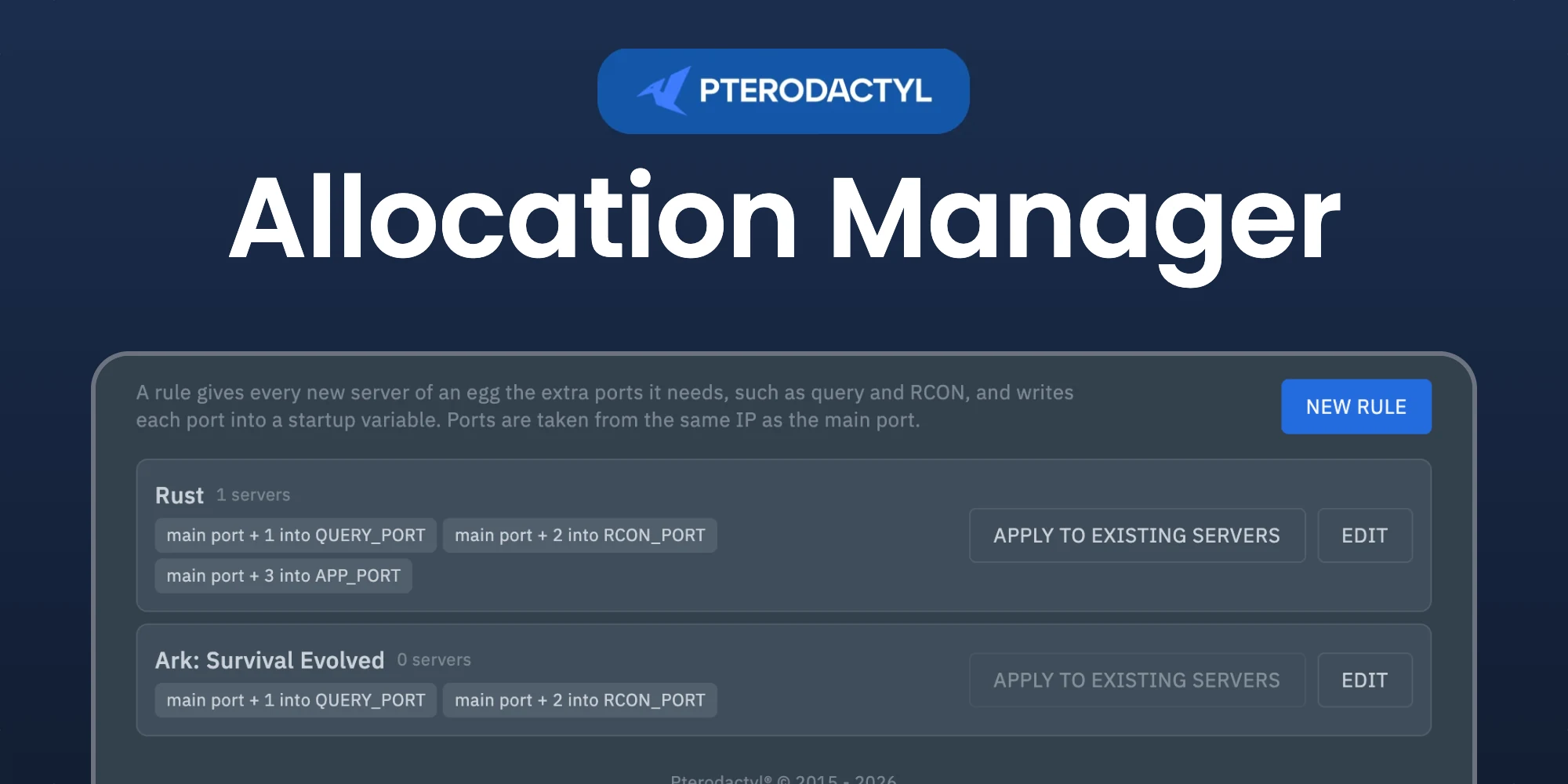
Open Admin → Allocation Manager and click New rule. A rule belongs to one egg and lists up to ten extra ports. For each port you choose:
- Offset: a number added to the main port, such as
1or-1. Leave it empty to take the next free port on the same IP. - Variable: the startup variable that receives the port, such as
QUERY_PORT. - Note: shown next to the port on the Network page, such as Query or RCON.
Example for Rust: main port + 1 into QUERY_PORT, + 2 into RCON_PORT and + 3 into APP_PORT.
With Create missing ports on, a port that does not exist yet on the node is created on the same IP as the main port.
New servers
When a server is created, its egg rule runs right away. This also works for servers created by a billing panel through the API. Turn off Apply rules to new servers in the Settings tab, or pause a single rule, to stop this.
Existing servers
Click Apply to existing servers on a rule to give every server of that egg its ports. Ports a server already has are kept. To check one server first, open it in the admin area and go to Port rules: it shows what the rule would do before you click Apply rule.
Managing the extension
| Action | How |
|---|---|
| Disable without removing | Toggle the extension off, or php artisan p:extension:disable allocation-manager |
| Update | Install the newer .pteroext over the top from the Extensions page |
| Remove | Click Remove on the Extensions page, or php artisan p:extension:remove allocation-manager |
Notes
- A port used by another server is never taken. The rule skips it and tells you why.
- Running servers pick up new ports on their next restart.
Need Help?
Join our Discord Server and open a ticket for support.
© 2026 Allocation Manager, BuiltByOtte . All rights reserved.