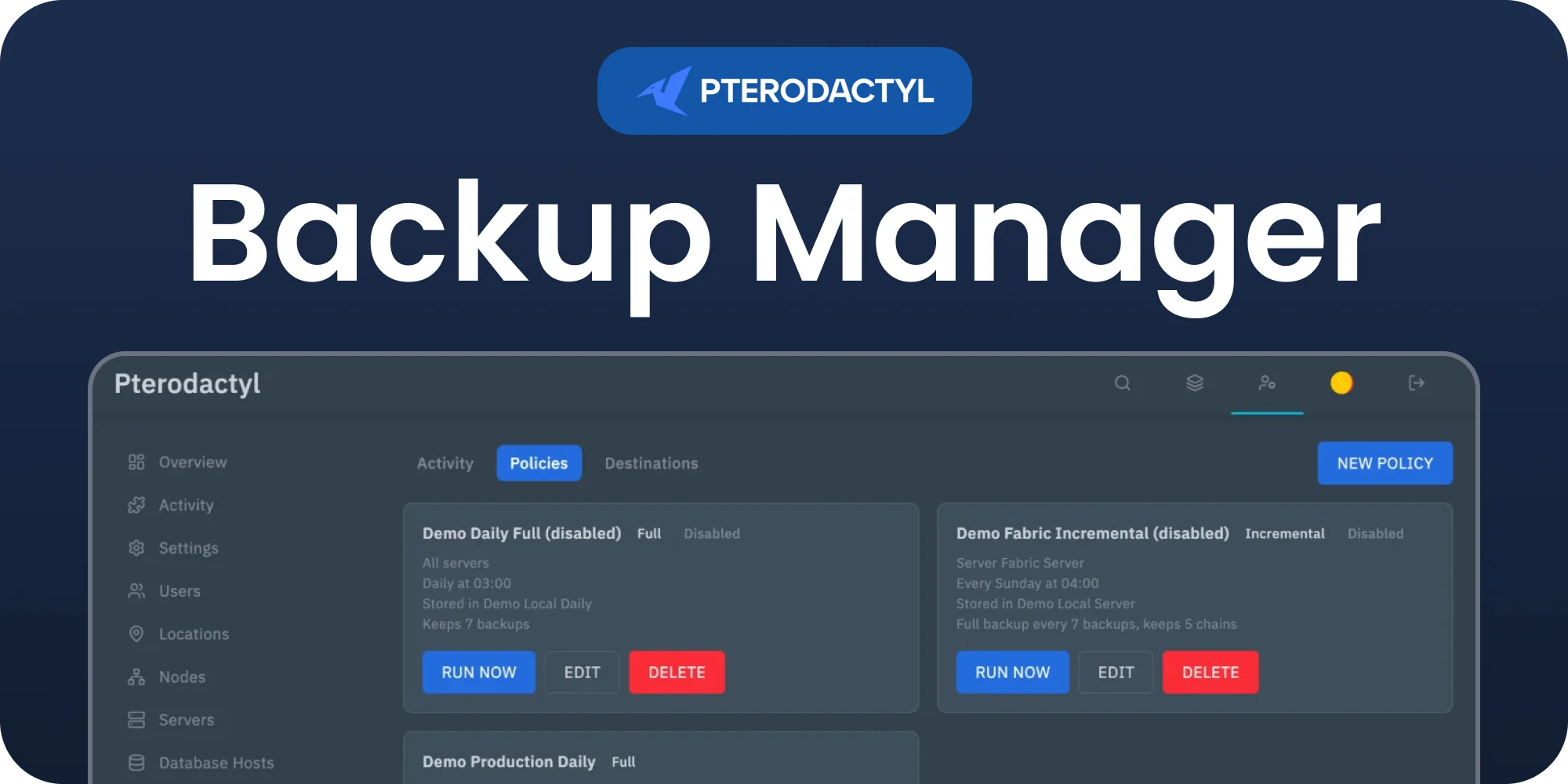
Features
- Full backups: every backup holds all files of the server.
- Incremental backups: after one full backup, only the files that changed since the previous backup are stored. A restore puts the server back exactly as it was, including removing files that were deleted since.
- Node backups: schedules the built in Pterodactyl backups that are stored on the node, with automatic cleanup of old ones.
- Destinations: S3 compatible storage (AWS S3, Backblaze B2, Wasabi, Cloudflare R2, DigitalOcean Spaces, MinIO), any SFTP server, or a folder on the panel server.
- Policies per server, per node or for every server, with an hourly, 6 hourly, daily or weekly schedule and retention.
- Skip files with .gitignore style patterns, such as logs and caches.
- Server owners see their backups, start one by hand and restore, with subuser permissions for each.
Requirements
- Pterodactyl Panel v2.0 or newer.
- The panel cron job (
* * * * * php artisan schedule:run). Backups and restores run from the scheduler, a queue worker is not needed. - Free disk space on the panel server for the largest archive while it is moved to S3 or SFTP.
- Free disk space in the server itself for the archive while the node builds it. The archive counts towards the disk limit of the server for a moment.
- For restores from SFTP or a panel folder, the node downloads the archive from the panel URL, and S3 restores download directly from the storage provider. Wings refuses downloads from private addresses; when the node cannot download the archive, the panel uploads it to the node instead, as long as it fits within the upload limit of the node.
Installation
- Go to Admin → Extensions, click Install and upload
backup-manager-1.0.0.pteroext. - Toggle the extension on and reload. The migrations run automatically.
php artisan p:extension:install backup-manager-1.0.0.pteroext --enableSetting up
- Open Admin → Backup Manager → Destinations and add a destination. Use Test to check the connection before saving. Secrets are stored encrypted. For SFTP, the test fills in the host key fingerprint of the server; save it so the panel refuses to connect when that key ever changes.
- Open Policies and add a policy: the type, the destination, which servers, the schedule, how many backups to keep and which files to skip.
- Use Run now to start the first backup, or wait for the schedule. Progress shows under Activity.
Choosing a type
| Type | Stored | Best for |
|---|---|---|
| Incremental | Destination | Frequent backups of large servers. A chain starts with a full backup; New full backup after decides how many backups a chain holds. Retention deletes whole chains, because later backups need the earlier ones. |
| Full | Destination | Simple, independent backups. |
| Node backup | The node (or the S3 storage set up for Pterodactyl backups) | Using the built in backups on a schedule. They show in the Backups tab and count towards the backup limit of the server; when the limit is reached the oldest unlocked backup is replaced. |
Files to skip
One pattern per line, like a .gitignore file:
logs/
cache/
*.log
/plugins/dynmap/web/tiles/
logs/ skips every folder named logs, a leading / only matches from the root of the server, * matches within a name and ** across folders.
Restoring
Click Restore on a backup in the admin Activity tab or in the server's Backup Manager tab. The server is stopped first. For an incremental backup the full backup and every incremental backup up to the chosen one are applied in order. With Delete files that were added after this backup the server ends up exactly as it was; files matching the skip patterns are never deleted.
Permissions
Subusers get three permissions under Backup Manager: view the backups, start a backup (only for policies that allow it) and restore.
Settings
Under Admin → Extensions → Backup Manager → Settings:
- Backups at the same time: how many runs may run at once on the panel (default 2). Each server only runs one at a time.
- Mark stuck runs as failed after: a run that stops reporting progress for this many minutes is marked as failed (default 90).
You can also start the worker by hand: php artisan backup-manager:work --once.
Good to know
- Changes are detected by file size and modification time, like rsync. A file that changes without a different size or time is not picked up until the next full backup.
- The node builds archives with a 15 minute limit set by the panel. Very large servers can use incremental backups and skip patterns to stay under it.
- Deleting a server removes its backup history from the panel. The archives at the destination are kept.
- A panel folder destination cannot be inside a public folder of the panel, so archives are never published on the web. During a restore the node fetches the archive from the panel through a signed link that works once and expires after two hours.
Support
Discord: https://discord.gg/DP3atuhnsB