Requirements
- Pterodactyl Panel v2.0 or newer (the extension system).
- A database host set up in the Panel. The Panel must be able to reach it.
- Exporting needs
database.view_password. Importing and emptying needdatabase.update. Importing from the server files also needsfile.read-content.
Installation
The entire install happens in the Panel. There is nothing to upload to your nodes.
Step 1: Download the extension
Extract the product ZIP and keep both
database-import-export-1.0.0.pteroext
(the installable build) and
database-import-export-source.zip
(the editable source) if you want to customize the extension.
Step 2: Install in the Panel
- Sign in to your Panel as an administrator.
- Go to Admin → Extensions.
- Click Install and upload the
.pteroextfile. - Toggle the extension on to enable it, then reload the page.
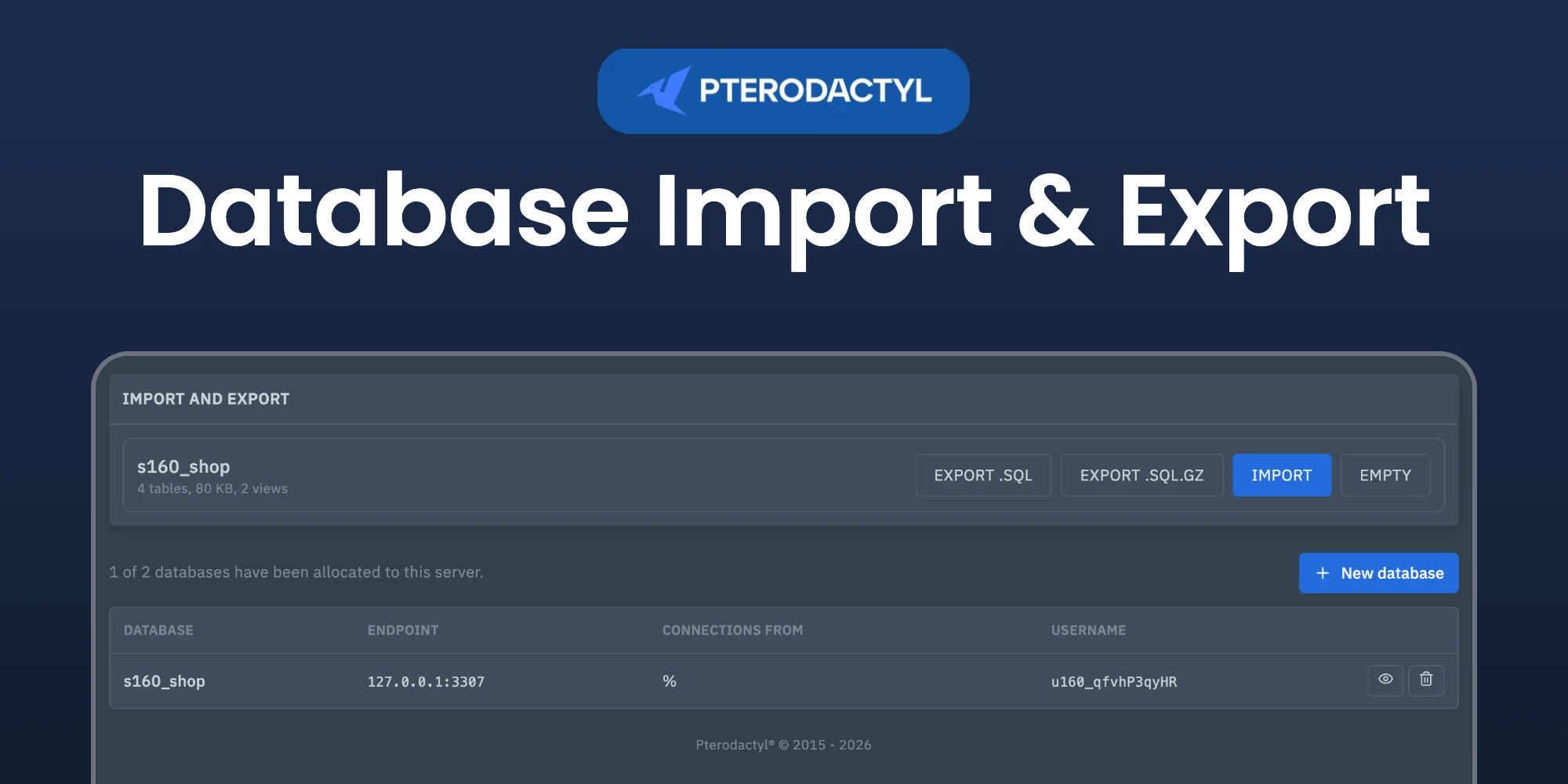
An Import and export box appears above the databases of every server.
Alternative: install from the command line
php artisan p:extension:install database-import-export-1.0.0.pteroext --enableExport
Click Export .sql or Export .sql.gz. The dump contains every table, its data, views and triggers. Binary columns are written as hex, so the file imports cleanly on any MySQL or MariaDB server.
Import
- Click Import.
- Choose a
.sqlor.sql.gzfile from your computer, or enter the path of a file in the server files for larger dumps. - Turn on Remove existing tables first to replace the database instead of adding to it.
- Click Import.
Dumps from mysqldump, MariaDB and phpMyAdmin work. Lines that switch or create databases are skipped, and DEFINER clauses are removed so views, triggers and routines are owned by the database user. When a statement fails, the import stops and shows which statement and why.
Empty a database
Click Empty and type the name of the database to drop every table, view and stored routine. The database and its user stay.
Settings
- Largest import in MB: the limit for imports. Uploads from the browser are also limited by
upload_max_filesizeandpost_max_sizein PHP. - Allow exports: turn exports off for all servers.
Managing the extension
| Action | How |
|---|---|
| Disable without removing | Toggle the extension off, or php artisan p:extension:disable database-import-export |
| Update | Install the newer .pteroext over the top from the Extensions page |
| Remove | Click Remove on the Extensions page, or php artisan p:extension:remove database-import-export |
Notes
- All work runs with the credentials of that database, so a user can never reach another database.
- Imports and exports are written to the activity log of the server.
Need Help?
Join our Discord Server and open a ticket for support.
© 2026 Database Import & Export, BuiltByOtte . All rights reserved.