Requirements
- Pterodactyl Panel v2.0 or newer (the extension system).
- The user needs the server permission
ext.egg-changer.change(Egg Changer, Change) to see the option. - A reinstall needs
settings.reinstall, deleting all files first also needsfile.delete.
Installation
The entire install happens in the Panel. There is nothing to upload to your nodes.
Step 1: Download the extension
Extract the product ZIP and keep both
egg-changer-1.0.0.pteroext
(the installable build) and
egg-changer-source.zip
(the editable source) if you want to customize the extension.
Step 2: Install in the Panel
- Sign in to your Panel as an administrator.
- Go to Admin → Extensions.
- Click Install and upload the
.pteroextfile. - Toggle the extension on to enable it, then reload the page.
An Egg Changer page appears in the admin area. The option for users shows at the top of the Startup page of a server once that server is part of a group.
Alternative: install from the command line
php artisan p:extension:install egg-changer-1.0.0.pteroext --enableSet up egg groups
Open Admin → Egg Changer and click New group. Give the group a name and pick at least two eggs. A server on one of these eggs can switch to any other egg in the same group. A server can be part of several groups; it sees every egg from all of them.
Example: a group Minecraft with Paper, Purpur, Fabric, Forge and Vanilla.
Settings
Open the Settings tab of the extension on the Extensions page.
| Setting | What it does |
|---|---|
| Allow a reinstall | Users can run the install script of the new egg right after the change. On by default. |
| Always reinstall | Every change runs the install script of the new egg. |
| Allow deleting all files first | Users can start from an empty server. Off by default. |
| Keep matching variables | Startup variables with the same name and a valid value are kept. The rest get the defaults of the new egg. |
| Cooldown in minutes | Time a server has to wait between two changes. Administrators are not limited. |
Changing the egg
- Stop the server. A change is only possible while it is offline.
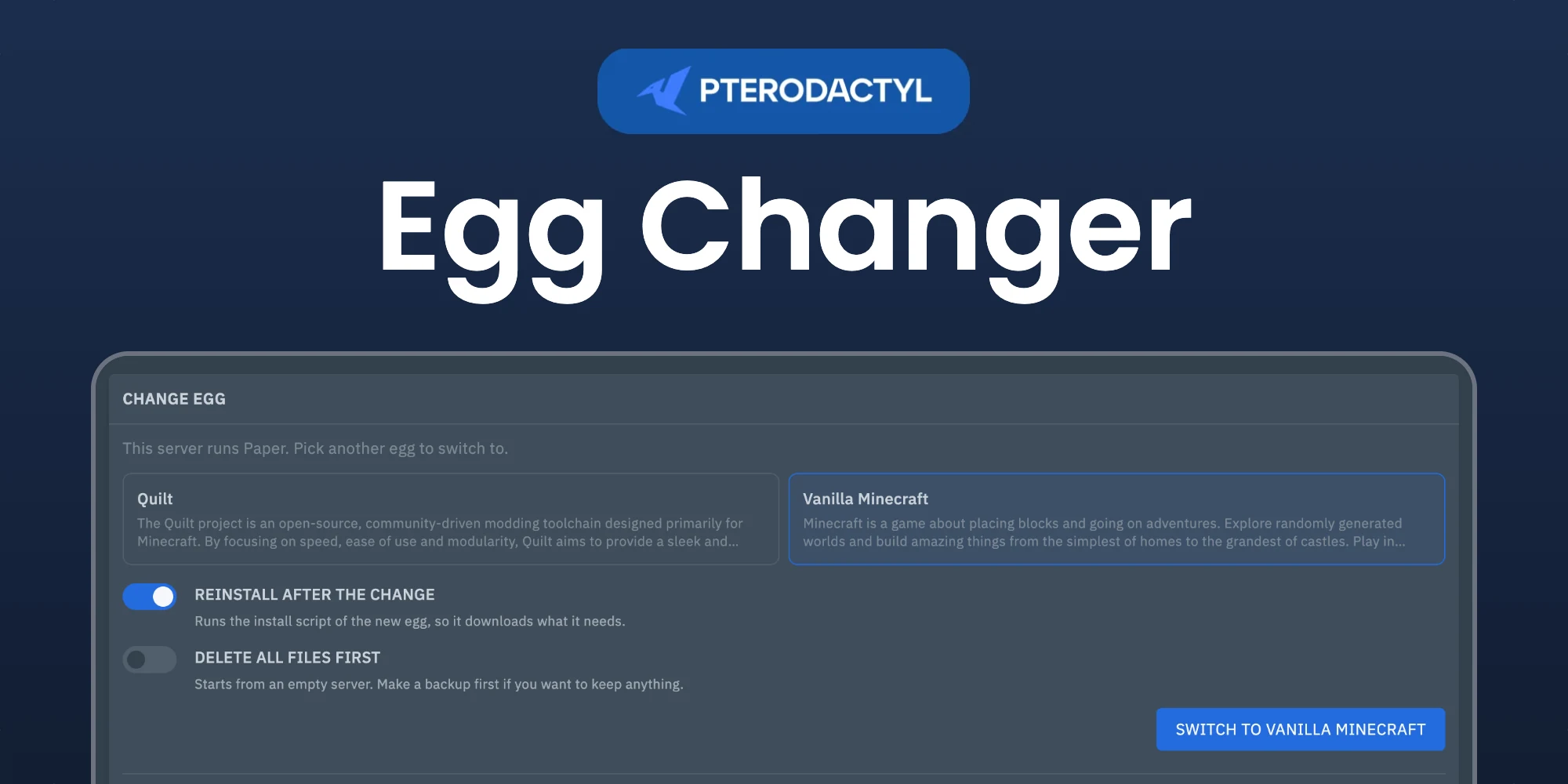
- Open Startup and pick an egg in the Change egg box.
- Choose whether to reinstall and, if allowed, whether to delete all files first.
- Confirm. The startup command and Docker image change to those of the new egg.
Every change is logged in the activity log of the server and listed under Recent changes. The admin page shows the latest changes of all servers.
Managing the extension
| Action | How |
|---|---|
| Disable without removing | Toggle the extension off, or php artisan p:extension:disable egg-changer |
| Update | Install the newer .pteroext over the top from the Extensions page |
| Remove | Click Remove on the Extensions page, or php artisan p:extension:remove egg-changer |
Notes
- A server that skips its egg install script cannot be reinstalled. The change still works without a reinstall.
- Deleting all files cannot be undone. Users are asked to make a backup first.
Need Help?
Join our Discord Server and open a ticket for support.
© 2026 Egg Changer, BuiltByOtte . All rights reserved.