Requirements
- Pterodactyl Panel v2.0 or newer (the extension system).
- A Minecraft (Java) server running a Bukkit-based plugin loader such as Paper, Purpur, Spigot, Folia, or a supported proxy.
- Outbound internet access for the browser and node so plugin metadata and files can be retrieved from Modrinth.
- The user opening the page needs the server permission
file.read. - The user needs
file.createandfile.updateto install or enable/disable plugins, andfile.deleteto uninstall them.
Installation
The entire install happens in the Panel. There is nothing to upload to your nodes.
Step 1: Download the extension
Download
plugin-installer-1.0.0.pteroext
from your purchase. This single file contains the whole extension.
Step 2: Install in the Panel
- Sign in to your Panel as an administrator.
- Go to Admin → Extensions.
- Click Install and upload the
.pteroextfile. - Toggle the extension on to enable it, then reload the page.
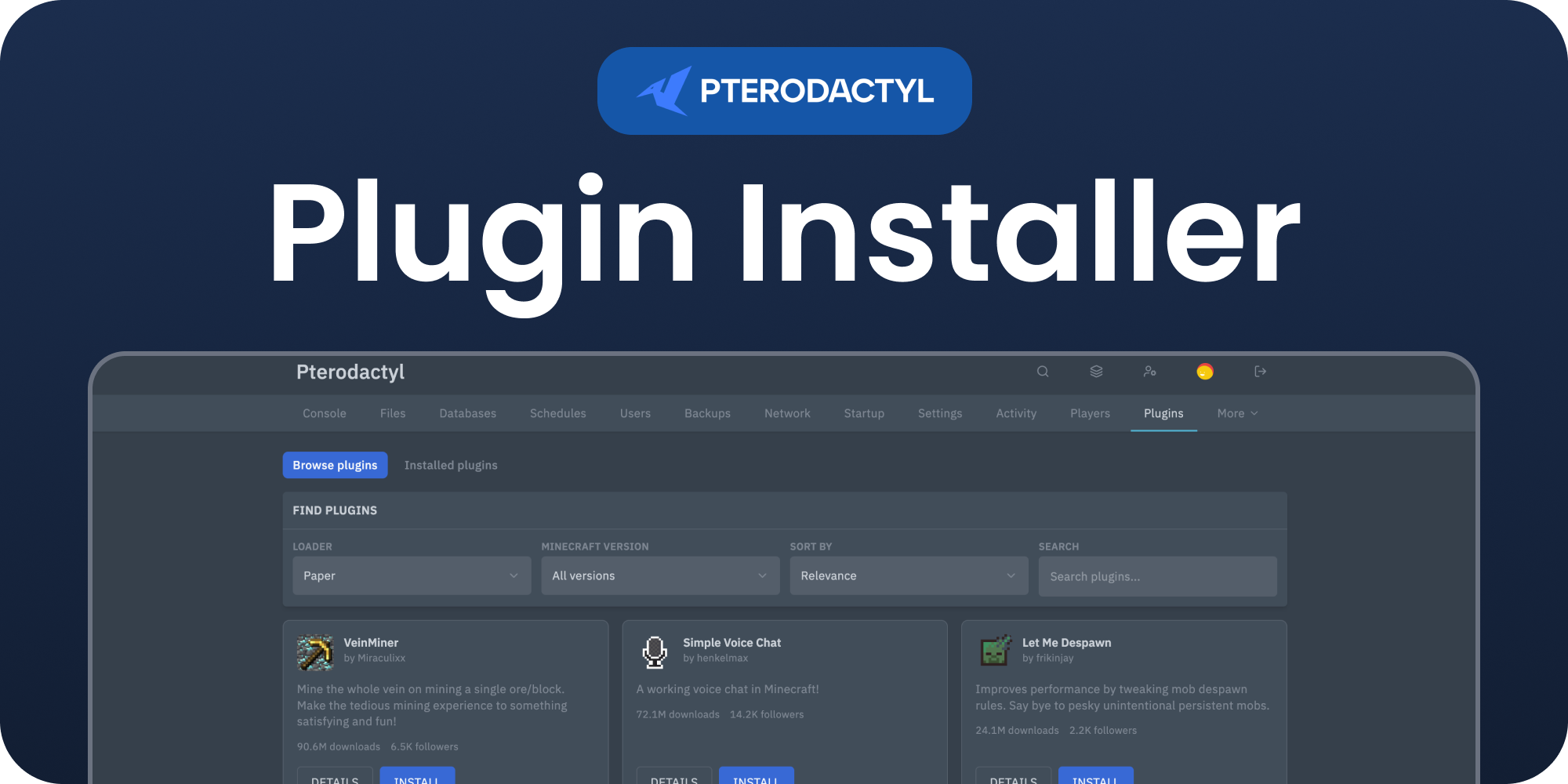
A Plugins tab now appears in the sidebar of each server.
Alternative: install from the command line
php artisan p:extension:install plugin-installer-1.0.0.pteroext --enableServer compatibility
When the Plugins page opens, it checks the server's startup settings and root files to identify the server software. Plugins are intended for Bukkit-based servers and proxies:
- Supported: Paper, Purpur, Spigot, Bukkit, Folia, Pufferfish, and similar Bukkit-based software.
- Supported proxies: Velocity, Waterfall, BungeeCord, and other compatible proxy software.
- Not supported: Vanilla servers and mod loaders such as Fabric, Forge, NeoForge, and Quilt. These use mods rather than Bukkit plugins.
If the software cannot be identified, the page shows a warning instead of blocking you.
Only install plugins when you know the server loads a
/plugins
folder.
Permissions
The Plugins page requires file.read. Installing a plugin or toggling one
requires both file.create and file.update. Uninstalling a plugin
requires file.delete. Server owners and administrators normally have these
permissions; grant the required permissions in the server's User editor for sub users.
Need Help?
Join our Discord Server and open a ticket for support.
© 2026 Plugin Installer, BuiltByOtte . All rights reserved.