Requirements
- Pterodactyl Panel v2.0 or newer (the extension system).
- The user needs
file.createandfile.updateto see the button. - Remote downloads must be allowed on the node (Wings setting
api.disable_remote_downloadoff, which is the default).
Installation
The entire install happens in the Panel. There is nothing to upload to your nodes.
Step 1: Download the extension
Extract the product ZIP and keep both
pull-files-1.0.0.pteroext
(the installable build) and
pull-files-source.zip
(the editable source) if you want to customize the extension.
Step 2: Install in the Panel
- Sign in to your Panel as an administrator.
- Go to Admin → Extensions.
- Click Install and upload the
.pteroextfile. - Toggle the extension on to enable it, then reload the page.
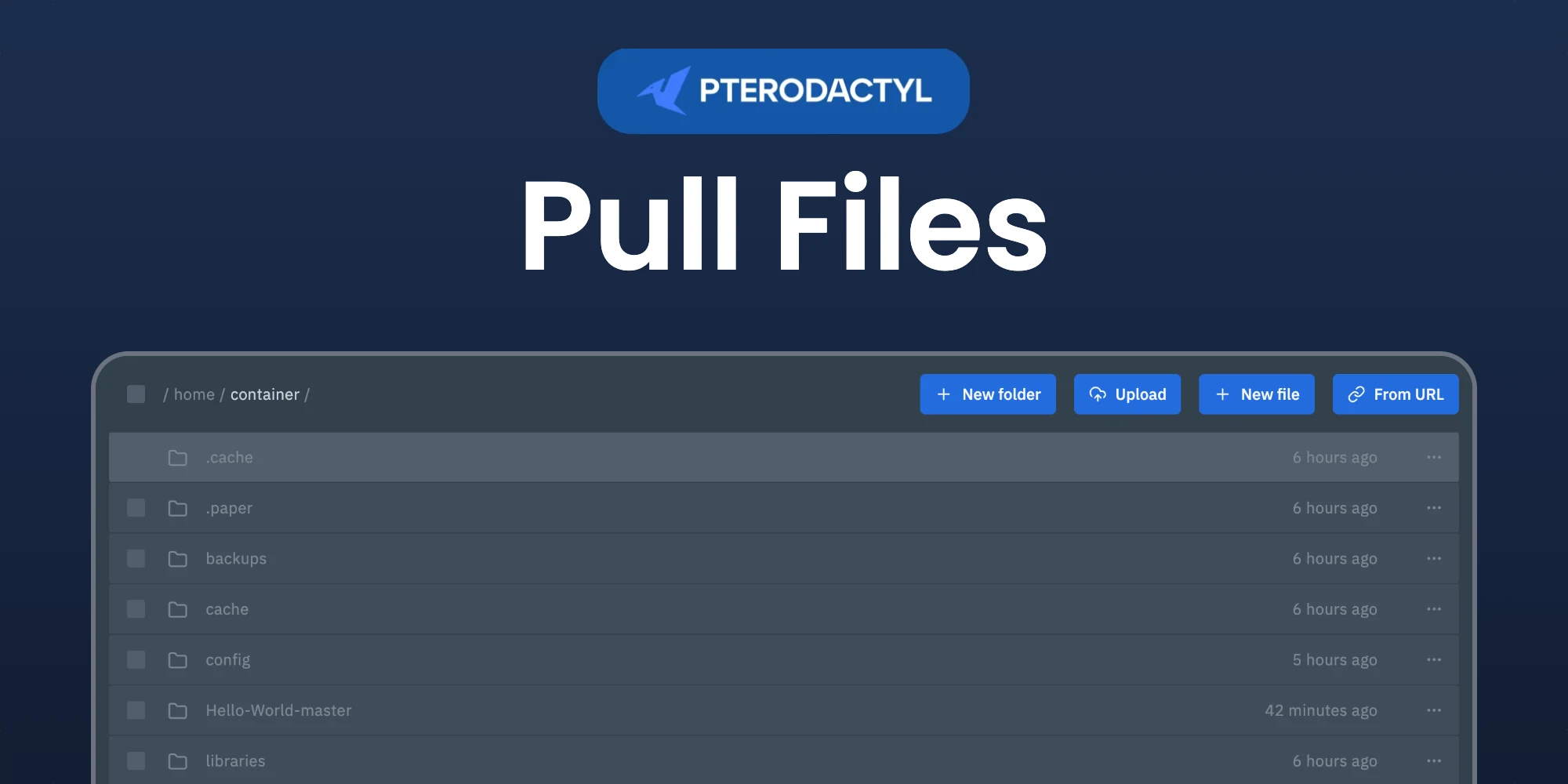
A From URL button appears in the file manager of every server.
Alternative: install from the command line
php artisan p:extension:install pull-files-1.0.0.pteroext --enableDownloading files
- Open Files and go to the folder the files should go to.
- Click From URL and paste one link per line, up to five.
- For a single link you can choose the file name. Turn on Use the name the website sends for links that do not end in a file name.
- Turn on Extract archives to unpack zip and tar files after the download. The archive is kept.
- Click Download. Each link shows its own progress.
The node downloads the files itself, so large files do not go through the browser of the user.
Managing the extension
| Action | How |
|---|---|
| Disable without removing | Toggle the extension off, or php artisan p:extension:disable pull-files |
| Update | Install the newer .pteroext over the top from the Extensions page |
| Remove | Click Remove on the Extensions page, or php artisan p:extension:remove pull-files |
Notes
- Only http and https links are accepted.
- The panel allows 5 downloads per server every 10 minutes. When that limit is reached, the dialog says how long to wait.
- Links that redirect, such as GitHub release downloads, are followed by the Panel, so they work too.
- Links to private or local network addresses are refused, which protects your internal network.
- The node needs to know the size of a file. A website that does not send it gets a clear message; download that file yourself and upload it instead.
Need Help?
Join our Discord Server and open a ticket for support.
© 2026 Pull Files, BuiltByOtte . All rights reserved.