Requirements
- Pterodactyl Panel v2.0 or newer (the extension system).
- A Rust server using the standard Rust egg (the page shows on servers that start RustDedicated).
- The user needs the server permission
ext.rust-wiper.manage(Rust Wiper, Manage). - The Panel scheduler must run every minute (
php artisan schedule:runin cron), which every Pterodactyl install already has.
Installation
The entire install happens in the Panel. There is nothing to upload to your nodes.
Step 1: Download the extension
Extract the product ZIP and keep both
rust-wiper-1.0.0.pteroext
(the installable build) and
rust-wiper-source.zip
(the editable source) if you want to customize the extension.
Step 2: Install in the Panel
- Sign in to your Panel as an administrator.
- Go to Admin → Extensions.
- Click Install and upload the
.pteroextfile. - Toggle the extension on to enable it, then reload the page.
A Wipes page appears on every Rust server.
Alternative: install from the command line
php artisan p:extension:install rust-wiper-1.0.0.pteroext --enableWipe now
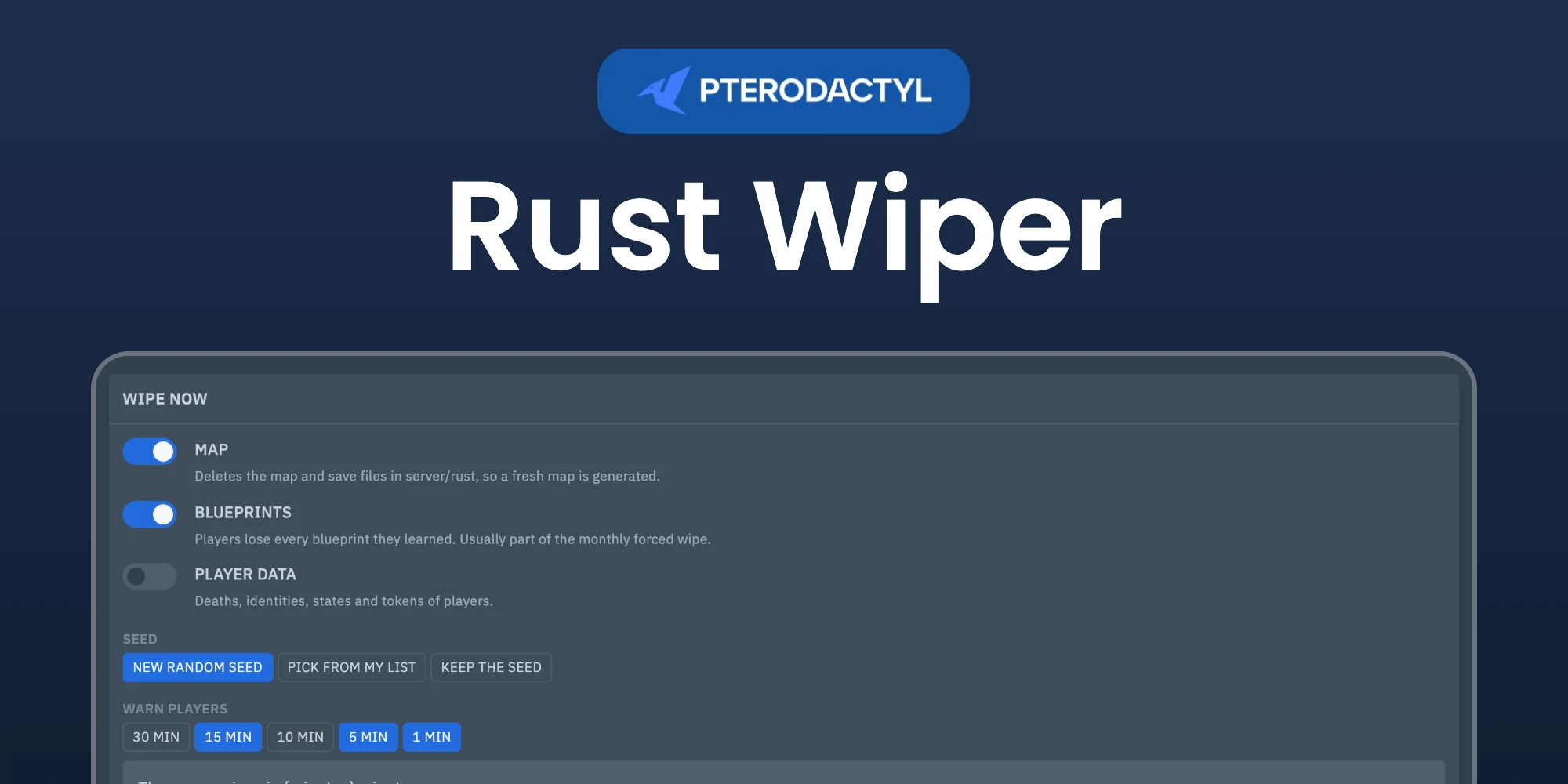
Choose what to wipe:
- Map: the map and save files, so a fresh map is generated.
- Blueprints: every blueprint players learned.
- Player data: deaths, identities, states and tokens.
- Extra files: any other files, such as plugin data like
oxide/data/Kits.json.
Pick a new random seed, a seed from your own list, or keep the seed. Choose the warnings players get, then click Show files to see exactly what will be deleted, and Wipe. The server stops when the last warning runs out, the files are deleted, the seed is set and the server starts again. A wipe can be cancelled while players are still being warned.
Planned wipes
Click Plan a wipe and choose when:
- Forced wipe: the first Thursday of every month. Set the time to match the Facepunch update, 19:00 UK time.
- Every week or every two weeks on a day of your choice.
- First weekday of the month, such as the first Monday.
Most servers wipe the map weekly and everything on the forced wipe. Planned wipes always start the server again afterwards.
Managing the extension
| Action | How |
|---|---|
| Disable without removing | Toggle the extension off, or php artisan p:extension:disable rust-wiper |
| Update | Install the newer .pteroext over the top from the Extensions page |
| Remove | Click Remove on the Extensions page, or php artisan p:extension:remove rust-wiper |
Notes
- Server config files such as serverauto.cfg and users.cfg are never touched.
- Every wipe is written to the activity log and listed under Recent wipes.
Need Help?
Join our Discord Server and open a ticket for support.
© 2026 Rust Wiper, BuiltByOtte . All rights reserved.