Requirements
- Pterodactyl Panel v2.0 or newer (the extension system).
- The user needs
schedule.createto see the presets.
Installation
The entire install happens in the Panel. There is nothing to upload to your nodes.
Step 1: Download the extension
Extract the product ZIP and keep both
schedule-presets-1.0.0.pteroext
(the installable build) and
schedule-presets-source.zip
(the editable source) if you want to customize the extension.
Step 2: Install in the Panel
- Sign in to your Panel as an administrator.
- Go to Admin → Extensions.
- Click Install and upload the
.pteroextfile. - Toggle the extension on to enable it, then reload the page.
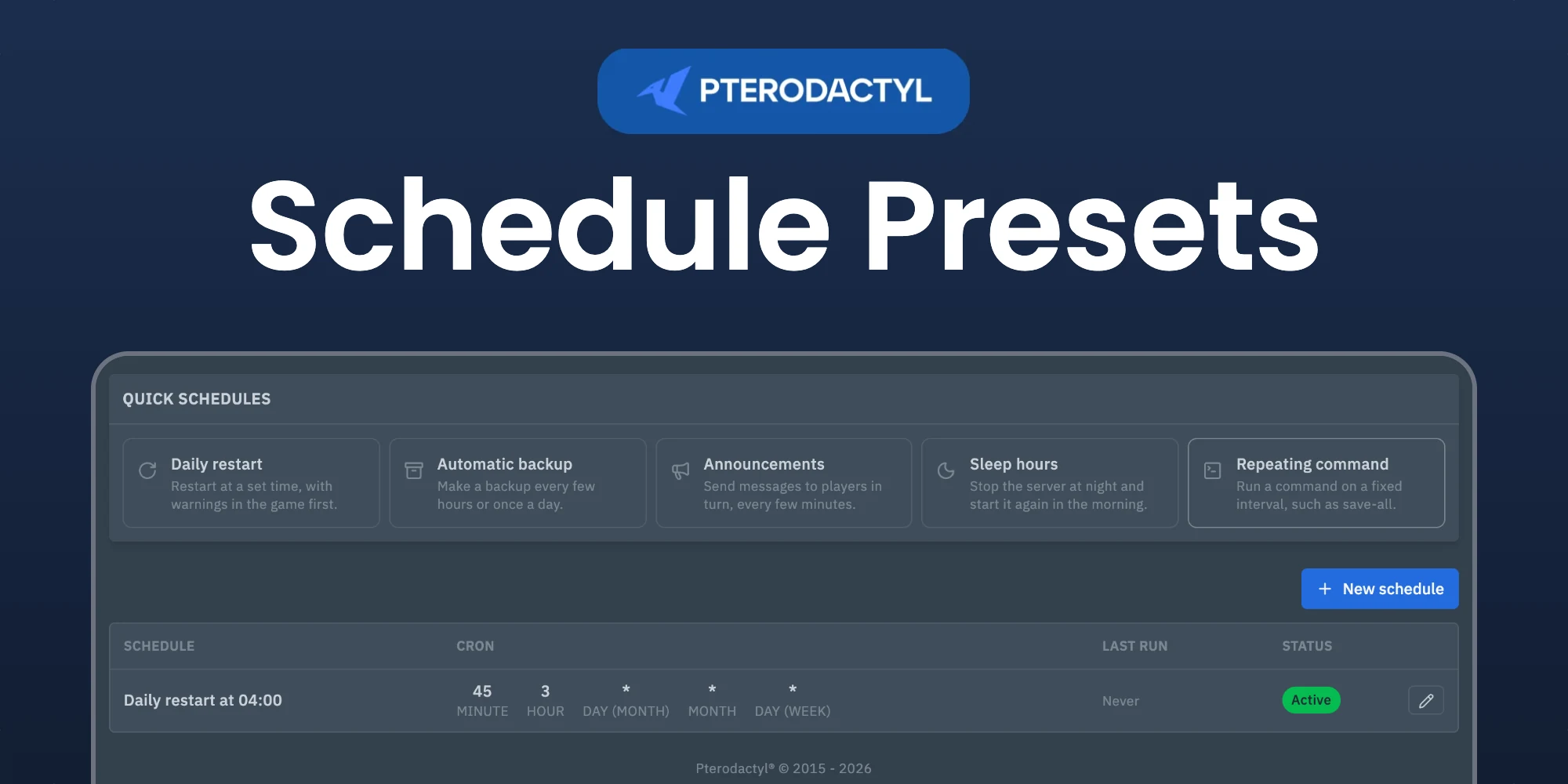
A Quick schedules box appears on the Schedules page of every server.
Alternative: install from the command line
php artisan p:extension:install schedule-presets-1.0.0.pteroext --enablePresets
| Preset | What it creates |
|---|---|
| Daily restart | A restart at a set time, with in-game warnings 15, 10, 5, 3 or 1 minutes before and optional commands such as save-all right before. |
| Automatic backup | A backup every 1 to 12 hours or once a day, optionally only while the server is online. |
| Announcements | Up to five messages that are sent in turn, one every interval. |
| Sleep hours | Stops the server at night with warnings and starts it again in the morning. |
| Repeating command | Runs one or more commands on a fixed interval. |
Message command
Warnings and announcements are sent with a console command. The presets fill in say {message} for Minecraft and Rust and broadcast {message} for ARK. For other games enter the command yourself, or leave it empty to send no messages.
Editing
Each preset creates normal schedules. They show in the list below the presets and can be changed, paused or deleted like any other schedule.
Managing the extension
| Action | How |
|---|---|
| Disable without removing | Toggle the extension off, or php artisan p:extension:disable schedule-presets |
| Update | Install the newer .pteroext over the top from the Extensions page |
| Remove | Click Remove on the Extensions page, or php artisan p:extension:remove schedule-presets |
Notes
- Times use the time zone of the Panel.
- The Panel allows at most 10 tasks per schedule. Presets stay within that limit.
- The Panel allows two new schedules per minute for each server. Presets that make more, such as announcements, wait and show when the next one is created.
Need Help?
Join our Discord Server and open a ticket for support.
© 2026 Schedule Presets, BuiltByOtte . All rights reserved.