Requirements
- Pterodactyl Panel v2.0 or newer (the extension system).
- A Minecraft (Java) server that has a
server.propertiesfile. - The
file.readpermission to view values, andfile.updateto save changes.
Installation
The entire install happens in the Panel. There is nothing to upload to your nodes.
Step 1: Download the extension
Download
minecraft-server-properties-1.0.0.pteroext
from your purchase. This single file contains the whole extension.
Step 2: Install in the Panel
- Sign in to your Panel as an administrator.
- Go to Admin → Extensions.
- Click Install and upload the
.pteroextfile. - Toggle the extension on to enable it, then reload the page.
CLI alternative, from the Panel directory:
php artisan p:extension:install minecraft-server-properties-1.0.0.pteroext --enableUsing it
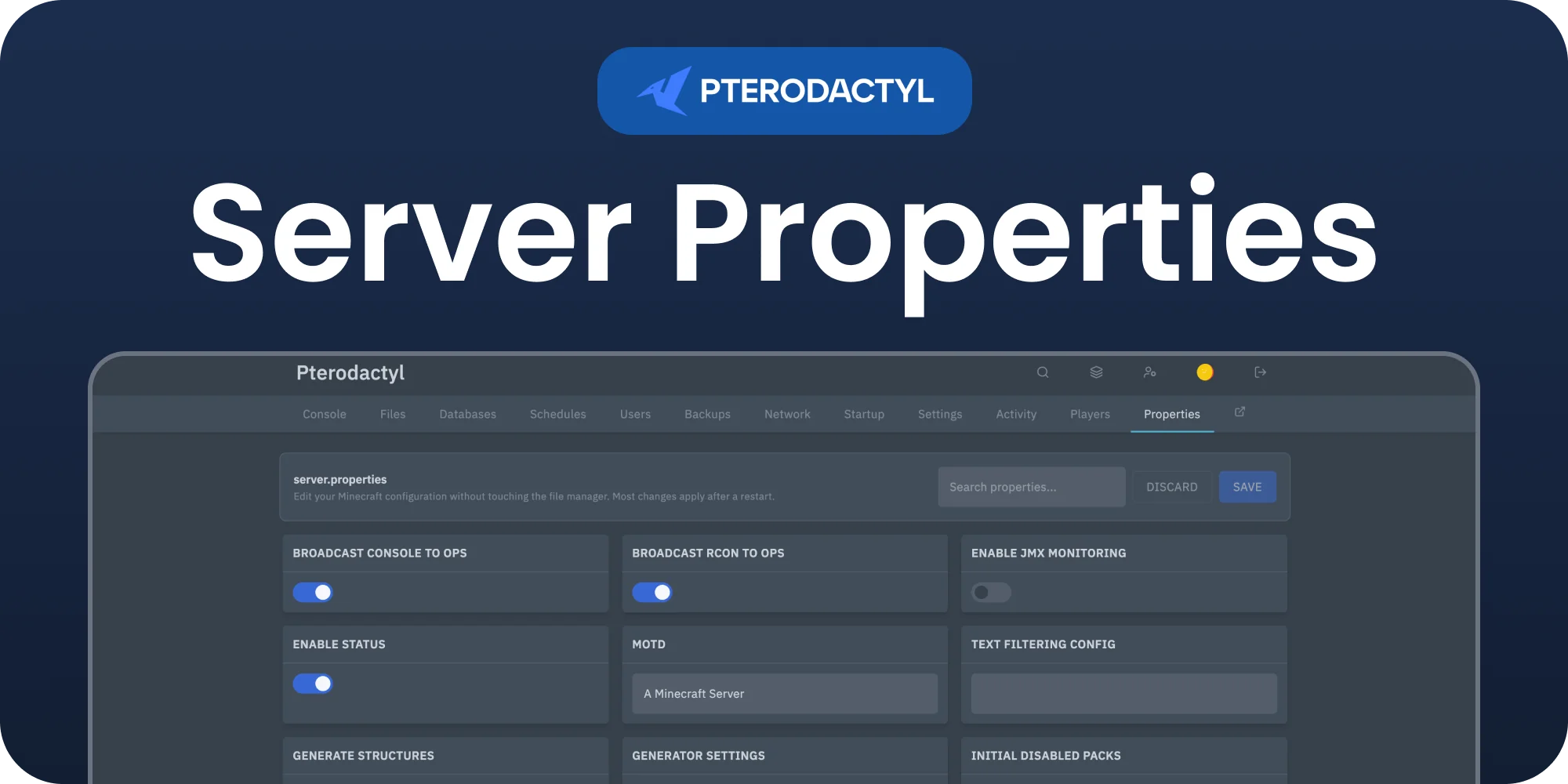
Open any Minecraft server and click
Properties
in the server sidebar. Every line of
server.properties
is organised into clear sections:
- General, World & Generation, Gameplay, Players & Access, Network & RCON, Performance and Resource Pack.
- Each value gets the right control: a toggle for true/false, a dropdown for difficulty, gamemode and level type, and a number or text box for the rest.
- Search to jump to any property, watch the amber dot mark unsaved changes, and click Save or Discard.
Comments, ordering, and any keys the editor does not recognise are preserved exactly as they were. Most settings take effect after the next server restart.
Privacy
When an administrator opens the panel, their browser sends the extension name and version to api.builtbyotte.com, at most once per hour. We use this to count active installations. No player, server or account data is included. Like any web request, it shows the address of your panel and the IP address of that browser to our server.
Nothing is sent when the browser has Do Not Track or Global Privacy Control turned on. To turn it off in one browser, run localStorage.setItem('bbo:analytics:disabled', '1') in the browser console.
Support
Questions or issues? Join the BuiltByOtte Discord: discord.gg/DP3atuhnsB.