Features
- Safe resizing: every change runs under a lock on the primary server, so two changes can never overlap.
- Egg rules that define which eggs a split may use, based on the egg of the primary server.
- Optional disk limits, minimum values for splits, and a restart, stop or kill of the primary server after changes.
- Automatic handling of billing panels that resize the primary server (see Billing panels).
Requirements
- Pterodactyl Panel v2.0 or newer.
- A free allocation on the node of the primary server for every split.
- A cache driver that supports locks (Redis is recommended, file and database also work).
Installation
- Sign in to your Panel as an administrator and go to Admin → Extensions.
- Click Install and upload
server-splitter-1.0.0.pteroext. - Toggle the extension on, then reload the page. The migrations run automatically.
Command line alternative:
php artisan p:extension:install server-splitter-1.0.0.pteroext --enableSettings
Open Admin → Extensions → Server Splitter → Settings.
| Setting | What it does |
|---|---|
| Include disk in split limits | Divide disk space between the primary server and its splits. When off, a split gets the same disk limit as the primary server. |
| Minimum memory / CPU / disk | The smallest value a split, and the primary server, may be left with. |
| Primary server action | Restart, stop or kill the primary server after a split is created, resized or deleted, or after a billing panel resizes it. |
| Egg rules | Which eggs a split may use. See below. |
Egg rules
Add one rule per line as primaryEggId=allowedEggId,allowedEggId. Egg IDs are shown in the Admin → Eggs list.
1=1,2,3
5=5
*=1
The first rule lets a server running egg 1 create splits on eggs 1, 2 or 3. The rule with * is the fallback for
every other egg. Without a matching rule, a split may only use the same egg as the primary server.
Split limits
A server can only be split when it has a split limit above zero. There are three ways to set it.
In the admin area
Open Admin → Servers, pick a server and open the Splits tab. Enter the maximum number of splits and save. A limit set here takes priority over the egg variable below, and Use egg variable removes it again.
With an egg variable (billing panels)
The extension reads the split limit from an egg variable named SPLITS (change the name under
Settings → Limits). Billing panels that fill egg variables from configurable options can therefore set the limit
without any extra code.
- Go to Admin → Eggs, open the egg and add a variable with the environment variable
SPLITS, default value0and the rulesrequired|integer|min:0. Turn off user viewable and user editable so customers cannot change it. A variable that users can edit is ignored. - In Paymenter, create a configurable option for the product with the environment variable
SPLITS. Use a Select or Radio option for each plan, for example Name 3 splits with the value3, or a Number option.
Paymenter passes the value of configurable options named after egg variables to Pterodactyl, so new orders and upgrades carry the limit along. Servers that already exist keep the default until the variable is changed, or you set the limit in the admin area.
With the command line or the API
php artisan server-splitter:limit 12 3
php artisan server-splitter:limit 713e5a42 reset
The first argument is the server ID, UUID or short UUID. Without the second argument the current limit is shown, and reset removes the limit set on the server.
PUT /api/application/extensions/server-splitter/servers/{id}/limit
{"splits": 3}
Use an application API key with write access. GET on the same URL returns the limit, where it comes from and the number of splits in use, and DELETE removes the limit set on the server.
What users can do
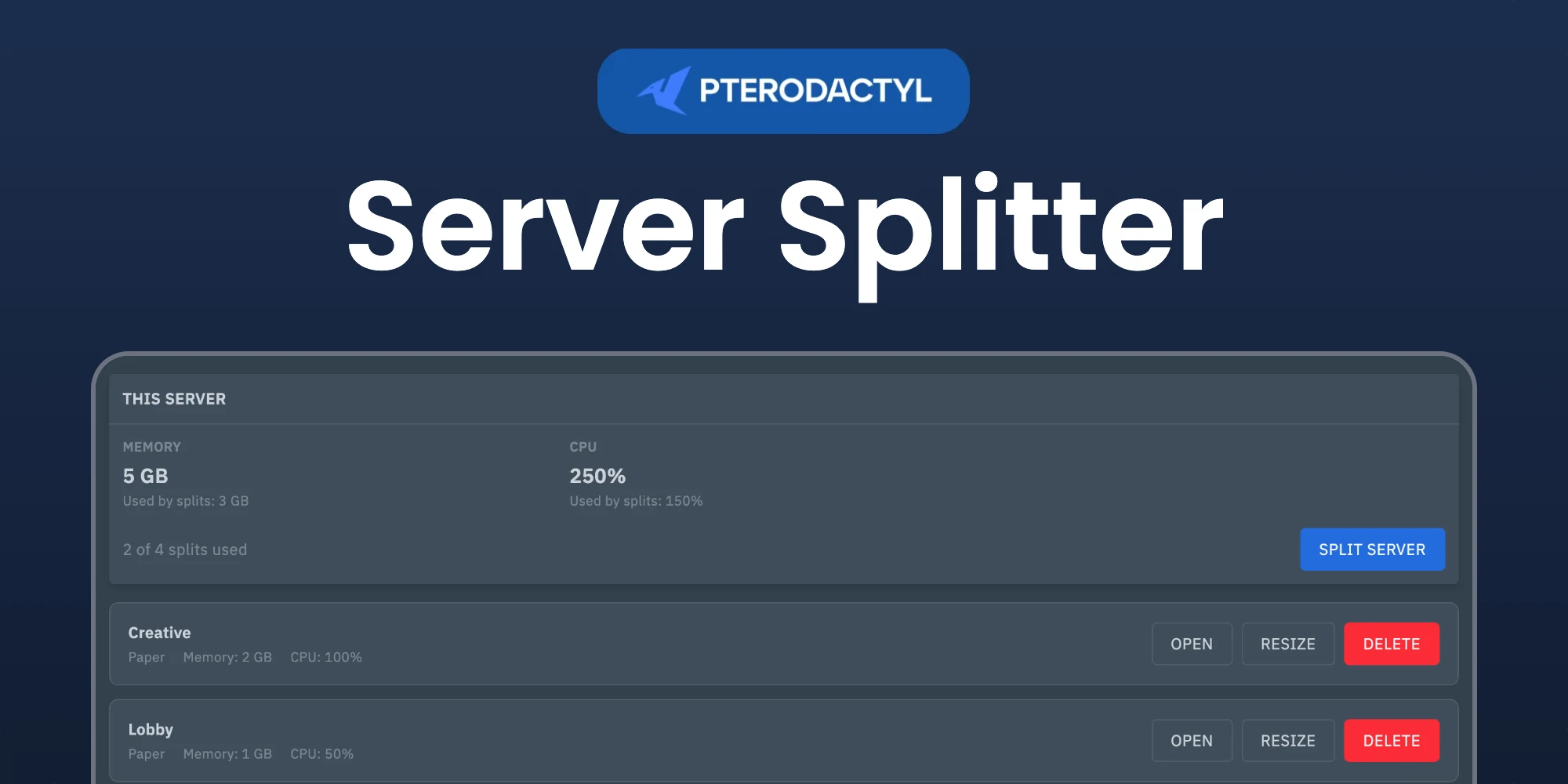
Users with the Server Splitter permission (owners and admins always have it) get a Splits tab on the server. They can create a split with a name, an egg and a share of the resources, resize a split, and delete it. A split is a normal server with the same owner on the same node. Deleting a split returns its resources. A split cannot be split again.
Splits follow their primary server: when the primary server is suspended, for example by a billing panel after a missed payment, its splits are suspended too and they come back when it is unsuspended. Deleting the primary server deletes its splits.
Billing panels
Billing panels resize a server by writing the new plan size to the primary server. When the primary server has splits, the extension treats that value as the new total and works out the rest per resource:
-
New size bigger than the old total (primary plus splits): the splits stay as they are and the primary server gets
new − total of the splits. -
New size smaller than the old total: everything is divided evenly. The primary server gets
ceil(new / (splits + 1))and each split getsfloor(new / (splits + 1)). - New size equal to the old total, or to the current value of the primary server: nothing changes.
This also applies to edits made in the admin area, so changing the memory of a server that has splits there sets the new total. Only the resources that are part of the split limits are affected (memory and CPU, plus disk when enabled).
Resizing the primary server needs no extra setup: this works with every billing panel.
Support
Discord: https://discord.gg/DP3atuhnsB