Requirements
- Pterodactyl Panel v2.0 or newer (the extension system).
- A Minecraft (Java) server (Paper, Purpur, Spigot, Fabric, Forge, Vanilla and more).
- The
file.readpermission to open the page, andfile.createplusfile.updateto switch versions. - Outbound internet access on the node so Wings can download the jar.
Installation
The entire install happens in the Panel. There is nothing to upload to your nodes.
Step 1: Download the extension
Download
version-changer-1.0.0.pteroext
from your purchase. This single file contains the whole extension.
Step 2: Install in the Panel
- Sign in to your Panel as an administrator.
- Go to Admin → Extensions.
- Click Install and upload the
.pteroextfile. - Toggle the extension on to enable it, then reload the page.
CLI alternative, from the Panel directory:
php artisan p:extension:install version-changer-1.0.0.pteroext --enableUsing it
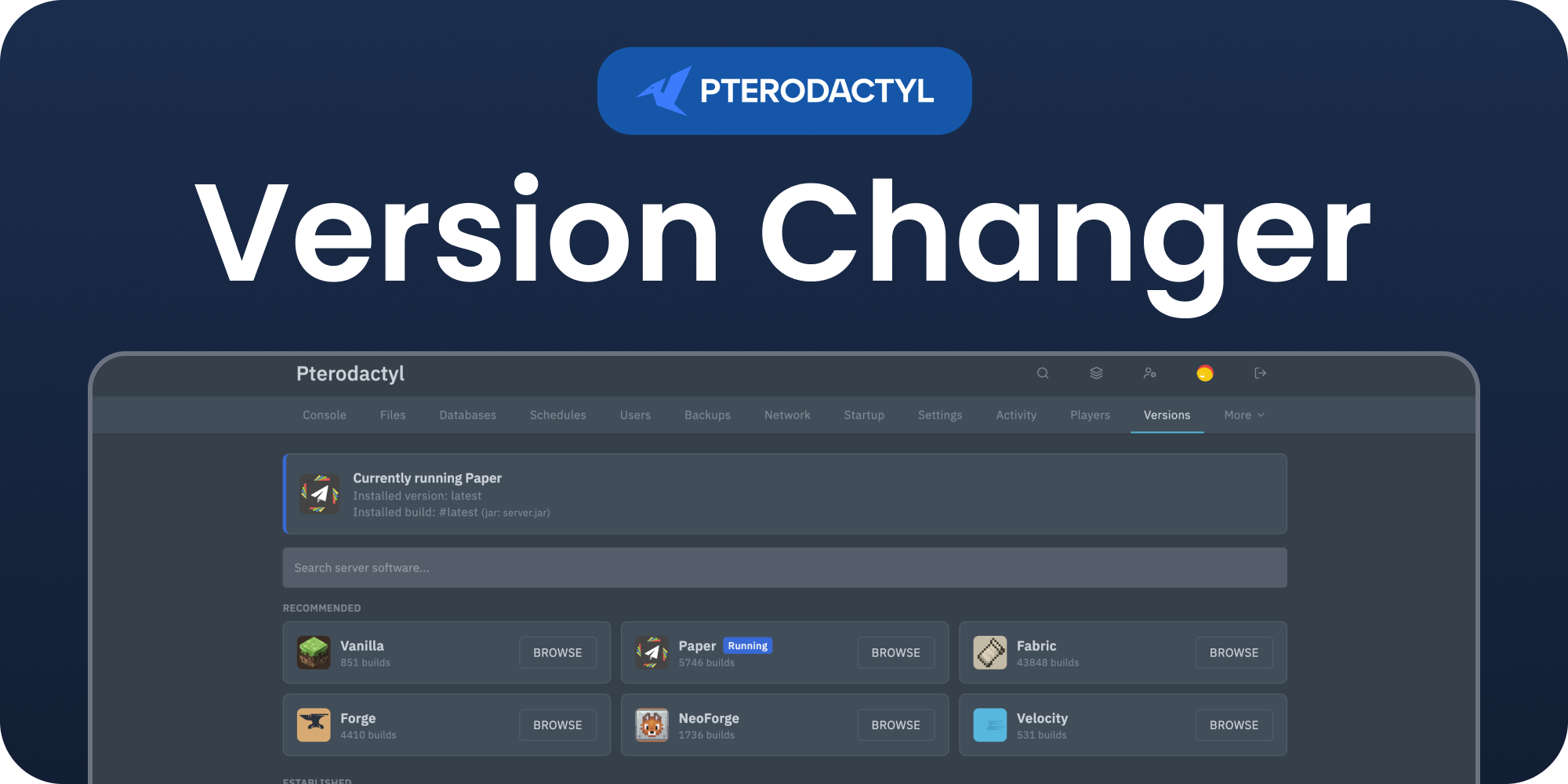
Open any Minecraft server and click Versions in the server sidebar. The page detects what the server is running and walks you through three simple steps:
- Pick the software. Browse every server type (Paper, Purpur, Pufferfish, Spigot, Folia, Velocity, Waterfall, BungeeCord, Fabric, Forge, Vanilla and more), each with its own icon and build count.
- Pick the version. A tidy grid of every Minecraft version with its build count and Java requirement. Toggle snapshots and pre-releases on or off, or filter to the exact version you want.
- Pick the build. See every build with its changelog, size and release date, then install with one click.
A banner at the top always shows the version and build currently installed, and warns you when a newer build is available with a one click update. Switching a version downloads the new jar straight onto the server and overwrites the server jar only. Your worlds and config files are left untouched. Restart the server to apply the change.
Tip: Take a backup before jumping across major Minecraft versions, and check the Java version your new build needs matches the server's egg.
Credits
Version data and downloads are provided by MCJars.
Support
Questions or issues? Join the BuiltByOtte Discord: discord.gg/DP3atuhnsB.