(1.2.0) Privacy improvements

- Anonymous usage statistics are now only sent from administrator browsers
- Cleaned up the code and removed unused files
Install a complete Modrinth modpack on your server in one click, mods and configs included.
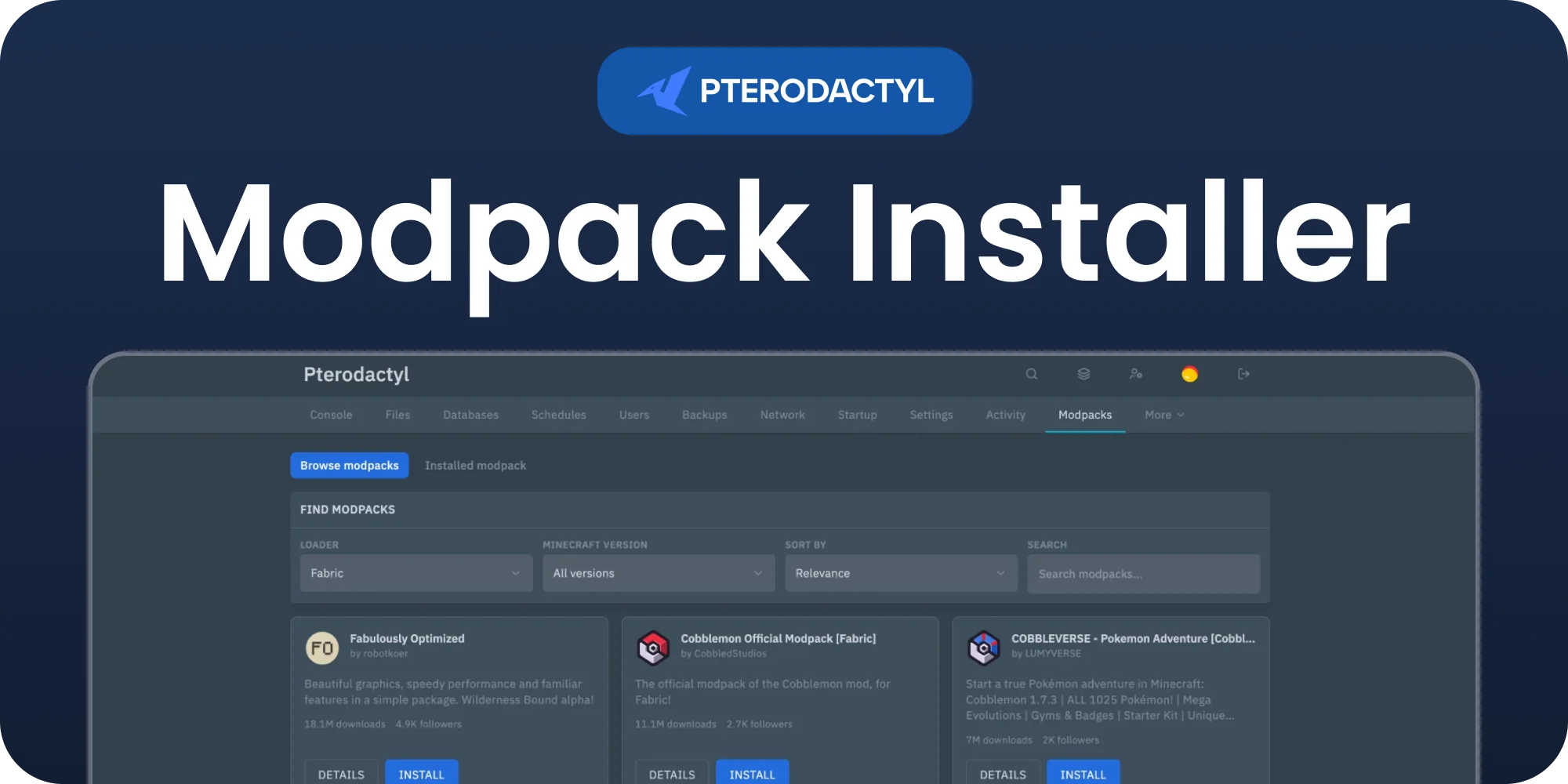


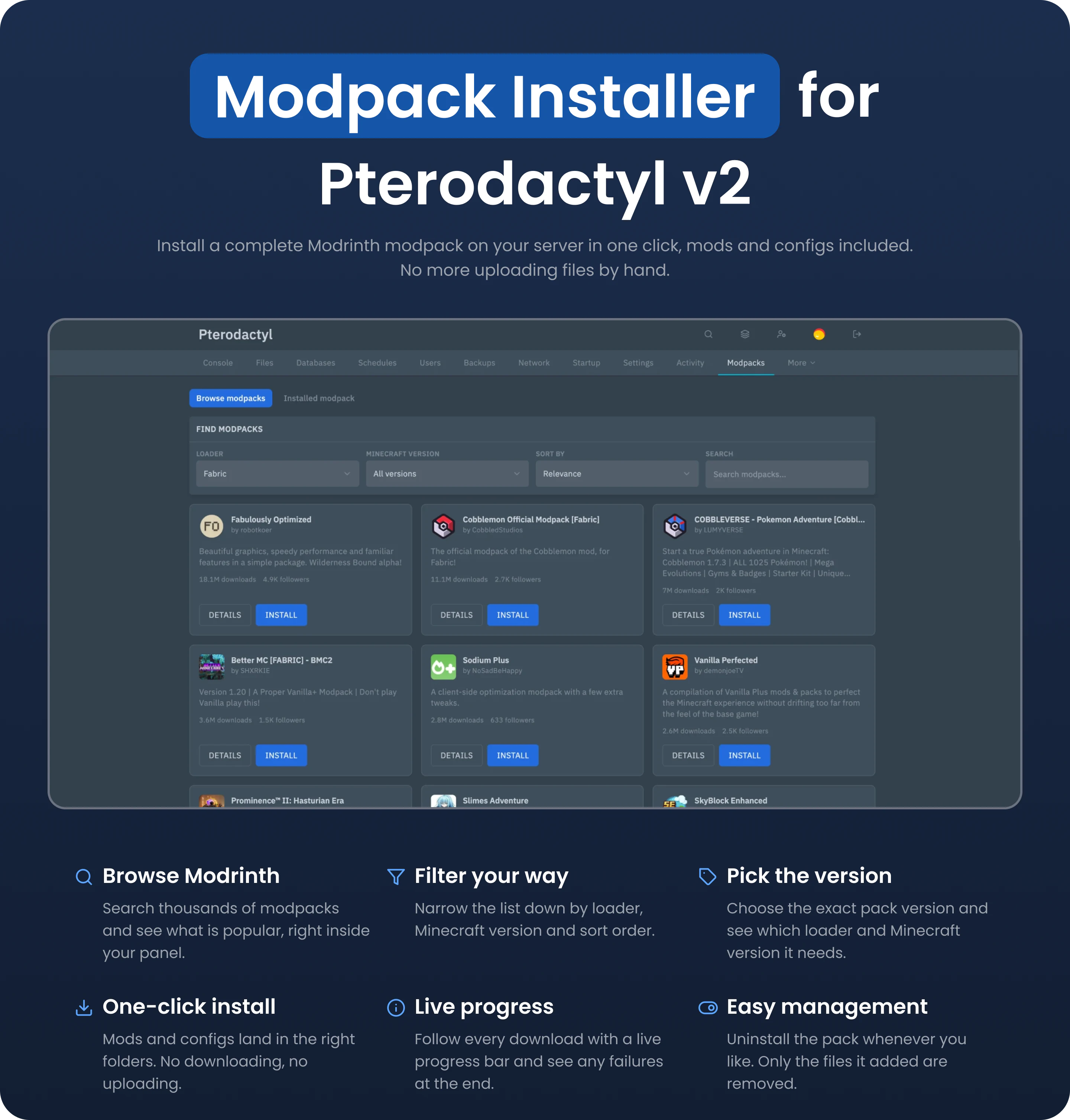


Install a complete Minecraft modpack, mods and configs included, from your panel. Modpack Installer adds a Modpacks tab to every server in Pterodactyl v2, so players and admins can set up a modpack without uploading a single file.
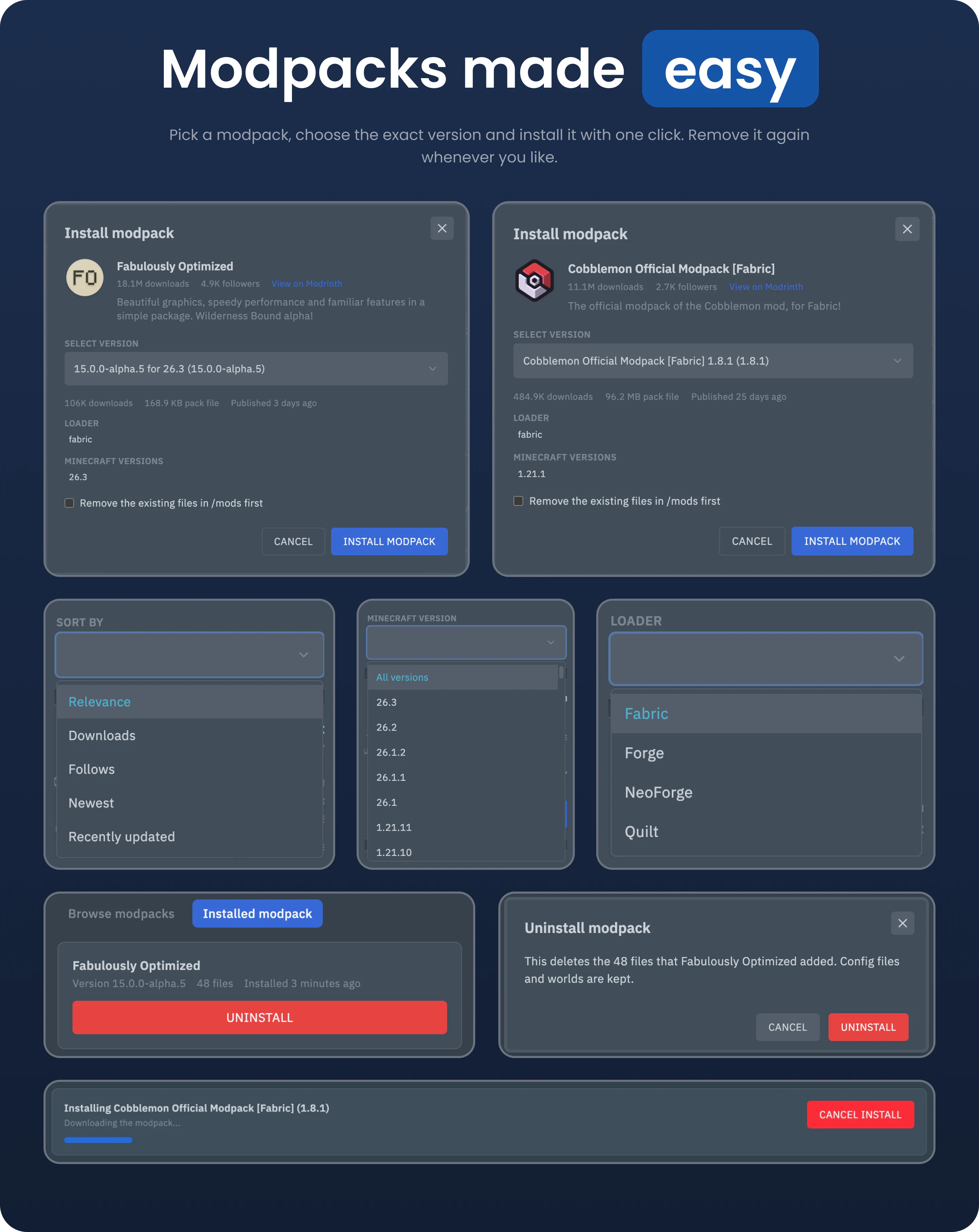
Filter by loader and Minecraft version, sort by relevance, downloads, followers, newest or recently updated, and search by name.
Pick the pack version and the install runs in the background. Every server side mod is downloaded and the pack's config and override files are copied in. Client only mods are skipped.
Optionally remove the existing mods first, so old mods never clash with the new pack.
Follow the progress at the top of the page or leave while it runs. Cancel an install and the files it added are removed again. Uninstalling a pack removes its files but keeps your configs and worlds.
Fabric, Forge, NeoForge and Quilt modpacks from Modrinth are supported.
Modpack Installer requires Pterodactyl Panel v2.0 or newer, the standard panel cron and a Minecraft Java server.
No reviews yet. Customers who bought Modpack Installer | Pterodactyl v2 can review it here after downloading it.
Every Pterodactyl v2 extension in one purchase.
Mods, modpacks, versions and crash logs for modded Minecraft servers.
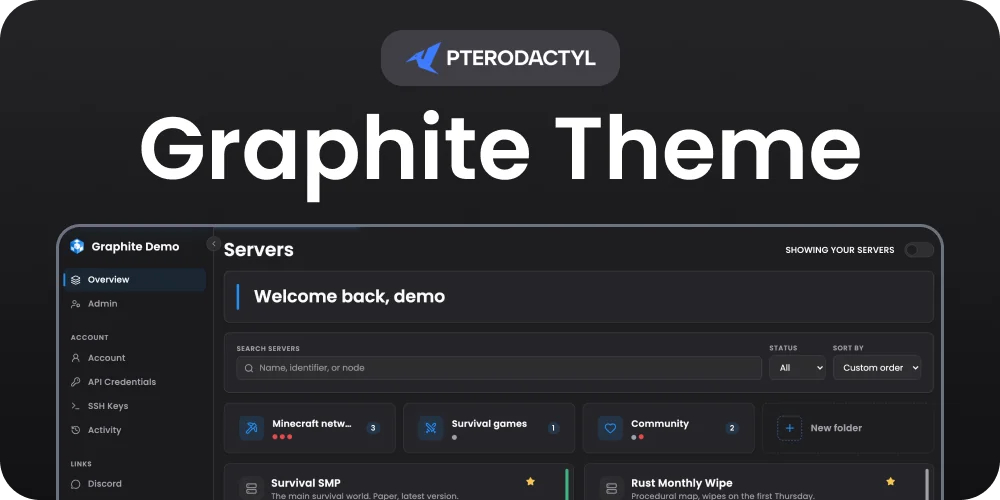
Restyle your whole panel from the admin area. Colors, fonts, logos, and more
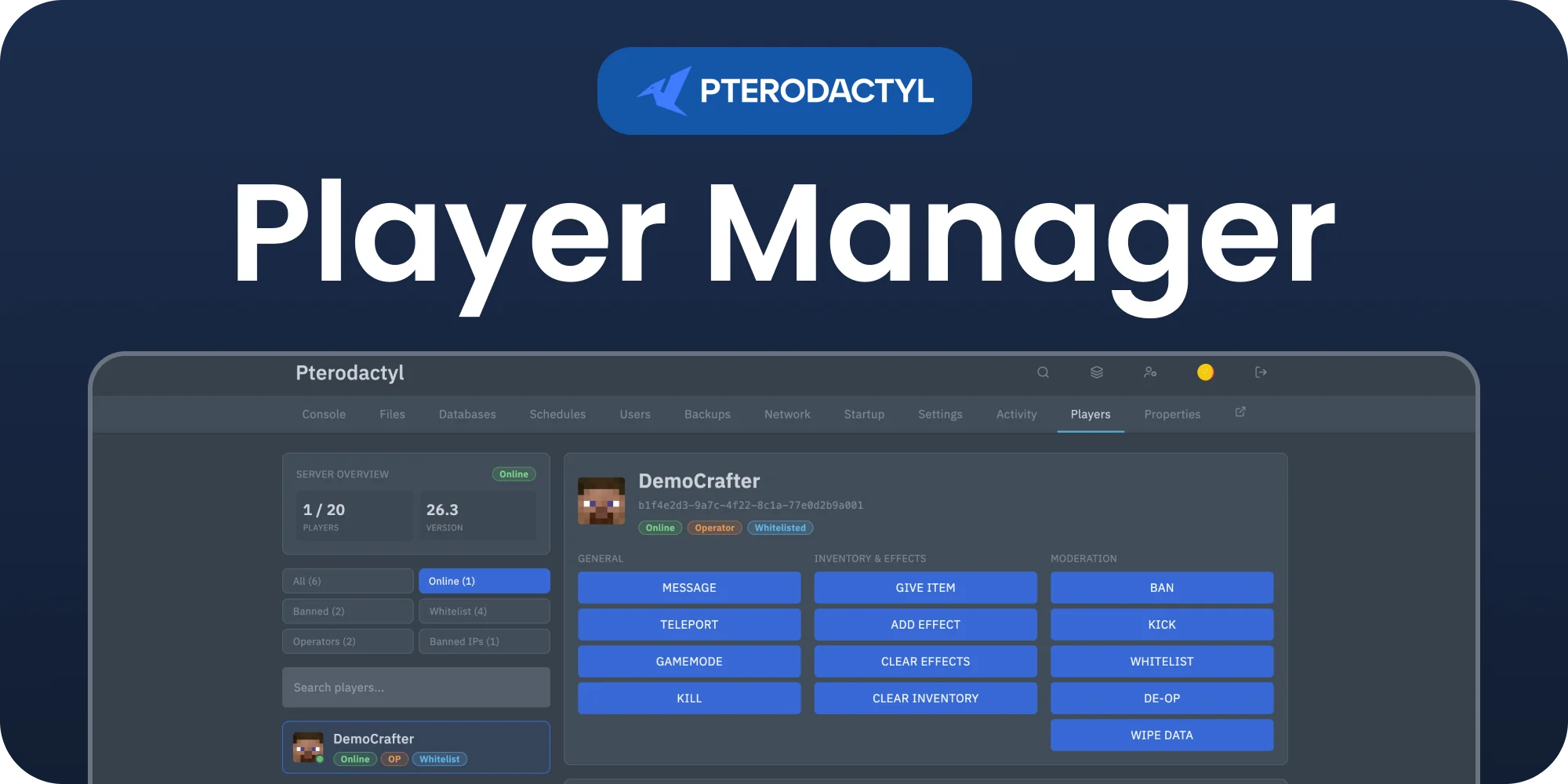
Manage your Minecraft players straight from your Pterodactyl panel
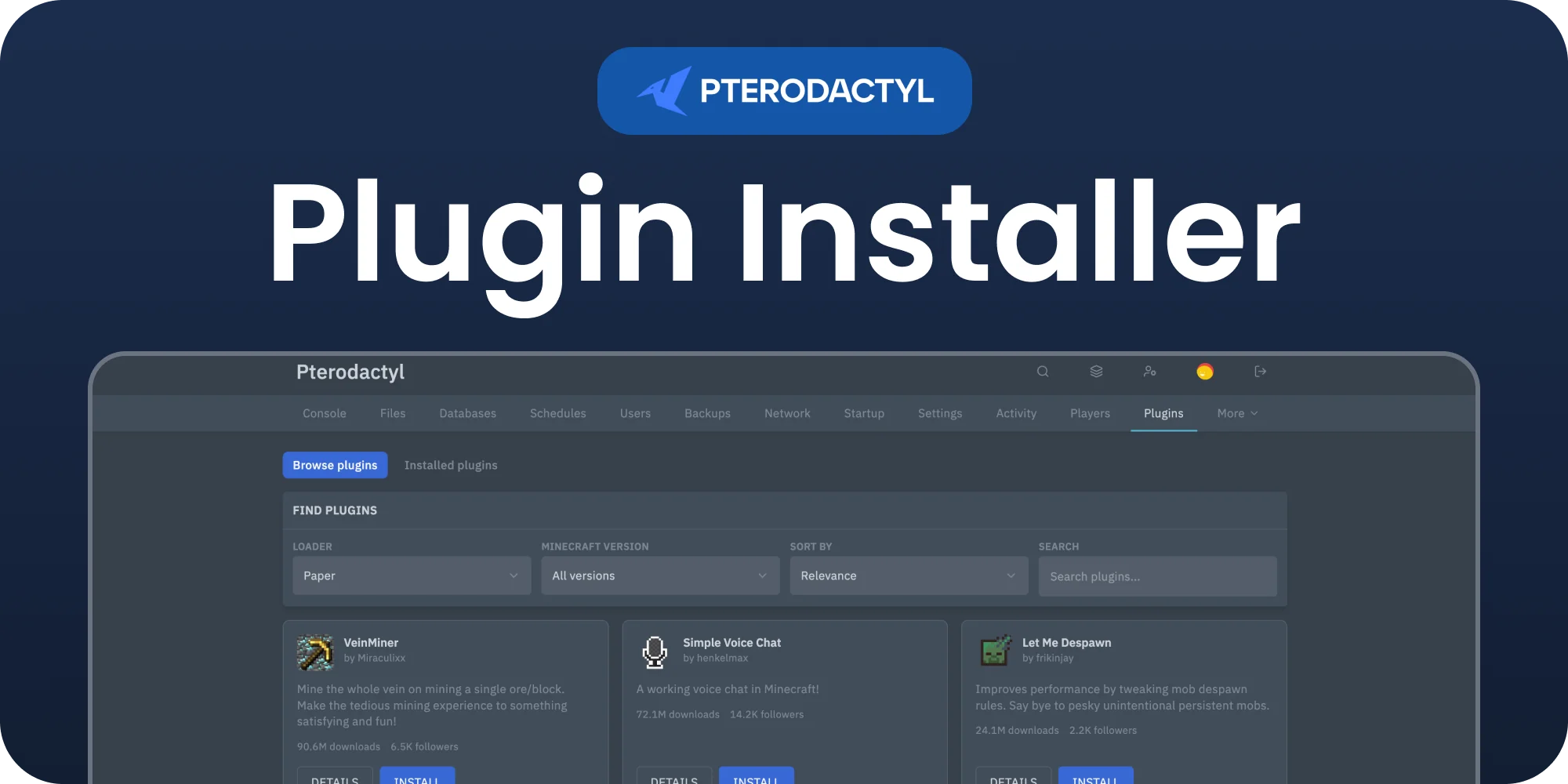
Find and install Minecraft plugins from Modrinth without leaving your Pterodactyl panel.
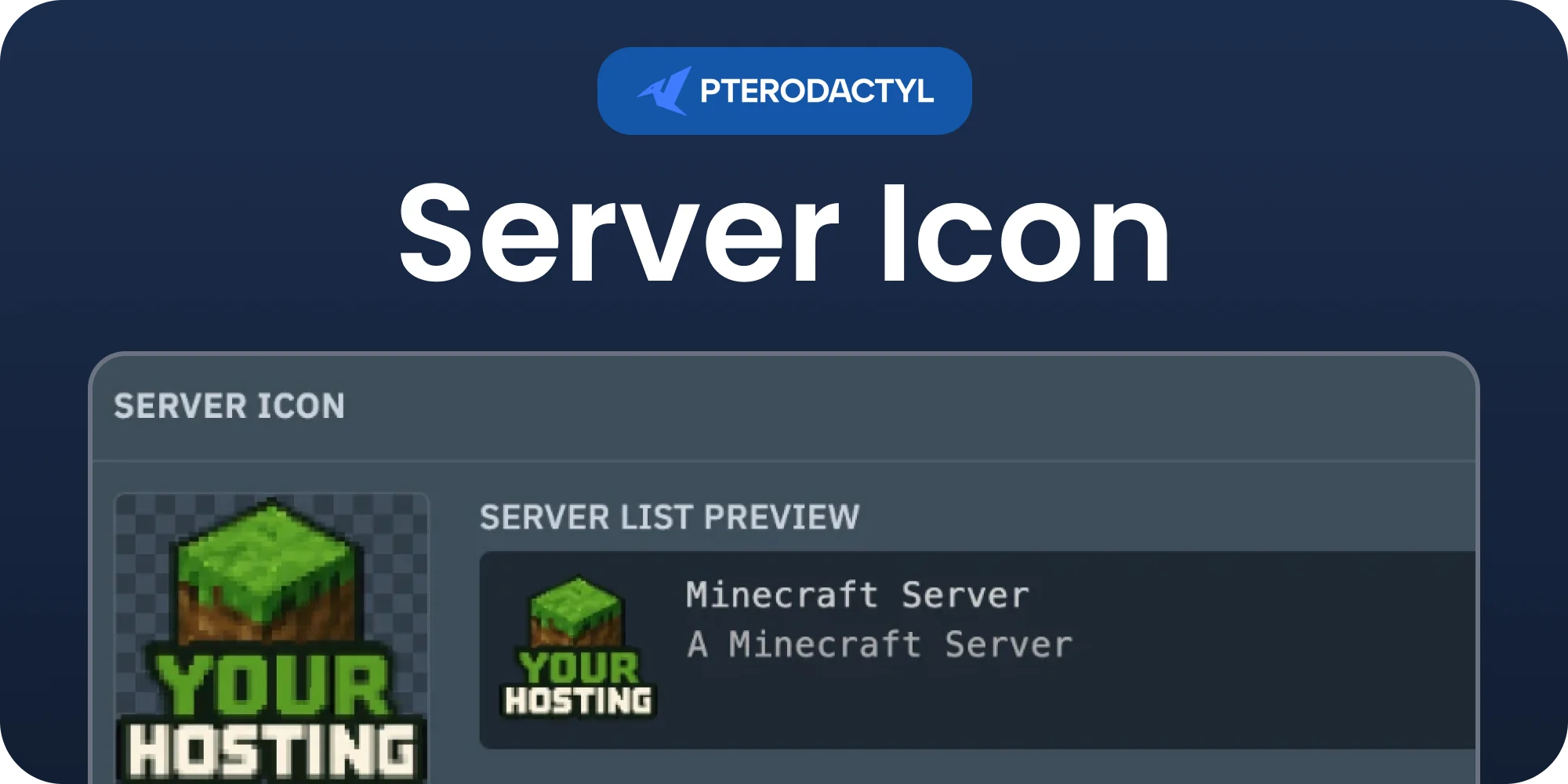
Give every Minecraft server its own icon in the multiplayer list
We build extensions, themes and integrations to order. Describe what you need and get a quote with scope, price and timeline.