Pterodactyl 2.0 has an official extension system. That is useful if you currently rely on edits to panel files, but it does not make those edits compatible with 2.0. As of 24 October 2026, 2.0 is still in open beta. Treat every addon, theme and billing integration as a separate test before upgrading a production panel.
What a native v2 extension looks like
The official extension documentation describes a package with an extension.json manifest. Extensions are distributed as .pteroext archives, installed from Admin → Extensions or with php artisan p:extension:install, and enabled separately. An extension can add pages, tabs, columns, API endpoints and content in supported slots without changing core panel files.
Check the extension's supported panel version and dependencies before enabling it. The panel validates requirements and compiled frontend files when an extension is enabled. Test installation on a copy, then check the pages and API routes the extension touches. Only install code from a developer you trust: extensions run with access to the panel's data.
What happens to 1.x addons and Blueprint?
A 1.x addon that patches PHP or frontend files is not a .pteroext package. It needs a v2-specific release or a rewrite using the new SDK. Blueprint itself and a Blueprint extension should not be assumed to work on v2 merely because both panels are called Pterodactyl. Ask the seller for explicit support for your panel version and test the actual package.
For each installed customization, record what it changes, who maintains it, whether a v2 build exists, and whether you can run without it for a while. A theme is a separate compatibility question from a functional extension. Check your billing integration too: the official 1.x upgrade guide warns that integrations using removed nest API endpoints need an update.
Test an extension before moving customers
- Copy your panel and database to a private test environment and follow the official v2 upgrade guide there.
- Install the v2-specific extension package and enable it. Watch for install, migration and frontend build errors.
- Test its customer and admin flows, API endpoints, permissions and uninstall behavior.
- Recheck after every v2 beta update. A passing test against one beta does not guarantee support for the next.
- Only schedule a production upgrade after billing, backups and core server actions work without regressions.
Our Graphite Theme, Player Manager and Security Scanner have dedicated Pterodactyl v2 listings. Check each product's requirements and latest version before installing. For the overall upgrade decision, read what changes in Pterodactyl v2.
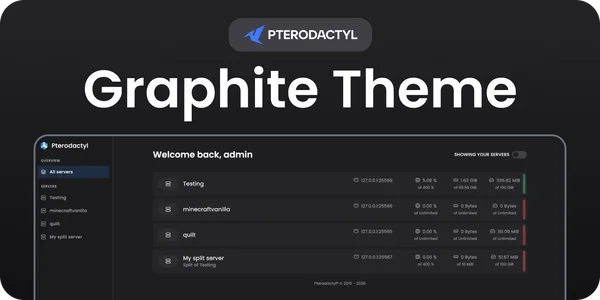 Graphite Theme | Pterodactyl v2
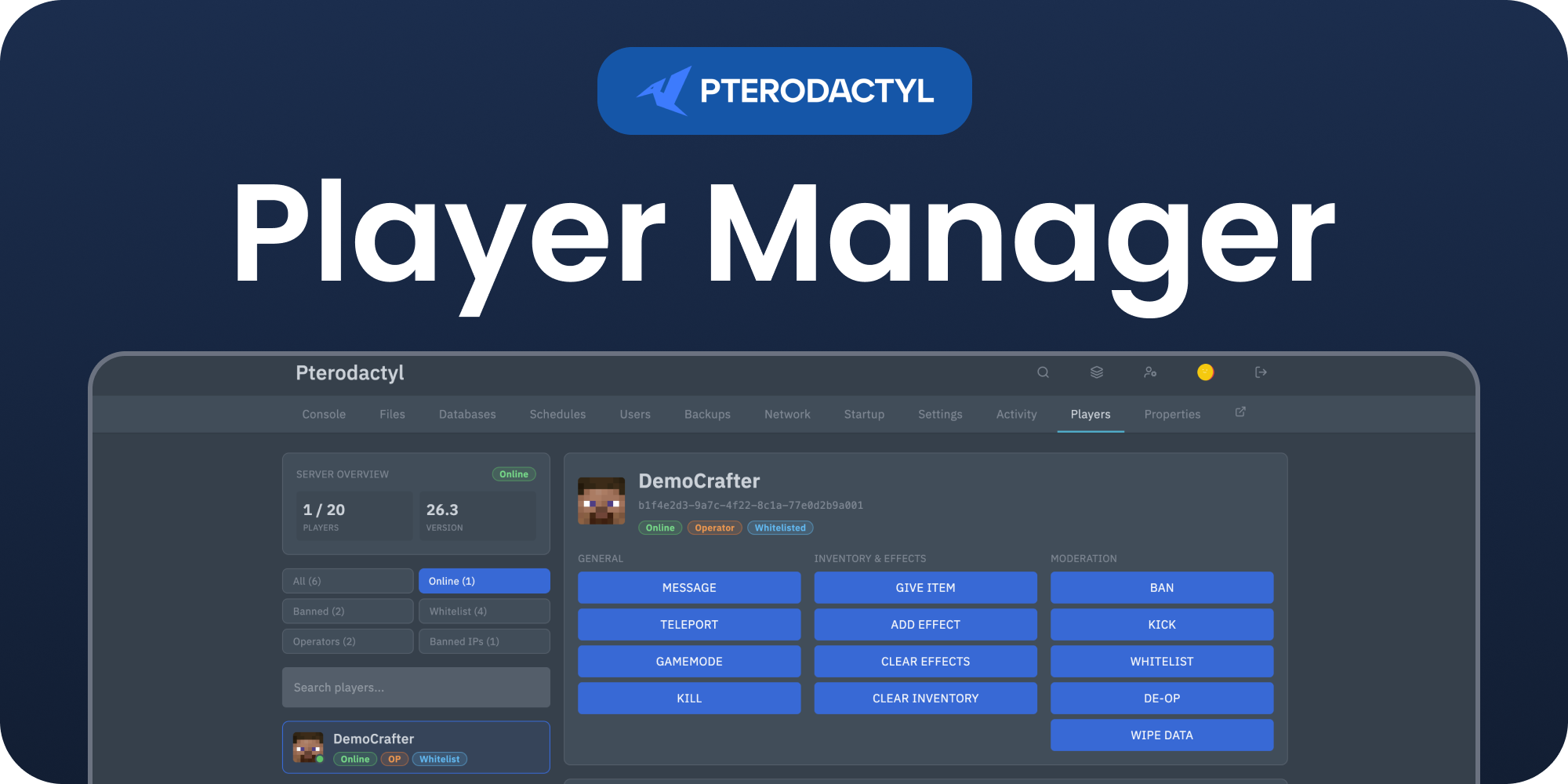 Player Manager | Pterodactyl v2
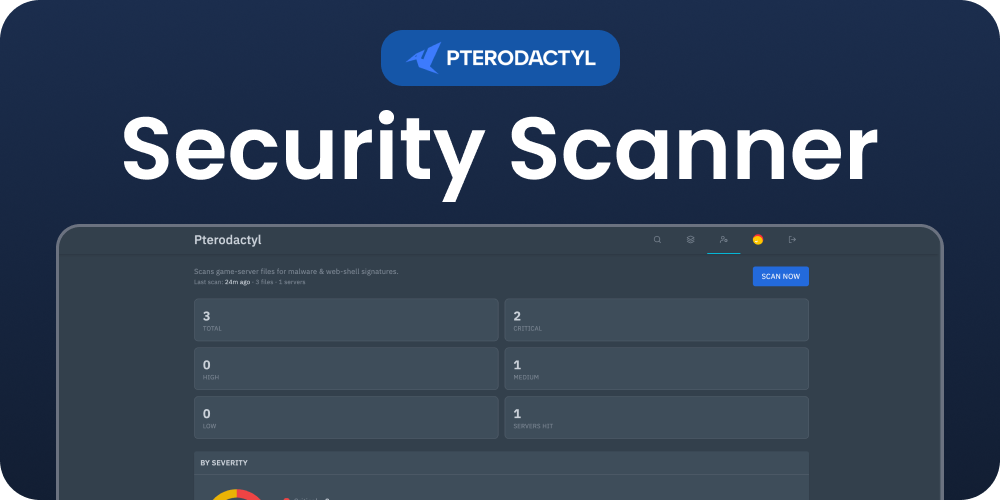 Security Scanner | Pterodactyl v2