Text Version
Server Importer for Pterodactyl v2: Move Server Files from Another Host over SFTP or FTP
Move a server from another host without downloading and uploading every file yourself. Server Importer connects to the old host over SFTP or FTP and copies the files straight into your Pterodactyl v2 server.
Connect to the old host
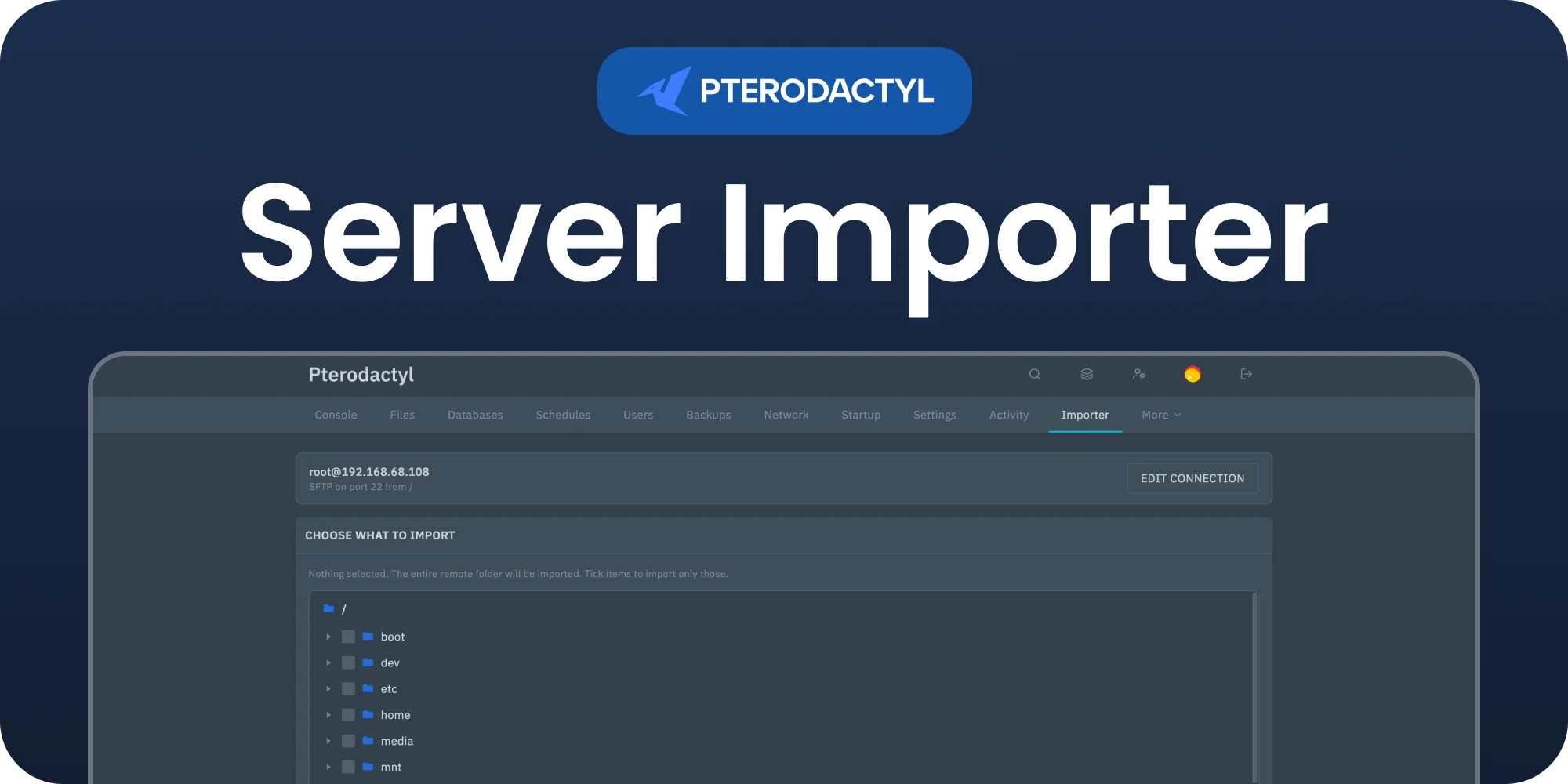
Enter the protocol, host, port, login and folder of the host you are leaving. Test the connection first, then browse the files.
Pick what to import
The remote folder opens as a tree. Tick the files and folders you want, or leave everything unticked to import the whole folder.
Keep, wipe or archive
Write the imported files on top of what is already there, wipe the server first, or archive the current files before wiping so you keep a copy. A wipe always asks you to confirm.
Progress and summary
A progress bar follows the import file by file. When it is done, a summary shows how many files were imported and lists anything that was skipped.
Install in the panel
The whole install happens in the panel. There is nothing to upload to your nodes.
Server Importer requires Pterodactyl Panel v2.0 or newer.