Abandoned Carts | Paymenter v1.0
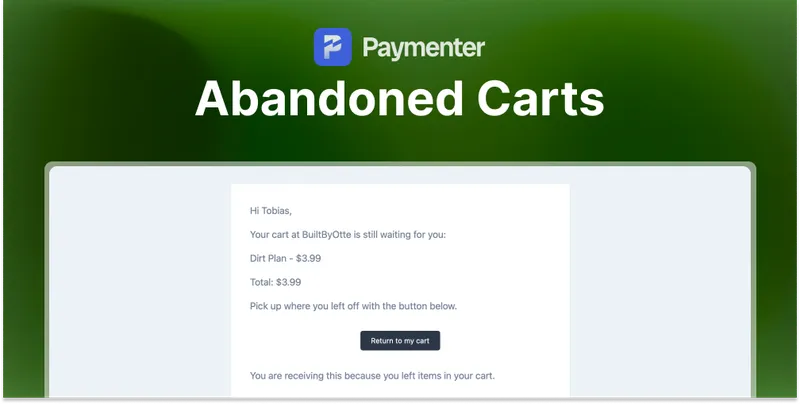
Email customers who left items in their cart, with a one click link that puts the cart back.
Also available on:
Overview
Paymenter clears a cart as soon as an order is completed, so a cart that is still sitting there was never checked out. Nothing reminds the customer that it is there, and nothing tells you about it either.
Abandoned Carts closes that gap. A scheduled task looks for carts that have been left alone, emails the customer a link that puts the cart back, and records what happened to every reminder you send.
What it does
- One click back to the cart: the link in the email restores the cart in the customer's browser, including on a different device and while logged out.
- An optional second reminder: a follow up a set number of hours later, with a coupon code if you want to add one.
- Carts filled before logging in: a cart someone started while logged out is attached to their account once they log in.
- Eighteen settings: waiting time before the first email, minimum cart total, how long a recovery link stays valid, when to stop reminding, and housekeeping for old carts.
- Nine placeholders: customer name, cart contents, cart total, item count, recovery link, coupon code and your store name, with markdown in both email texts.
- Four statuses in the admin: sent, link opened, recovered with the order number, and lost, listed under Abandoned carts → Reminders.
- Runs on cron:
abandonedcart:sendevery fifteen minutes. No theme changes are needed.
Documentation and support
Setup is covered in the Abandoned Carts documentation. For questions before or after purchase, join the BuiltByOtte Discord.
Reviews
No reviews yet. Customers who bought Abandoned Carts | Paymenter can review it here after downloading it.