Expense Manager | Paymenter v1.0
All-in-one overview of your business income and expenses.
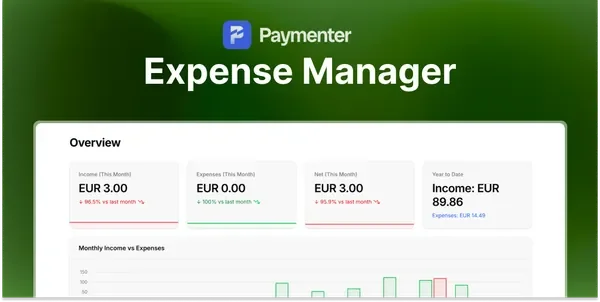
Overview
Paymenter tells you what came in. It does not tell you what went out, so most hosts end up keeping a separate spreadsheet for servers, licences, and domains, and only discover their real margin at the end of the year.
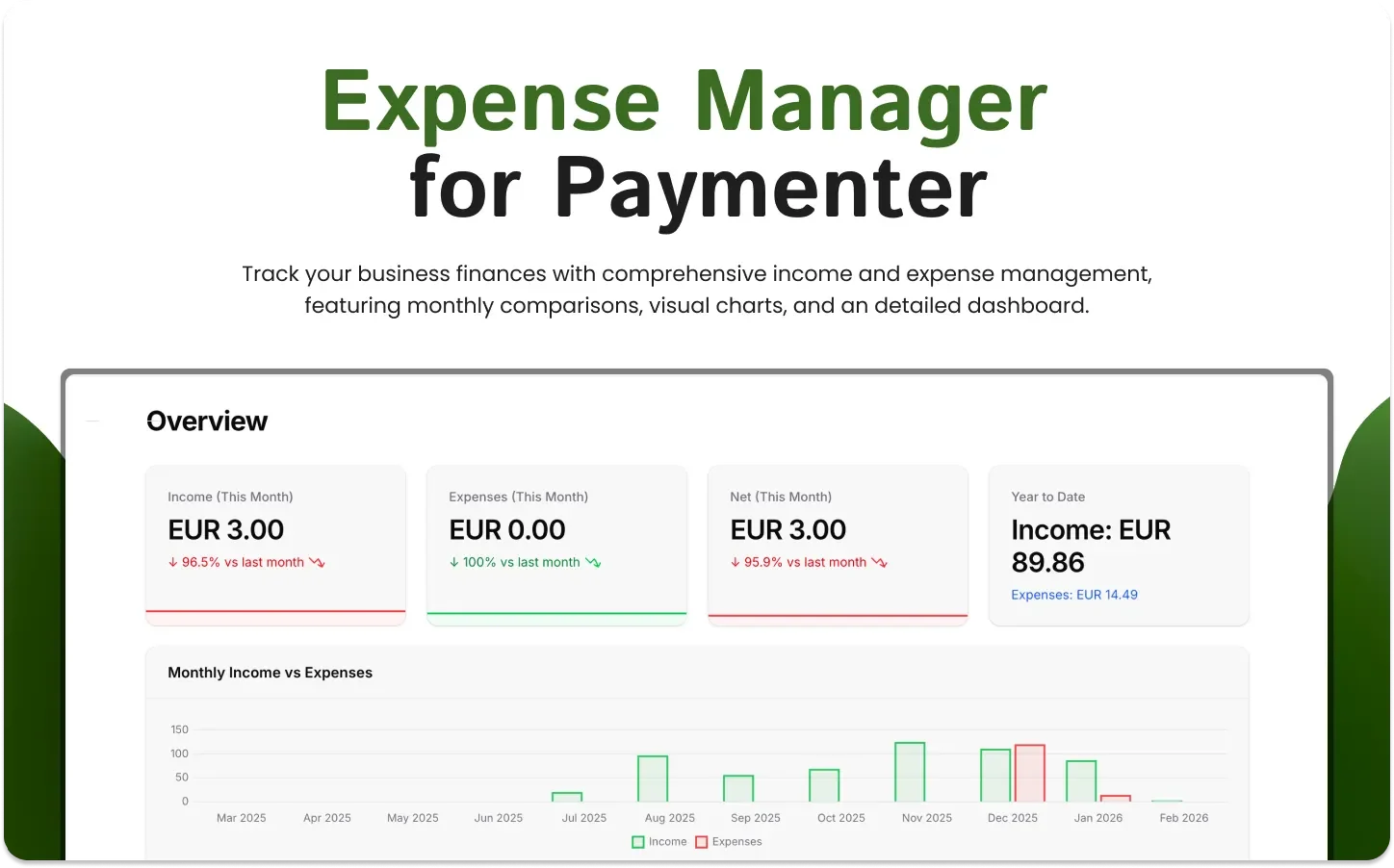
Expense Manager puts both sides in the panel. Income from invoices and orders is pulled in automatically, you record costs alongside it, and the dashboard shows income, expenses, and net per month with a year to date total.
What it does
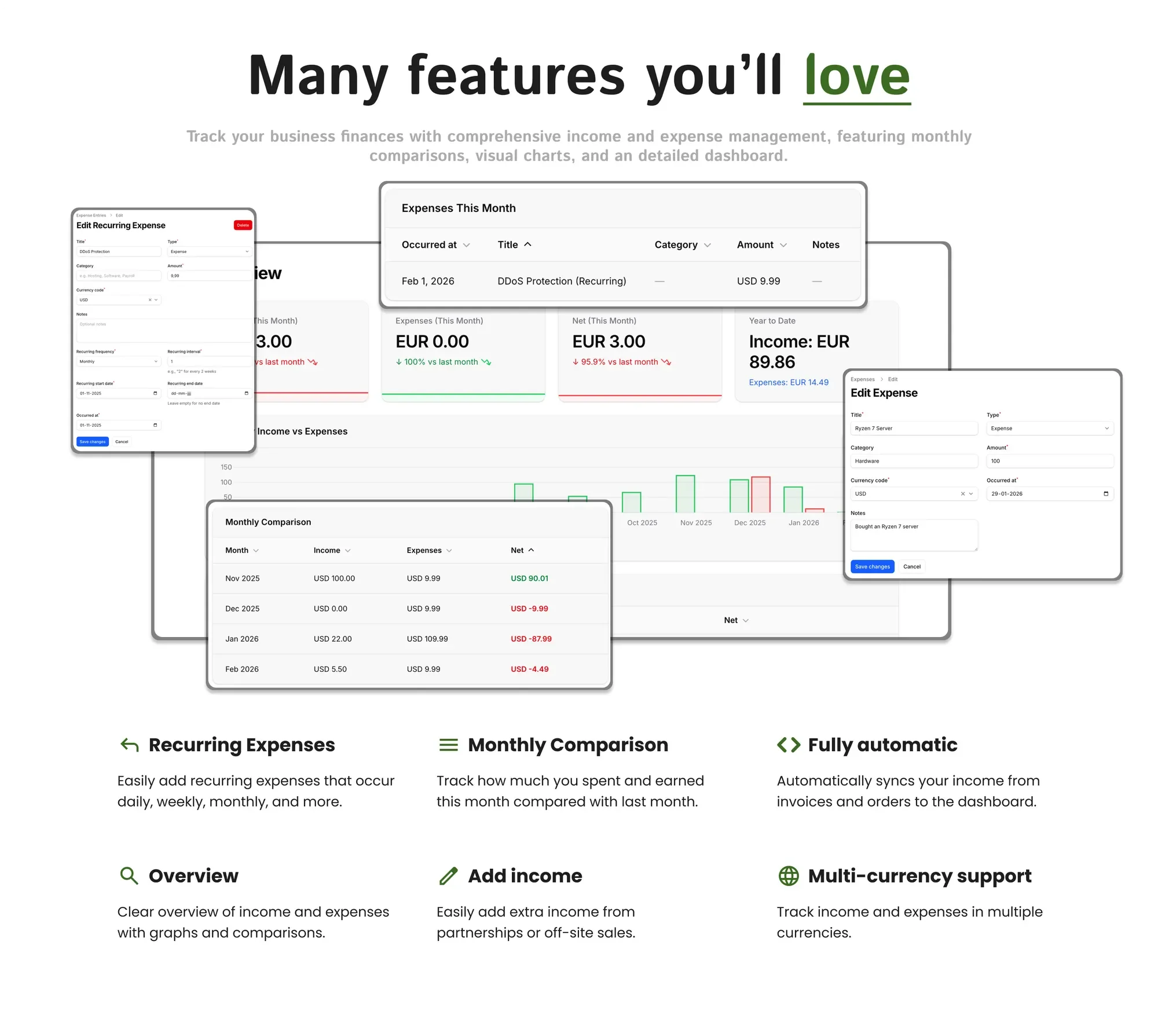
- Automatic income: invoices and orders from Paymenter feed the dashboard without any manual entry.
- Recurring costs: enter a cost once and set it to repeat daily, weekly, monthly, or on your own interval.
- Month against month: see what you earned and spent this month next to last month, with the net difference.
- Manual income: add revenue that never touched Paymenter, such as partnerships or off site sales.
- Categories and notes: label a cost as hardware, software, or your own category, with a note explaining it.
- Multiple currencies: record entries in the currency you actually paid in.
Documentation and support
Setup is covered in the Expense Manager documentation. For questions before or after purchase, join the BuiltByOtte Discord.


Reviews
No reviews yet. Customers who bought Expense Manager | Paymenter can review it here after downloading it.