Calagopus extensions are not Pterodactyl addons in a new zip file. Calagopus uses a React frontend and Rust backend, and installing an extension builds code for your panel. That makes the Docker image and available build resources part of your extension plan, not just an installation detail.
The steps here follow the official Calagopus extension guide as of 24 October 2026. Check that guide for the release you run before installing anything.
Check the package and panel first
Calagopus extensions use .c7s.zip archives that contain backend and frontend code. Verify the extension's publisher, supported panel release, required dependencies and install instructions. A Pterodactyl .pteroext, Blueprint addon or Pelican plugin is a different format and cannot be installed as a Calagopus extension.
Back up the panel database and configuration, and test the package on a staging panel. If the extension changes server or billing workflows, include those in the test. Code inside an extension is part of your trusted panel installation.
Use a build-capable installation
The standard Calagopus :latest Docker image does not contain the toolchain needed to compile extensions during installation. The official guide calls for the :heavy image or a full development environment. Check RAM and disk headroom before the build; complex extensions may need substantially more than the base panel.
With the heavy image, upload the archive in the admin extension page and follow the build progress. The documentation also describes placing the archive in the extension directory and restarting the container. If extension management is disabled in your configuration, the web controls are unavailable even on the heavy image; use the documented CLI route instead.
If the installation fails
Read the build log rather than retrying blindly. The Calagopus admin area provides a build log view, and the official guide identifies the log location on disk. A 504 during a build can be a timeout while work continues; a stopped compiler with an out-of-memory message needs more memory or a different build environment. Confirm the extension is installed and enabled before changing production traffic.
Coming from Pterodactyl?
The Calagopus migration guide covers importing panel data, but API keys and login sessions do not migrate. Old API consumers and addons need separate work. Start with our three-panel comparison, then review the migration walkthrough for the wider move.
Our AlwaysMOTD addon for Calagopus is listed separately from Pterodactyl products. Check its listed requirements and latest version against your panel before downloading.
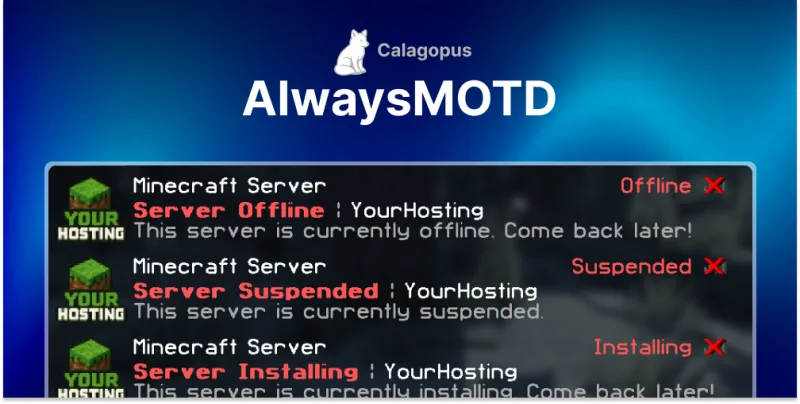 AlwaysMOTD Addon | Calagopus