Paymenter Billing Agreements: Auto-Charge Payments Explained

Paymenter added Billing Agreements for auto-charging Stripe and PayPal renewals, plus a WHMCS Importer. Here's what shipped, what's unconfirmed, and what to check first.

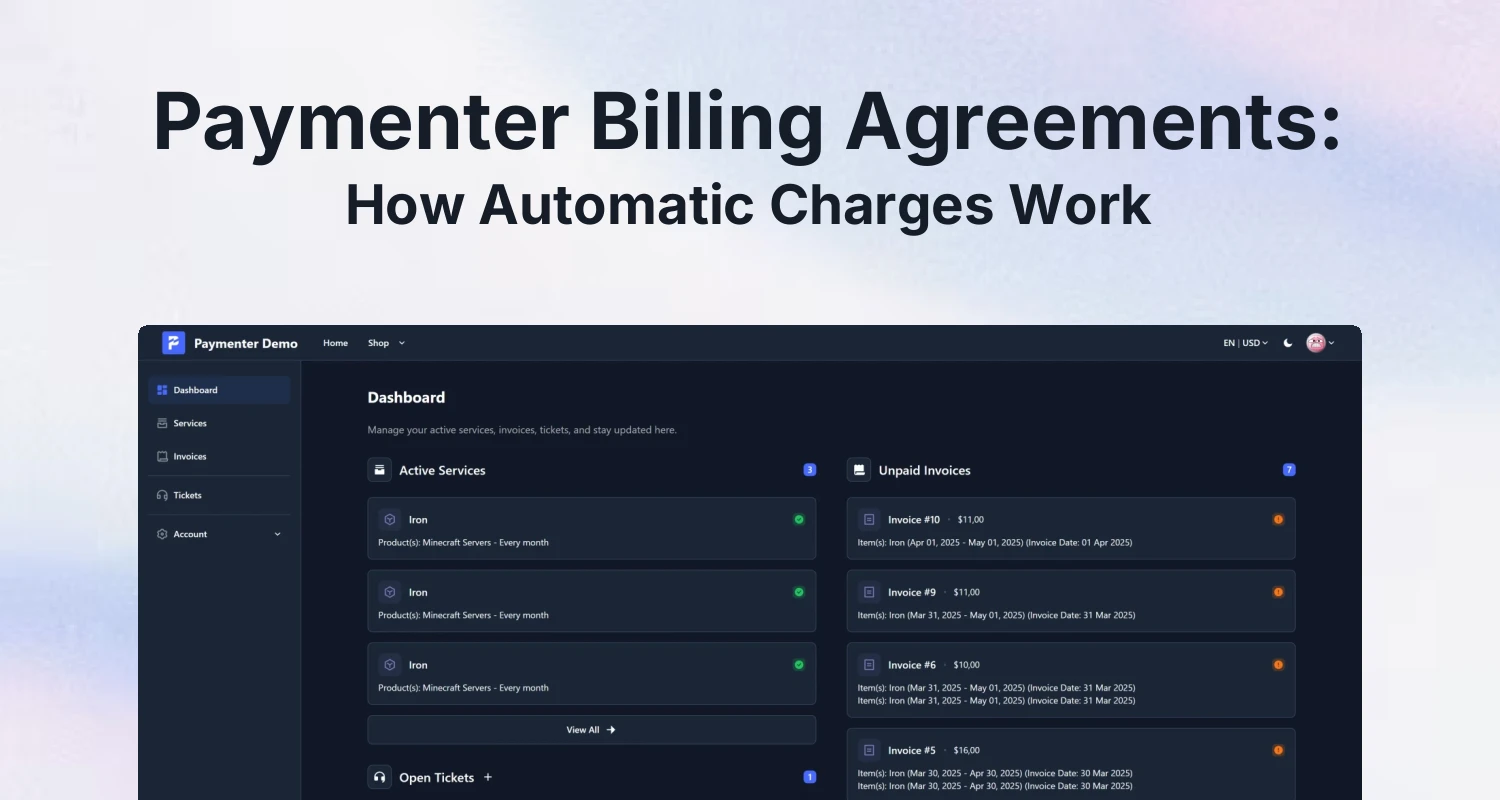
Paymenter billing dashboard illustrating auto-charge billing agreements for hosting invoices

Yes — Paymenter now lets you save a customer's payment method and automatically charge it for renewals, instead of only sending an invoice and hoping someone logs in to pay it. The feature is called Billing Agreements, and it currently supports Stripe and PayPal. It shipped in the same release as a new WHMCS Importer, according to the changelog on Paymenter's GitHub releases page. This closes one of the most-cited gaps between Paymenter and WHMCS, so it's worth walking through what actually changed, what's still unclear, and what to check before you turn it on for live customers.

One honest caveat up front: the changelog text we found is clear, but the exact version tag and release date were not visible in the page excerpt we pulled. Before you rely on anything below, check paymenter.org/releases/ or the GitHub releases page yourself and confirm which version you're actually running.

What Billing Agreements Actually Do

In plain terms, a billing agreement lets a customer authorize Paymenter to store their payment method and charge it again on the next renewal date, without them coming back to click "pay now." That's the single biggest structural change in this release — Paymenter has historically generated an invoice and waited, which is fine for manual bank transfers but has always felt behind WHMCS for anyone used to real auto-renew.

Stripe and PayPal, for now

The changelog only names Stripe and PayPal as supported gateways for billing agreements. We could not confirm whether other gateways, such as Mollie, are planned or partially supported. If you run on a different gateway, treat auto-charge as unavailable to you until Paymenter documents otherwise.

What this means for churn and dunning

Auto-charge doesn't remove the need for a dunning process — cards still expire and charges still fail — but it does mean fewer renewals are lost purely because a customer forgot to log in. If churn from missed manual renewals has been a problem for you, this pairs naturally with the kind of retention work we covered in How to Reduce Customer Churn in Your Hosting Business.

Everything Else in the Same Release

Billing Agreements wasn't the only line in the changelog. The same release also lists, per the GitHub releases page:

  • Invoice immutability — invoice user details are now locked after an invoice is issued, so edits to a customer's billing info won't silently rewrite historical invoices.
  • Proforma invoices — support for marking invoices as proforma, useful if you need to send a pre-invoice for approval before it becomes a real charge.
  • A notifications center for in-app notifications and preferences.
  • A revamped homepage and footer design.

None of these are dramatic on their own, but invoice immutability in particular matters once auto-charge is live — you want certainty that an invoice a card was charged against can't quietly change afterward.

The New WHMCS Importer

The same changelog entry describes a WHMCS Importer as "basic importing from WHMCS installations." That's the extent of what we could confirm. We could not verify whether it pulls in invoices and ticket history along with client and service records, or whether it's limited to the core client/service data. If you're planning a migration, don't assume full parity — export your WHMCS data separately as a backup and verify what actually lands in Paymenter before you cut over. If you're earlier in a WHMCS-to-Paymenter decision, our older posts Paymenter: A Free WHMCS Alternative for Hosting Providers and Paymenter vs WHMCS vs Blesta are still relevant background, and this importer is the first concrete tool we're aware of for that move rather than a manual data re-entry job.

Security Patches You Shouldn't Skip

If you're touching payment gateways at all right now, it's worth checking you're also current on Paymenter's recent security patches, separate from the Billing Agreements release:

  • v1.5.7 fixed two disclosed security advisories (GHSA-5gmm-hjfj-8ff7 and GHSA-prhx-9q2h-ph2x), added rate limiting to ticket replies, and hardened plan and webhook validation — including Stripe webhook validation, per the v1.5.7 release notes. Stripe webhook handling is exactly what auto-charge renewals depend on, so this one is directly relevant if you're enabling billing agreements.
  • v1.5.5, dated June 17, 2026 according to a third-party release tracker, fixed CVE-2026-55219, a cart/coupon checkout bug, and a login error-message localization issue.

We couldn't establish whether the Billing Agreements release came before or after these patches. If you're planning to enable auto-charge, update to the latest tagged release first rather than assuming your current install already has both the feature and the fixes.

Before You Turn On Auto-Charge: A Short Checklist

CheckWhy it matters
Confirm your Paymenter version against the live releases pageWe couldn't pin the exact version tag for this feature — don't assume you have it until you check
Test with a Stripe or PayPal sandbox account firstAuto-charge failures are harder to undo than a delayed manual invoice
Review your webhook configuration after upgradingv1.5.7 hardened Stripe webhook validation; misconfigured webhooks can silently break renewal charges
Decide your dunning flow for failed auto-chargesThe changelog doesn't describe retry logic in detail, so plan your own follow-up for declined cards
Back up your WHMCS export separately if using the importerScope of the importer beyond "basic" client/service data is unconfirmed

Manual Invoicing vs Billing Agreements

Before (manual invoice)With Billing Agreements
Renewal paymentCustomer must log in and pay each cycleSaved method is charged automatically
Supported gatewaysWhatever gateways you've configuredStripe and PayPal only, per the changelog
Failed charge handlingInvoice sits unpaid until customer actsNot detailed in the changelog — plan your own follow-up
Customer effort per cycleHigherLower, once authorized

Where BuiltByOtte Addons Fit In

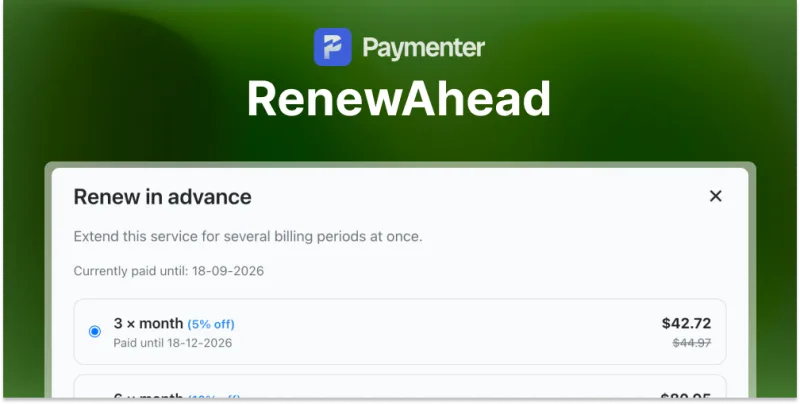
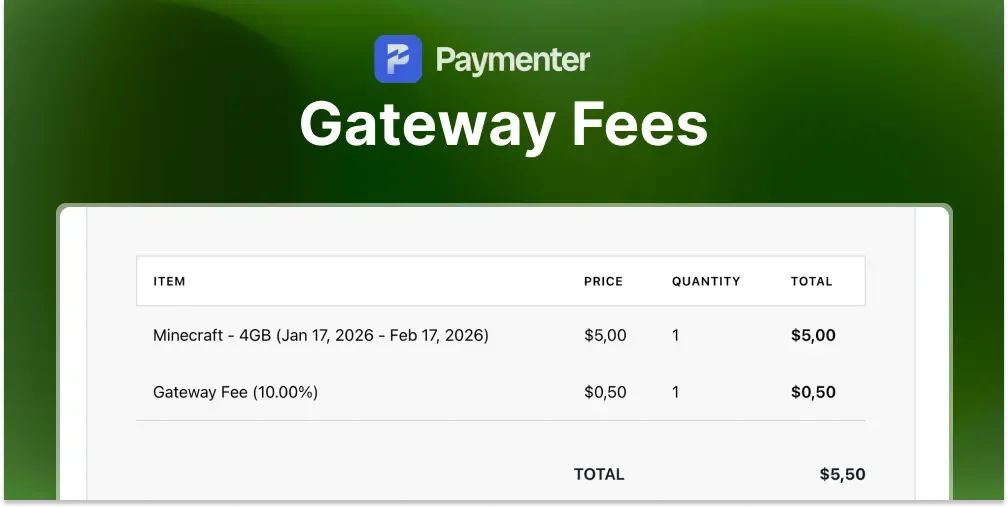
Billing Agreements changes the renewal flow itself, but a few things around it are still worth handling separately. If you charge differently depending on gateway — for instance covering Stripe's processing fee only on card payments — Gateway Fees ($4.99) lets you configure additional fees per payment gateway; see the docs for setup. If you'd like customers to lock in several billing periods at once with their own discount tiers rather than relying purely on auto-charge, RenewAhead ($7.99) lets customers renew a service for multiple periods upfront (docs). And once renewals start flowing in automatically, keeping a clear view of income against expenses matters more, not less — Expense Manager ($5.99) gives an all-in-one overview of business income and expenses (docs). None of these three are required to use Billing Agreements — they're optional additions that solve adjacent problems once auto-charge is live, not substitutes for the core feature itself.

Should You Enable It Right Now?

If you're already on Stripe or PayPal and comfortable testing in a sandbox first, there's no strong reason to wait — this is the auto-renew capability many hosting providers have been asking for. If you're on a different gateway, or you haven't confirmed your version against the live releases page, hold off and verify first. And if you're mid-migration from WHMCS, treat the importer as a starting point rather than a finish line until Paymenter documents its exact scope. For general setup basics, our How to Install Paymenter in 2026 guide and the official docs are the right starting points, and the Discord community is a good place to ask other providers whether they've hit any snags with auto-charge in production.

Resources from this post

Expense Manager | Paymenter $5.99 Gateway Fees | Paymenter $4.99 RenewAhead | Paymenter $7.99