If you're running Pterodactyl and wondering whether to update, the short answer is: v1.15.1 is the newest tagged release on the official GitHub releases page right now, it contains small, low-risk fixes rather than a major rewrite, and the standard update procedure still applies. This post walks through what actually changed in v1.15.0 and v1.15.1, what to check before you touch a production panel, and how to update without taking servers offline longer than necessary.
We'll also flag where the public changelog leaves gaps, because an update guide is only useful if it's honest about what it does and doesn't confirm.
What's new in v1.15.0 and v1.15.1
According to the release history on GitHub, the current order of tagged releases is v1.15.1, v1.15.0, v1.14.1, v1.14.0, and v1.13.0. These are incremental releases, not a version jump that reworks the panel's architecture.
v1.15.1
Per the release notes, v1.15.1 was tagged by GitHub user anthonyphysgun and contains two changes: a README update from contributor @infraly-will, and a fix from @SkyMulley that disables the reinstall action during normal server status when the "skip egg install scripts" setting is enabled. That's it. It's a maintenance release, not a feature drop.
v1.15.0
The v1.15.0 release notes list two merged pull requests, both from first-time contributors: one from @Sanic5238 and one from @smashyalts that updates the Docker Compose command syntax to v2. You can see the full diff from v1.14.1 in the linked changelog comparison on that page.
We could not confirm the exact release year from the raw GitHub snippet we pulled — it only showed "14 Aug" without a year — but given where it sits in the release order relative to other 2026-dated activity, it's reasonable to treat this as the current, up-to-date release as of today. If you're checking before you update, glance at the release page yourself to confirm the date shown next to your target version.
Who's actually shipping these changes
We covered Pterodactyl's acquisition by Infraly LLC back in December 2025, and one detail worth calling out here: the @infraly-will username appears as a contributor on the v1.15.1 release. That's a small but useful signal — it means the acquisition led to actual, ongoing commits on the panel rather than the project going quiet. If you were holding off on updates because you weren't sure who was maintaining the codebase post-acquisition, this is evidence that maintenance is continuing.
What we could not confirm — read this before you update
Some third-party changelog mirrors reference bigger changes like a telemetry toggle (PTERODACTYL_TELEMETRY_ENABLED), a bump to PHP 8.0 and Laravel 9 as minimums, a requirement for Wings v1.11.x for server transfers, and raising the API key limit per user from 10 to 25. We want to be upfront: we could not confirm which release these specific items belong to. They showed up in a develop-branch changelog mirror, not in the v1.15.0 or v1.15.1 release notes themselves, so we're not attributing them to 1.15 specifically. Treat them as general background on how the panel has evolved in recent cycles, not as confirmed v1.15 features, and check the live CHANGELOG.md on GitHub for your exact target version before you rely on any of them.
We also weren't able to confirm the current Wings daemon version or whether v1.15 requires a specific minimum Wings release. Since panel and Wings versions can be tied together for features like transfers, check the Wings releases page yourself before updating Wings alongside the panel.
Prerequisites before you update
The official updating documentation is clear about the baseline requirements: PHP 8.2 or higher (check with php -v) and Composer 2 (check with composer --version). Don't skip this check — updating panel files on top of an outdated PHP or Composer install is one of the more common ways admins end up with a broken panel mid-update.
| Check | Command | What you're looking for |
|---|---|---|
| PHP version | php -v | 8.2 or higher |
| Composer version | composer --version | Composer 2.x |
| Current panel version | Check Admin → About in the panel UI | Confirms your starting point before the diff |
| Backup | Database + .env + storage folder | A restore point if the update goes wrong |
The standard update steps
Per the official docs, the update process comes down to downloading the new panel files and letting Composer and the artisan commands do the rest:
- Put the panel in maintenance mode so customers don't hit half-updated pages mid-process.
- Download the new release with
curl -L https://github.com/pterodactyl/panel/releases/latest/download/panel.tar.gz | tar -xzv, as documented on the official updating page. - Reset permissions on the
storageandbootstrap/cachedirectories, since the extraction process often resets ownership. - Run the standard Composer install and artisan migration/cache commands the docs specify for your setup.
- Take the panel out of maintenance mode and spot-check a few servers before you call it done.
If you'd rather target a specific tag instead of "latest" — reasonable if you want to sit on v1.15.0 while v1.15.1 settles — swap the URL in step two for the tagged release asset instead of the latest alias.
If you run Blueprint
Blueprint is a common way to layer custom themes and addons onto a stock Pterodactyl install, and if you're one of the admins running it, the update order matters. Per Blueprint's own admin guide, the sequence is: put the panel in maintenance mode with php artisan down, update the panel files as above, then run blueprint -upgrade to reapply Blueprint's overlay before bringing the panel back up with php artisan up. Skipping the Blueprint upgrade step after a panel update is a common cause of themes and extensions breaking silently. If your Pterodactyl setup uses Blueprint rather than a standalone install, plan the extra step into your maintenance window.
Communicating downtime to customers during the update
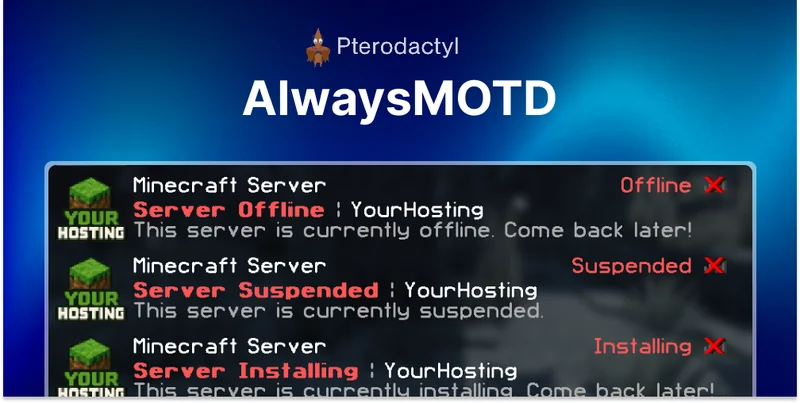
Even a clean update usually means a maintenance window where servers appear offline or unreachable for a few minutes. If your customers don't have a clear status indicator, that's when support tickets pile up. Our AlwaysMOTD Addon for Pterodactyl ($11.99, 144 purchases, 5.0/5 from 14 reviews) keeps a persistent message-of-the-day visible whenever a server is offline, installing, starting, or suspended, which covers exactly the kind of transient state a panel update can trigger. It's a small addition, but it's the difference between customers seeing a clear status message and customers assuming their server is broken. See the docs for setup details.
After the update: a quick security pass
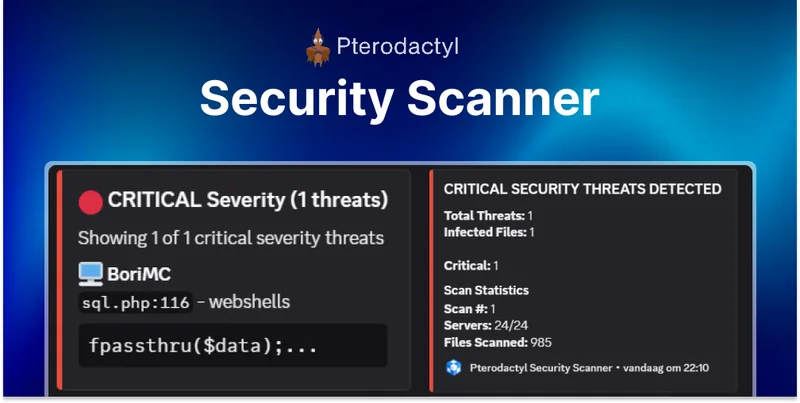
Once you've confirmed servers are back up and the panel loads normally, it's worth running a security check rather than assuming the update didn't introduce anything unexpected. Our Security Scanner for Pterodactyl ($12.99, 79 purchases, 5.0/5 from 8 reviews) scans for malware and common security issues on your panel, which is a reasonable habit to build into any update routine, not just this one. Documentation is at /docs/securityscanner. If you'd rather not add a paid tool, a manual review of your file permissions and a check of your web server logs after the update covers the basics for free.
Should you update now?
Given that v1.15.1 is a small fix release on top of v1.15.0's own modest changes, there's no evidence in the public changelogs of a breaking change that should make you delay. The bigger risk factors are the same ones that apply to any panel update: unconfirmed PHP/Composer versions, missing backups, and — if you're on Blueprint — forgetting the reapply step. Do the prerequisite checks above, take a backup, and the update itself should be routine.
If you're instead weighing whether to stay on Pterodactyl at all, we've separately covered Calagopus as a Pterodactyl alternative and how to migrate without losing servers, both worth a read if that's the decision you're actually facing rather than a routine update.
Questions about your specific setup are also welcome in our Discord community — it's a reasonable place to double-check version-specific quirks before you run an update on a production panel.