(1.2) NavbarEditor v1.2

- Added Permissions
- Fixed Bugs
Fully customize your navigation bar on your Paymenter website.
5.0 · 7 reviews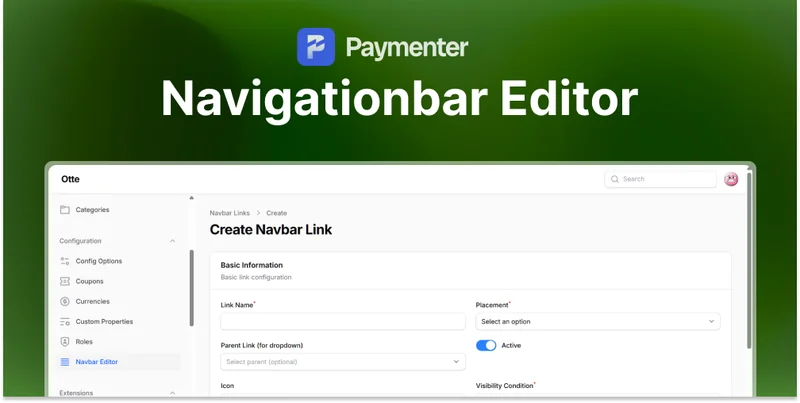
Paymenter ships with a fixed navigation bar. Adding a link to your knowledge base, your status page, or a specific product normally means editing theme files, and doing it again after every update.
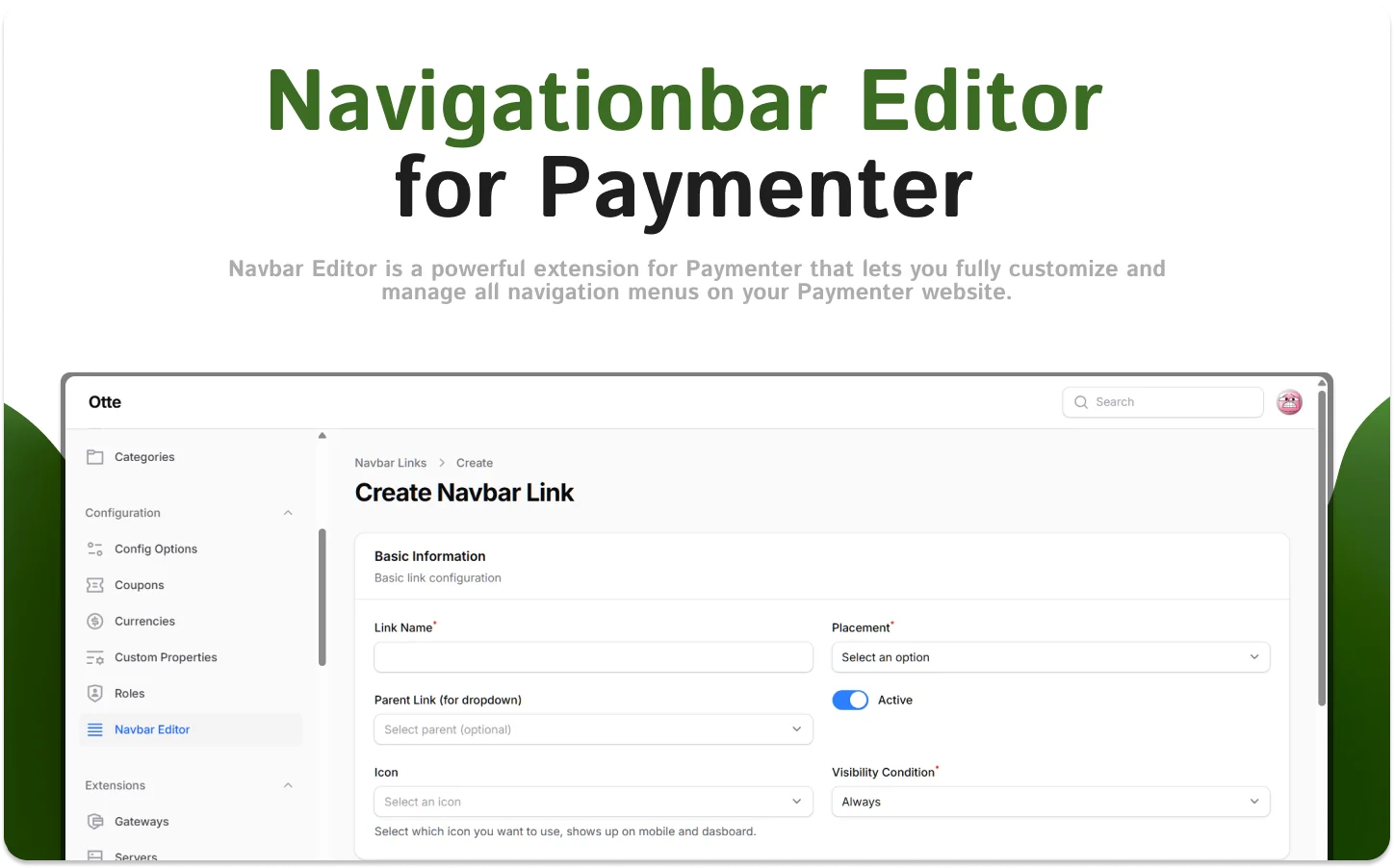
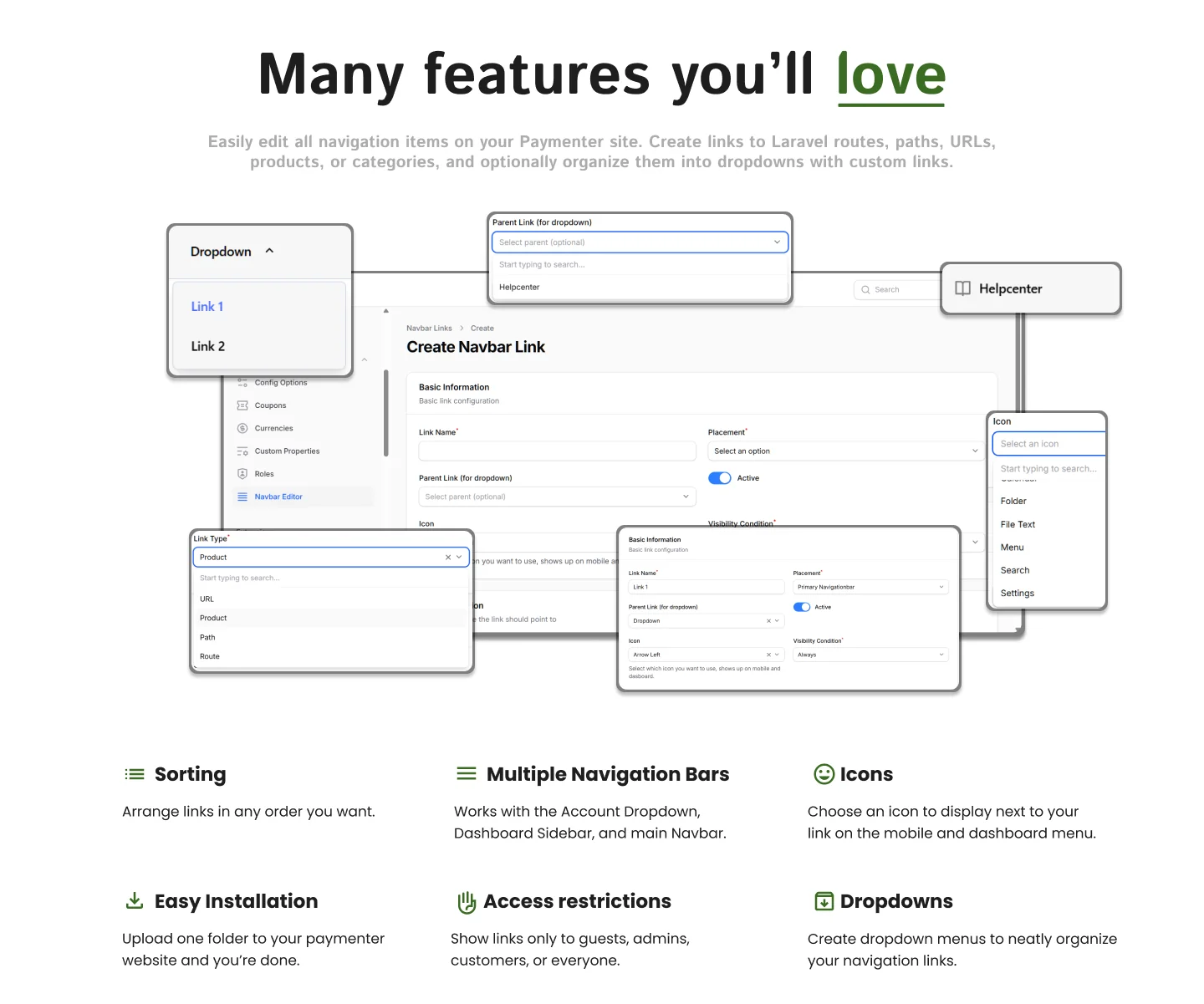
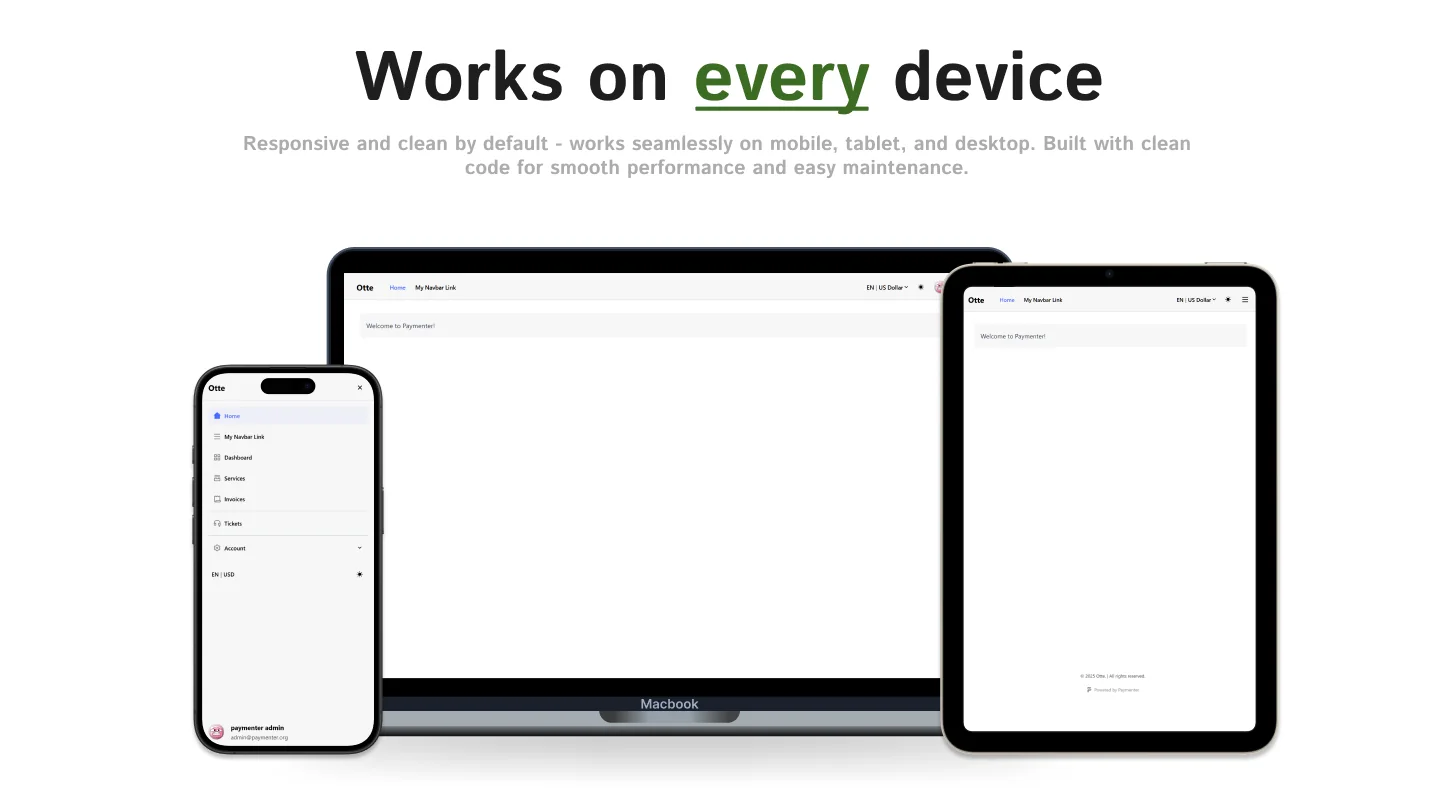
Navigationbar Editor turns navigation into admin settings. Create, reorder, and restrict links from the panel, across the main navbar, the account dropdown, and the dashboard sidebar.

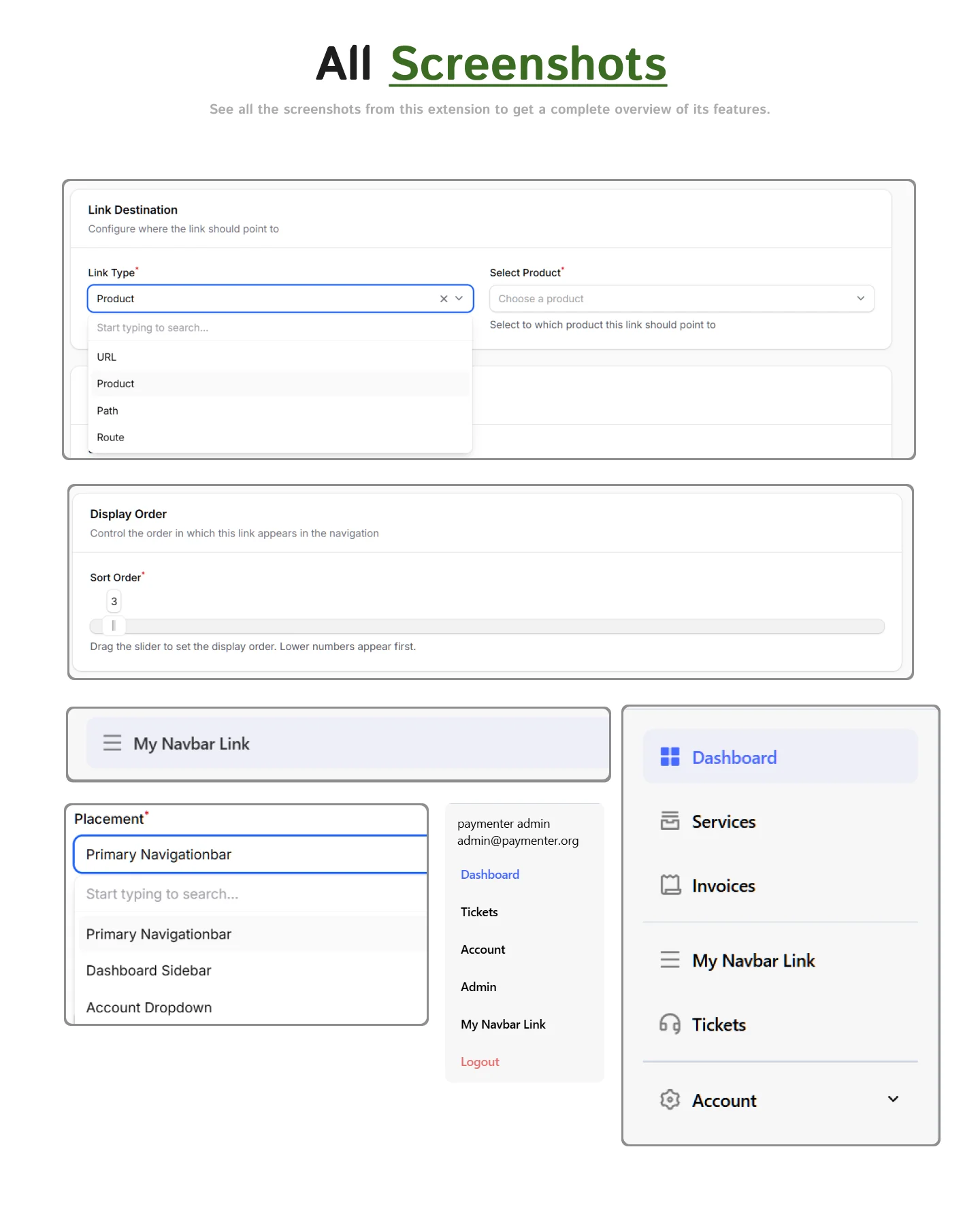
Setup is covered in the Navigationbar Editor documentation. For questions before or after purchase, join the BuiltByOtte Discord.



Great Extension, Support 5/5 fast and Good and i love his white Rabbit ♥️
Everything works perfectly and the support was incredibly helpful. Quick responses and clear guidance. Highly recommend.
Works really good. Really good addons this man has
Support was fast when I had an issue, aswell as this addon is good
Fast support, its working even better then i tought at first place. It can see all routes not only defined by author it self. Also its super easy to add more icons in code. One of my favourites extantion
The installation was very easy, everything worked right away without any issues. The usage is intuitive — you can customize everything exactly how you want it. I’m really satisfied with this addon, it makes editing the navigation bar in Paymenter simple and efficient. Great work!
We need to give Otto a medal. i just asked in the discord server how to edit the navbar links, and he makes this masterpiece
Hey! Thanks for the suggestion and review! 😉


