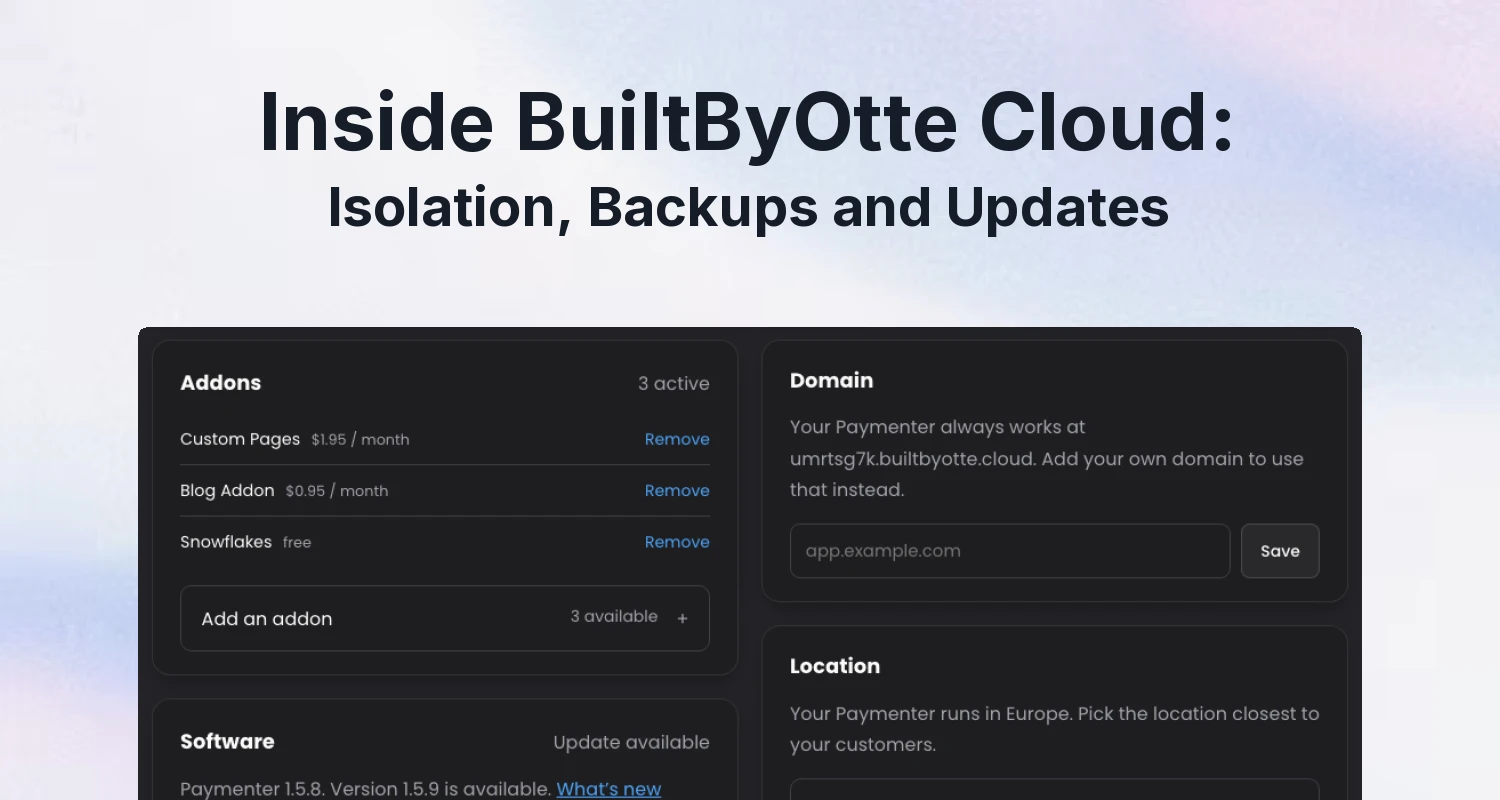
A billing panel holds your customers' details, invoices and payment history, and a game panel holds the keys to their servers. A host that runs many of those panels for other people has to keep each one separate, recoverable and current. In BuiltByOtte Cloud we do that with three things: every panel in its own sandbox with its own database, nightly encrypted backups that can't be deleted early, and updates that are rolled back automatically when they fail.
This post explains how those features help you run your panel day to day. If you are choosing a managed host, they also give you practical questions to ask about isolation, recovery and updates.
Every panel in its own sandbox
Each panel in Cloud runs in its own sandbox, with its own code, files and processes. That separation gives your installation a space of its own.
You can upload your own extensions and themes to customise your panel. The isolation helps keep that code separate from other customers and protects access to your files and data.
Its own database and its own disk
Your panel also has its own database and storage allocation. This keeps its data separate and helps contain the resource use of each installation.
We plan capacity around real panels with their addons installed, leaving room for everyday use and maintenance.
Backups protected for 14 days
Nightly encrypted backups give you a recent recovery point for your panel. Each copy is stored away from the hosting server, so you have a separate copy available when you need it.
Each backup is protected against changes and deletion for 14 days. That protection keeps earlier copies available throughout their retention period, ready for a restore on request.
We keep backups for 14 days and restore one on request.
Fast delivery, worldwide
Every panel includes a global CDN spanning 125+ countries. Cached images, stylesheets and scripts are served closer to your visitors for faster loading, wherever they browse from. You choose the hosting location for your panel and its database; the CDN brings those cached files closer to your customers around the world.
Where your data lives
You choose where your panel runs: Europe (France), the United States (Missouri) or Asia (Japan). The panel and its database stay in that location. The nightly backups are kept in the EU, whichever location the panel runs in, so a copy of your panel is always kept away from the server it came from.
If your customers move, your panel can move too: a panel can be moved to another location once every 30 days. Choose the location closest to the people who use your store or panel most, since they are the ones who load its pages.
An isolated panel and a separate backup work together: one gives your installation its own space, and the other gives you a way to recover an earlier version.
Updates with a way back
Every update starts with a recovery copy of your panel. Start the update from your dashboard, and if it fails, that copy is restored automatically. This gives you a way back to the working version while you decide your next step.
Addons are checked during installation too. An addon that prevents the panel from working is taken out again, helping protect the setup you already have.
Watching it day and night
Every panel is checked automatically, day and night, and we are alerted when a server stops responding, even when it can't report a problem itself. The state of every location is public on our status page.
The public status page gives you a quick view of each hosting location. You can use it when helping your own customers and follow the status of the service in one place.
And when you need us, support replies within 24 hours.
Questions to ask any managed host
Use these questions to compare how hosts keep your panel separate, recoverable and up to date:
- Does my panel share a database or a disk with other customers?
- Are backups encrypted before they leave the server, and who holds the key?
- Can a backup be deleted before its retention period ends?
- What happens when an update fails?
- Is there a public status page, so you can see for yourself when something is wrong?
If you would rather run a panel yourself, our Pterodactyl security checklist covers much of the same ground for your own server.
Try it
Paymenter, Pterodactyl and Pelican on BuiltByOtte Cloud start at $6.95 a month, in Europe (France), the United States (Missouri) or Asia (Japan). Every plan can be tried free for three days without a payment method.
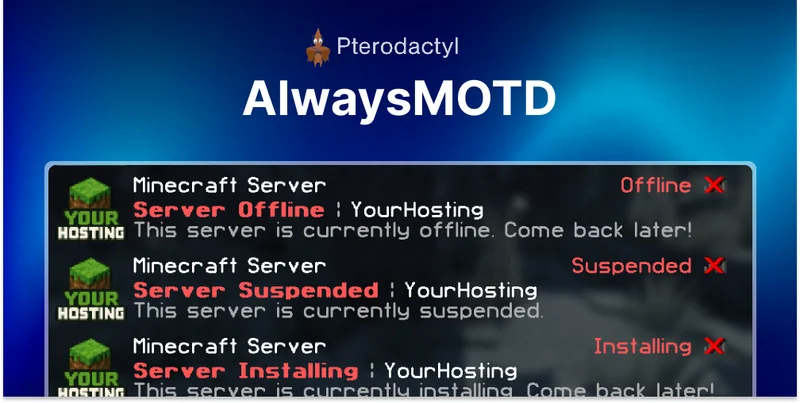 AlwaysMOTD Addon | Pterodactyl
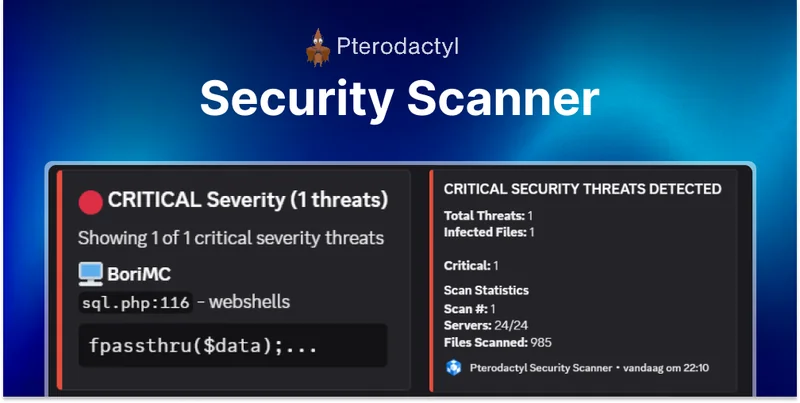 Security Scanner | Pterodactyl