Not on a production panel yet. Pterodactyl 2.0 has been in open beta since 14 October 2026, and its own release page advises keeping production panels on 1.x for now. The stable line is still maintained: v1.15.2 shipped on 21 October 2026 as a security release. What you should do today is set up a 2.0 test panel, check your billing module, addons and theme against it, and plan the move for when 2.0 is stable.
Below we compare Pterodactyl v2 and v1 side by side, list the reasons to upgrade now and the reasons to wait, and explain what happens to your addons, including ours.
Pterodactyl v2 vs v1 at a glance
| Pterodactyl 1.x | Pterodactyl 2.0 | |
|---|---|---|
| Status | Stable, latest v1.15.2 | Open beta, latest v2.0.0-beta.2 |
| PHP | 8.2 or 8.3 | 8.3 or 8.4 |
| Addons and themes | File edits or Blueprint, which an update can overwrite | Official .pteroext extensions and themes that survive updates |
| Eggs | Grouped in nests | Grouped with tags, plus an egg catalog to import eggs in one click |
| Admin area | Classic admin area | One unified admin area |
| Console | Original console | Smoother, and works on phones |
| Frontend stack | Original frontend | Vite, React 19, Tailwind 4, Laravel 13 |
| Billing API | Nest endpoints available | Application API nest endpoints removed |
The 2.0 details come from the v2.0.0-beta.1 release notes, which also list the requirements: MariaDB 10.11 or 11, or MySQL 8 or 9, plus Redis, on Ubuntu 24.04 or 22.04 or Debian 13 or 12.
Reasons to upgrade to Pterodactyl v2 now
- You are building a new panel without paying customers. Starting on 2.0 means you never migrate later, and you can launch with v2 extensions from day one.
- You are tired of addons breaking on every update. Native extensions are the biggest change in 2.0. A theme like Graphite or an extension like Backup Manager installs from the admin area and stays installed when the panel updates.
- You want to be ready. A test panel on 2.0 tells you now which of your tools need a v2 build, instead of on the day you upgrade.
Reasons to stay on Pterodactyl v1 for now
- You have paying customers on the panel. Beta releases can change between versions, and the release page itself says to keep production on 1.x.
- Your billing module uses nest endpoints. The official upgrade guide warns that 2.0 removes the Application API nest endpoints, so billing modules that call them break. Update your WHMCS or Paymenter module first.
- You depend on Blueprint or 1.x addons. They are not
.pteroextpackages and do not carry over. Each one needs a v2 build or a replacement. - Your setup is not what the guide was tested on. The upgrade guide was tested with Panel 1.15.1, MariaDB 10.11, Wings 1.13.2 and Ubuntu 24.04, and lists extensions as not yet tested.
What the upgrade involves
The upgrade guide requires Panel 1.12.0 or newer (updating to the latest 1.x first is recommended), PHP 8.3 or newer with the php8.3-intl package, and Wings 1.13.2 or 1.13.3. The steps, in short:
- Put the panel in maintenance mode and stop the queue worker.
- Back up the database, the
.envfile and the panel directory. - Download 2.0 into a new directory, copy your
.envand install the dependencies. Do not generate a new app key. - Run the migrations, swap the directories, add the new
/assets/block to your web server config and clear the caches. - Restart PHP-FPM and the queue worker and bring the panel back up.
Two warnings from the guide: do not use php artisan p:upgrade for this move, and nests become tags, so a custom nest with a single egg gets no tag. To roll back, swap the directories back and restore the database backup; do not use migrate:rollback. For more background on the changes, read our Pterodactyl v2 overview.
What happens to your addons and theme
Treat every addon as its own compatibility question. Panel 1.x addons, including ours, are separate products from their v2 versions:
- Security Scanner for 1.x has a native Security Scanner for v2 that runs from the panel, not on each node.
- For Minecraft hosts, the v2 line adds Plugin Installer, Mods Installer, Version Changer, Player Manager and more. The full list is in our post on the best Pterodactyl v2 extensions.
- Your 1.x theme stays behind. On 2.0, Graphite ($19.99) restyles the panel and shows each server's Paymenter or WHMCS subscription. Compare the options in the best Pterodactyl v2 themes.
Our tip: install your v2 extensions on the test panel while you test the upgrade. You can try all of ours first on the Pterodactyl v2 demo.
Our recommendation: should you upgrade to Pterodactyl 2.0?
- Now: keep production on 1.15.2 and set up a 2.0 test panel with a copy of your data.
- On the test panel: run a full order through your billing system, start and stop servers, restore a backup and install the v2 versions of your addons and theme.
- When 2.0 is stable: schedule the upgrade in a quiet hour, with the rollback steps written down.
Rather not run upgrades yourself? BuiltByOtte Cloud hosts and updates your Pterodactyl panel from $6.95 a month, and an update that fails is rolled back automatically. You connect your own game servers.
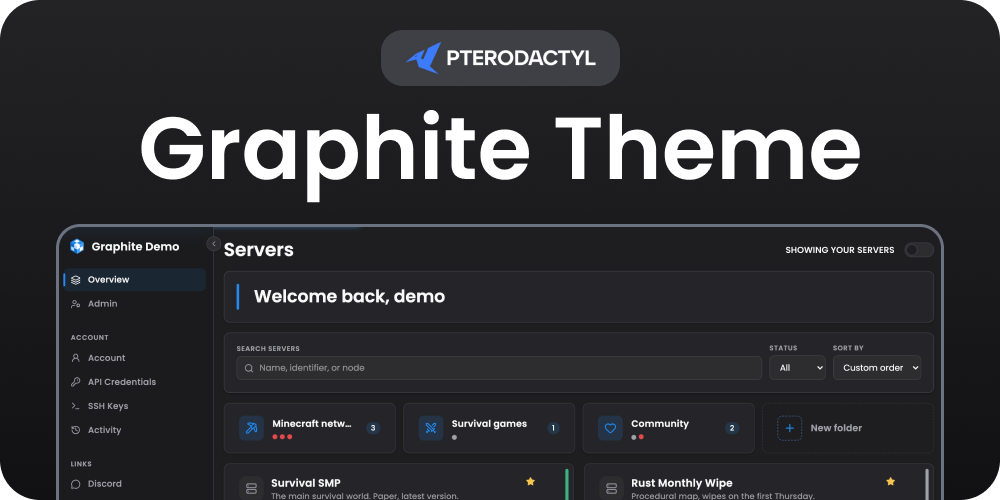 Graphite Theme | Pterodactyl v2
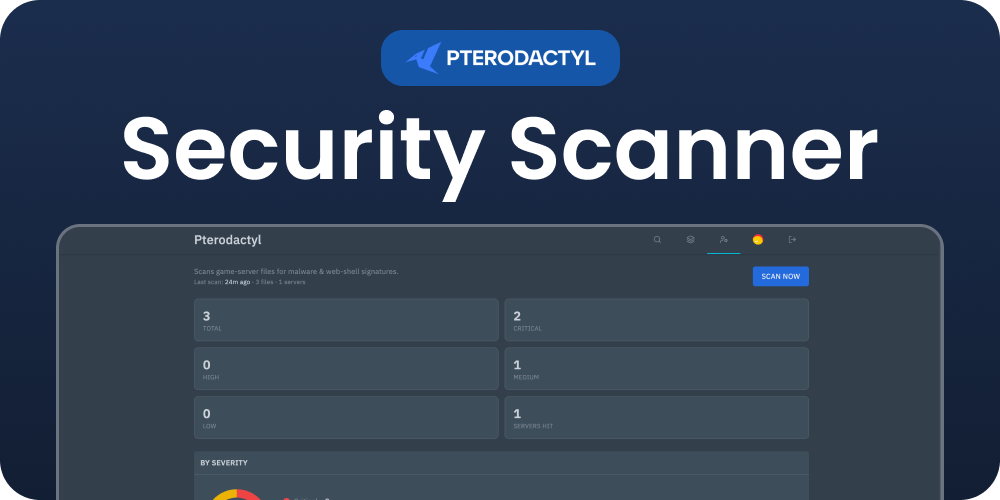 Security Scanner | Pterodactyl v2
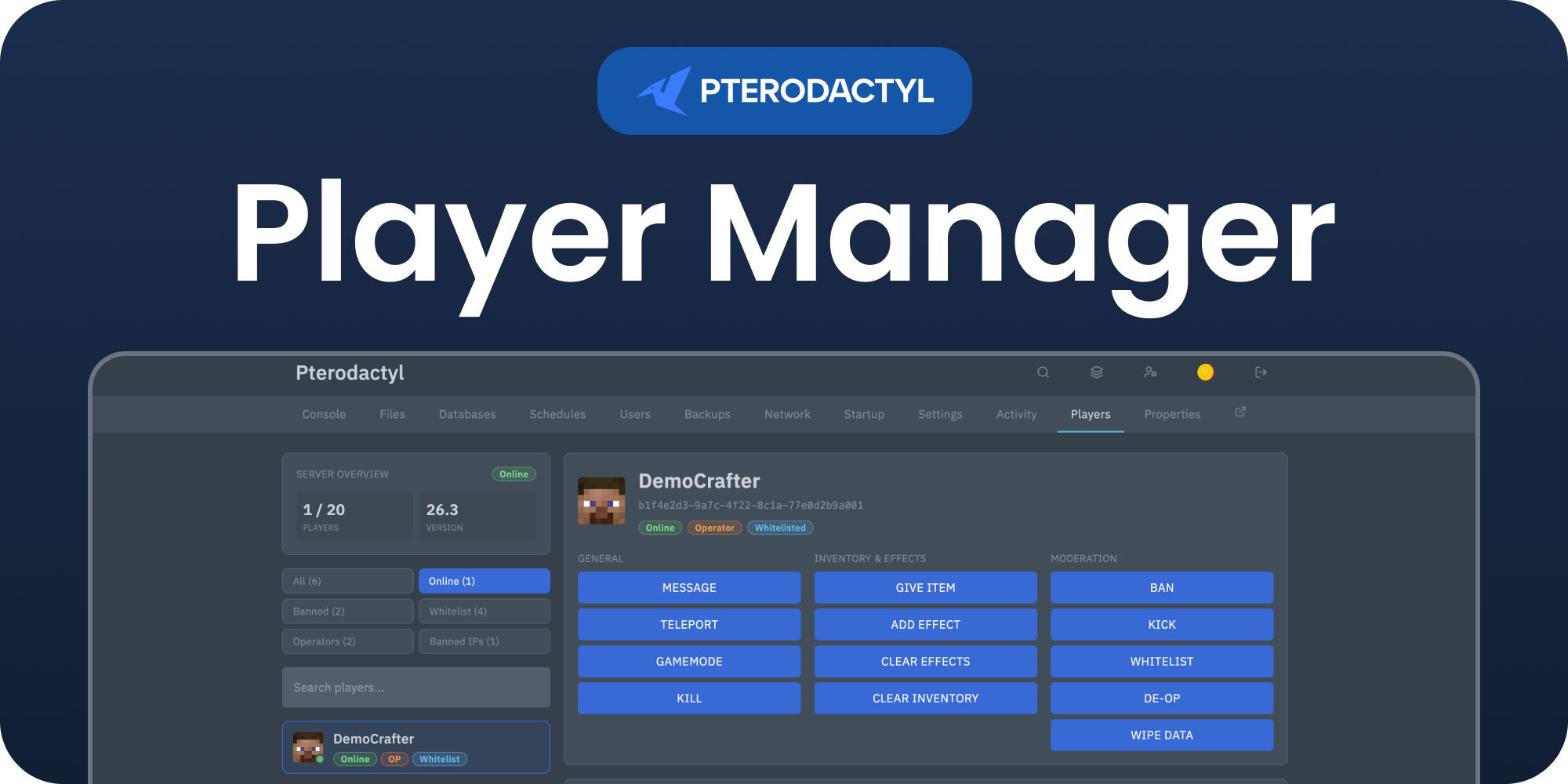 Player Manager | Pterodactyl v2