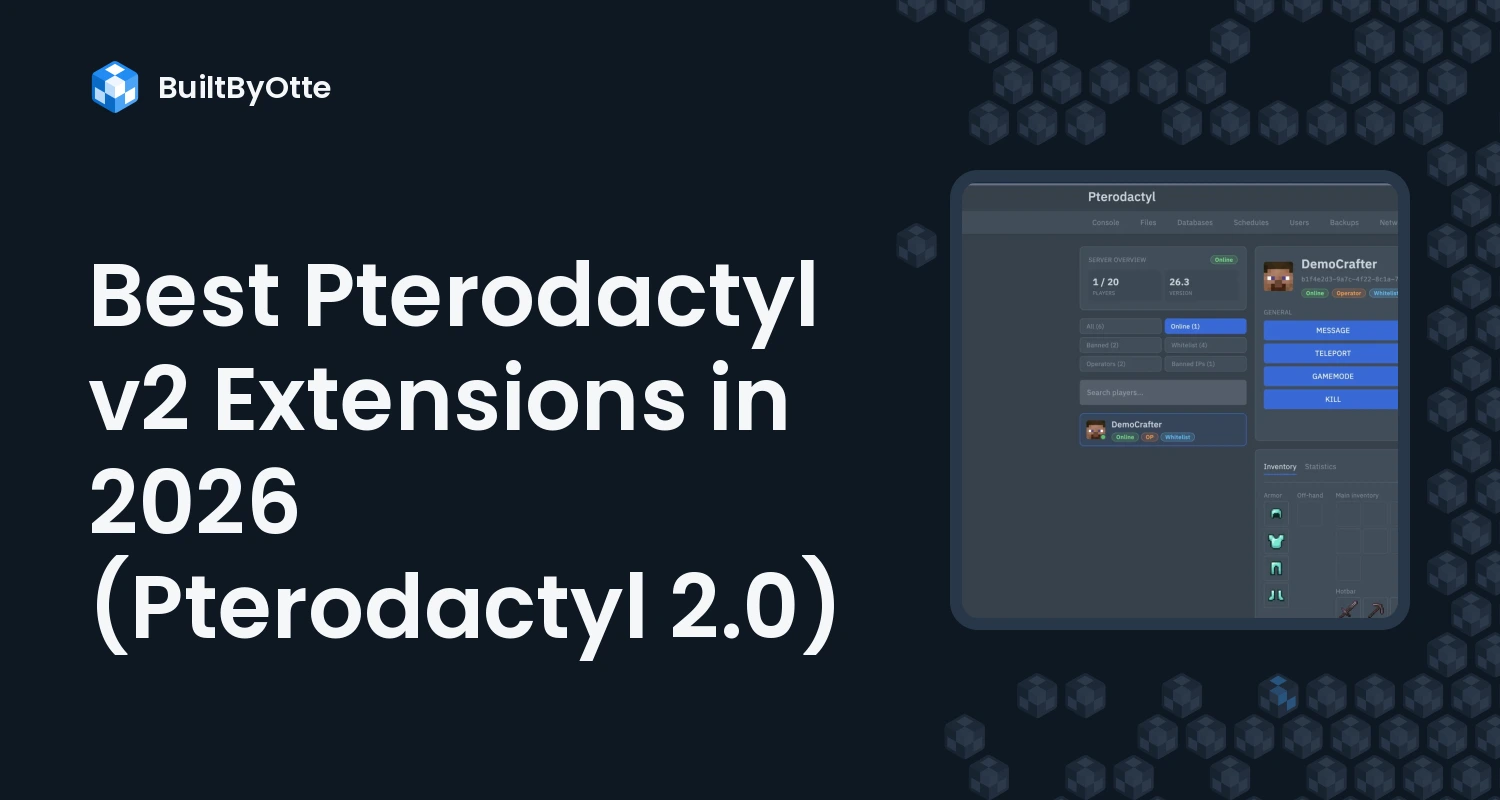
Pterodactyl 2.0 has an official extension system. Extensions are .pteroext packages that add pages, tabs, settings and API endpoints without patching panel files, so an update no longer wipes your customizations. Addons written for Pterodactyl 1.x or Blueprint do not carry over: every extension needs a build made for v2.
We have built 22 extensions for Pterodactyl v2, plus the Graphite theme. This list covers them by what they solve, with the price of each. It is our own catalog, so we can tell you exactly what every extension does; all of them run side by side on our Pterodactyl v2 demo, where you can try them before buying.
Before you install anything on 2.0
Pterodactyl 2.0 is in open beta. The latest pre-release is v2.0.0-beta.2, and the release page advises keeping production panels on 1.x for now. Install extensions on a test panel first, check each product's requirements and test again after every beta update. Our v2 extension compatibility guide has a full test checklist.
Installing is the same for every extension: upload the .pteroext file in Admin, Extensions and enable it, or run php artisan p:extension:install /path/to/extension.pteroext --enable (see the official extension docs).
Best Pterodactyl v2 extensions for Minecraft hosts
Most game server hosts sell Minecraft first, and this is where customers open the most tickets: installing plugins and mods, changing versions, managing players. These extensions turn those tickets into self-service.
Plugin Installer, $11.99
Customers find and install Minecraft plugins from Modrinth without leaving the panel. No more downloading jars and uploading them by hand.
Mods Installer, $11.99 and Modpack Installer, $14.99
Mods Installer does the same for mods. Modpack Installer installs a complete Modrinth modpack in one click, mods and configs included.
Version Changer, $12.99
Switch the server software and Minecraft version straight from the panel, so customers can move from Paper to Fabric or to a new release on their own.
Player Manager, $10.99
Adds a Players page to every Minecraft server: online players in real time with their heads, the whitelist, bans and operators, all without typing console commands.
Server Properties, $7.99 and World Manager, $10.99
Server Properties gives server.properties a proper editor instead of a text file. World Manager adds a Worlds tab where customers switch the active world, create one with their own seed, or upload a world archive.
Log Viewer, $7.99 and Server Icon, $4.99
Log Viewer lets customers read, search and share logs and crash reports, which makes support a lot faster. Server Icon gives every server its own icon in the Minecraft multiplayer list.
Pterodactyl v2 extensions for every game
Backup Manager, $12.99
Scheduled full, incremental and node backups to S3, SFTP or the panel, with one-click restore. For many hosts this is the extension that justifies a v2 panel on its own.
Schedule Presets, $9.99 and Quick Commands, $5.99
Schedule Presets sets up daily restarts with warnings, backups and announcements in a few clicks. Quick Commands puts one-click buttons above the console for the commands customers send every day.
Server Importer, $12.99 and Pull Files, $4.99
Server Importer moves a customer's server files from another host over SFTP or FTP, which makes switching to you painless. Pull Files downloads files from any link straight into the server, up to ten at once.
Subdomain Manager, $9.99
Give every server a friendly address such as play.example.com, set up from the panel.
Database Import & Export, $7.99 and Egg Changer, $6.99
Database Import & Export adds export, import and empty actions to the Databases page. Egg Changer lets users switch their server to another egg, with an optional reinstall and a clean start.
Rust Wiper, $14.99
For Rust hosts: wipe servers by hand or on a schedule, including the monthly forced wipe.
Pterodactyl v2 extensions for running the business
Security Scanner, $17.99
Scans the files of every server on your panel for backdoors, web shells, crypto miners and other threats. It is installed once on the panel, not on each node, and you choose which checks run.
Staff Permissions, $9.99
Give your team staff roles with exactly the admin and server permissions they need, instead of full admin access for everyone.
Allocation Manager, $4.99 and Server Splitter, $17.99
Allocation Manager gives every new server the extra ports its egg needs, such as query and RCON. Server Splitter lets users split one server into several smaller servers.
Graphite: the theme that ties it together
Graphite ($19.99) restyles the whole panel from a live editor and shows each server's Paymenter or WHMCS subscription, with a Pay invoice button for unpaid servers. See how it compares in our list of the best Pterodactyl v2 themes.
Where to start
| You are | Start with |
|---|---|
| A Minecraft host | Graphite Essential Bundle: Graphite, Player Manager, Plugin Installer, Server Properties and Version Changer, 25% off |
| A host that wants the full Minecraft toolkit | Pterodactyl v2 Bundle: all 22 extensions, 25% off |
| A Rust host | Rust Wiper, Schedule Presets and Backup Manager |
| A host with a support team | Staff Permissions, Security Scanner and Log Viewer |
| Winning customers from other hosts | Server Importer and Subdomain Manager |
Which Pterodactyl v2 extensions should you install first?
Install the extensions that remove your most common tickets first. For most Minecraft hosts that is Plugin Installer, Version Changer and Player Manager. Add Backup Manager before you move paying customers to v2, and Graphite when you want the panel to look like your brand.
Still on Pterodactyl 1.x and not sure when to move? Read Pterodactyl v2 vs v1: should you upgrade?. Questions about a specific extension are welcome in our Discord.
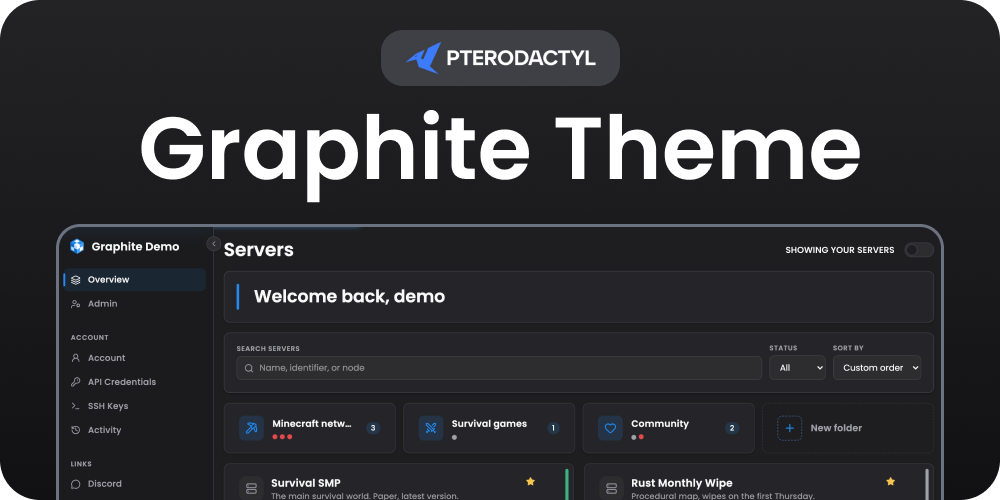 Graphite Theme | Pterodactyl v2
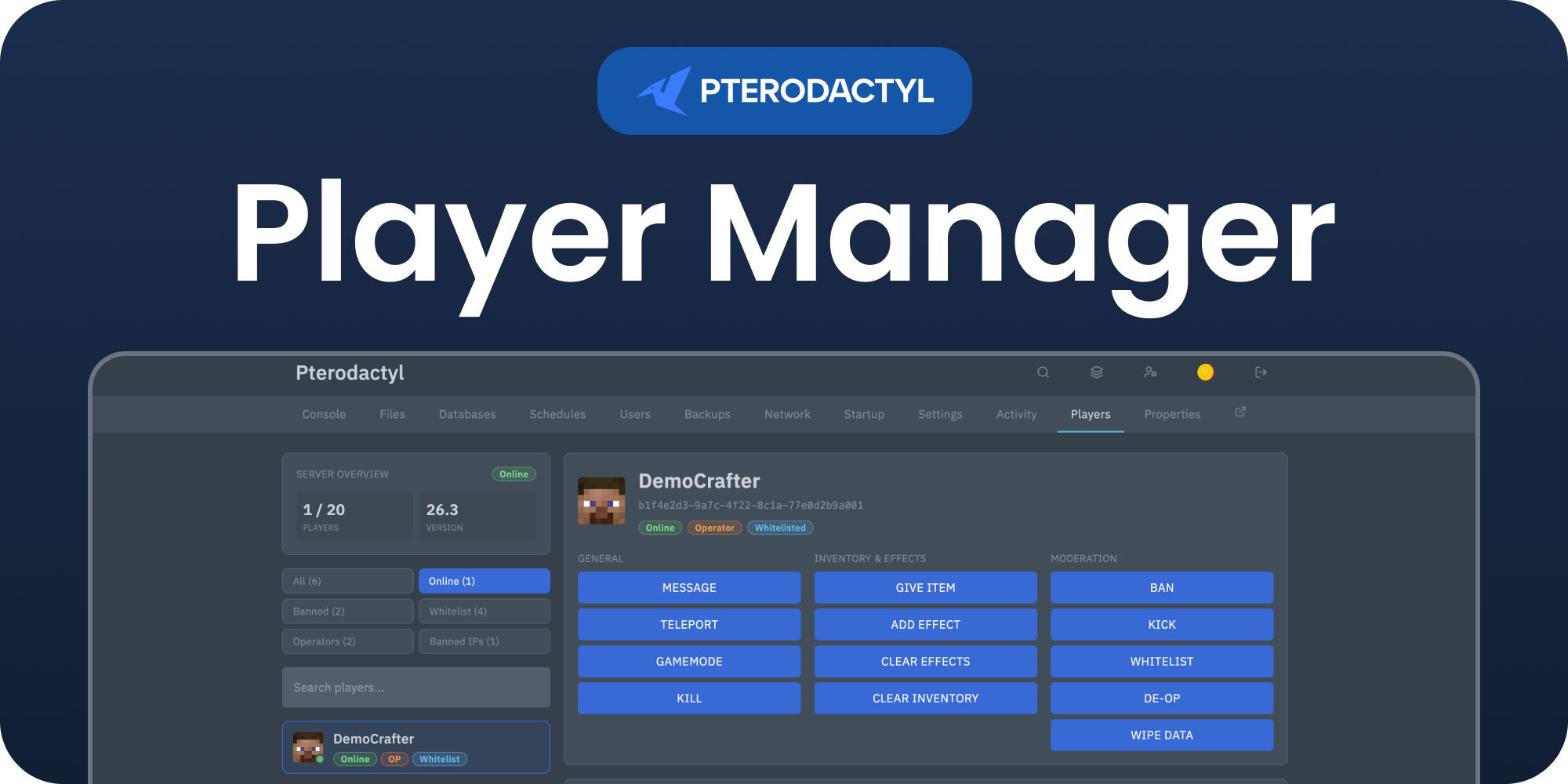 Player Manager | Pterodactyl v2
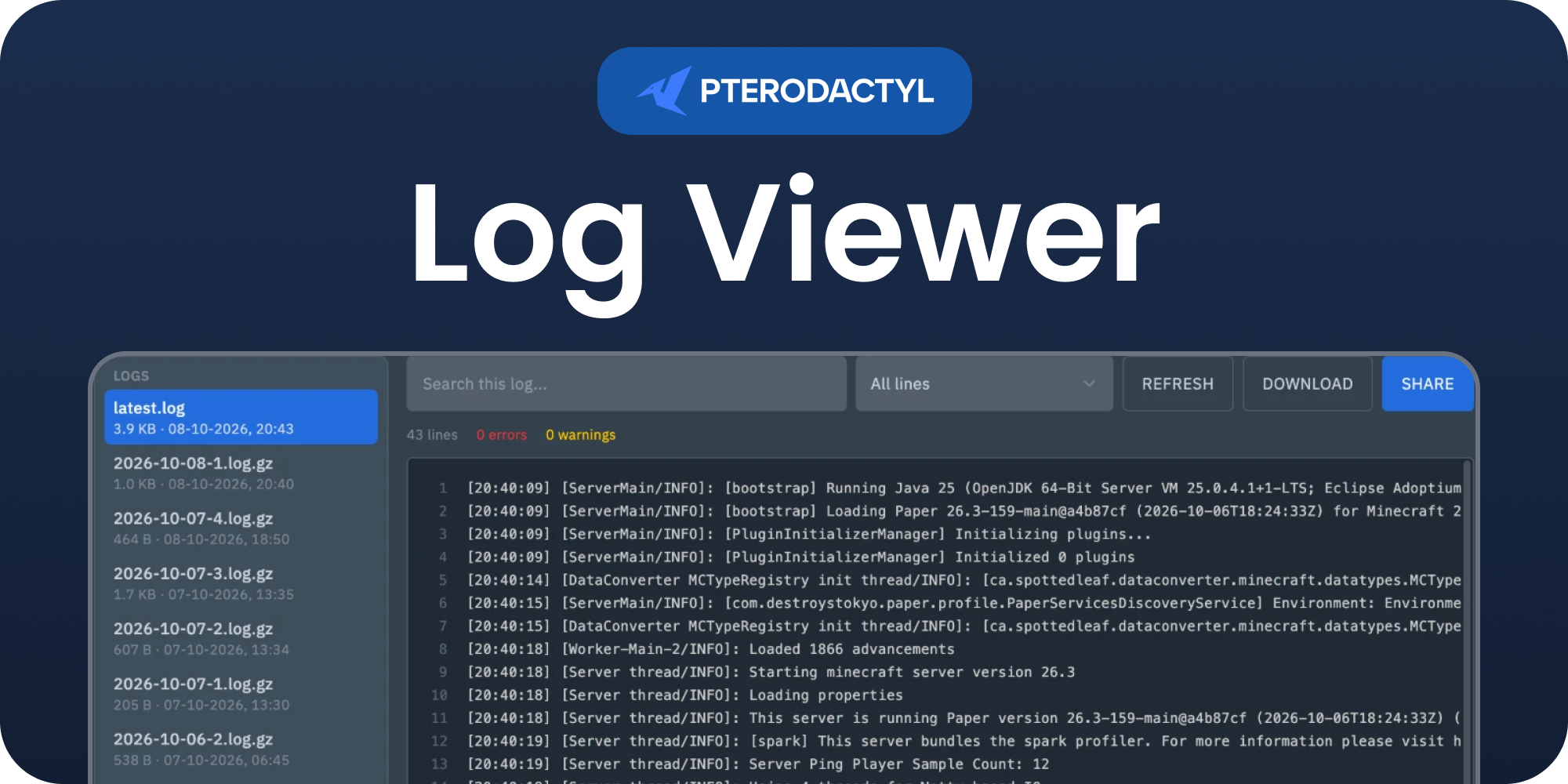 Log Viewer | Pterodactyl v2