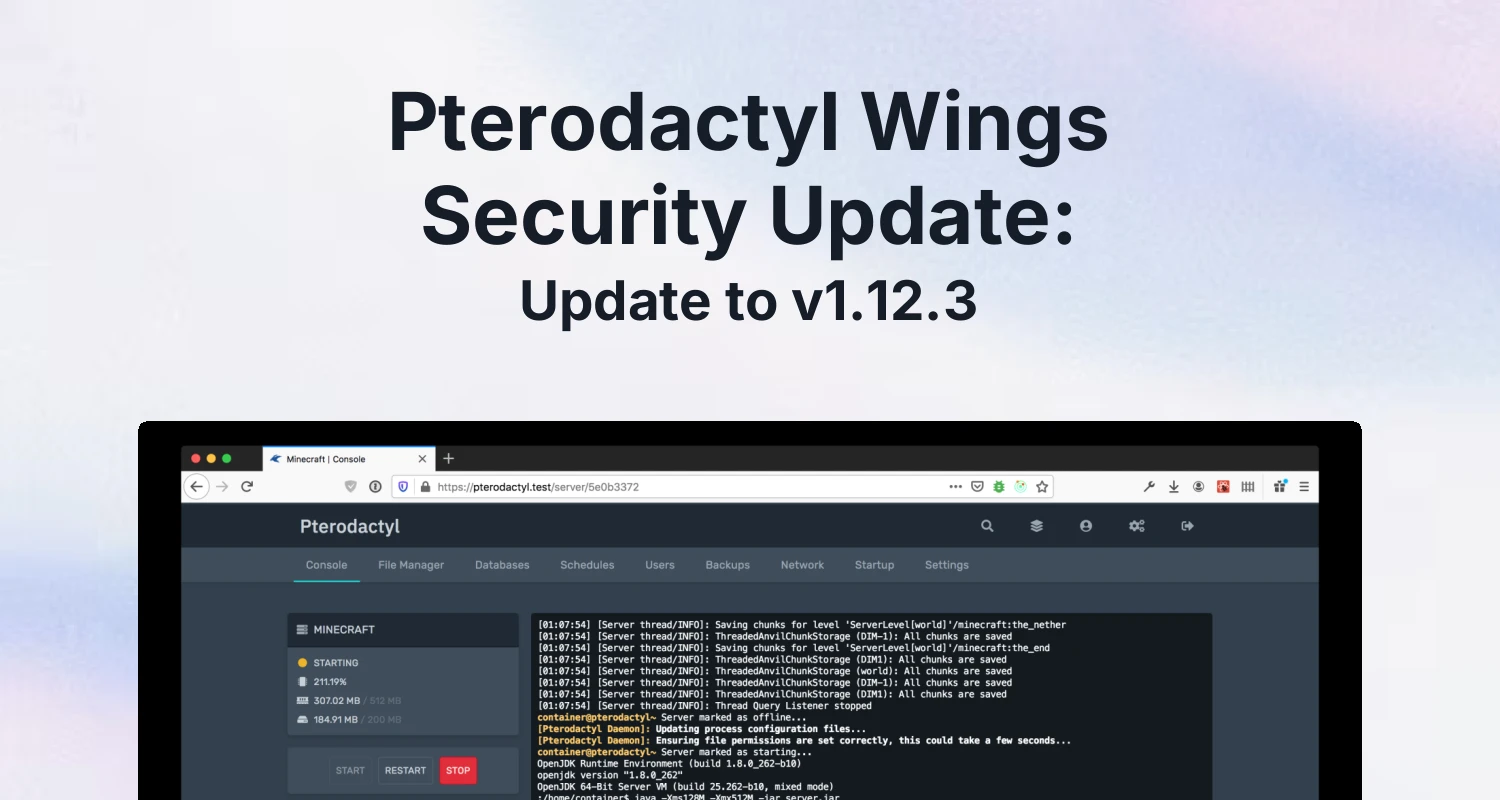
If you run Pterodactyl, the Panel isn't the only piece that needs updating. Wings, the daemon that actually runs on your nodes and talks to Docker, has shipped four releases since v1.12.0 that fix three CVEs and a symlink bug that could let a user modify files outside their own server directory. If you're still on an older 1.11.x build, this is worth doing this week, not next quarter.
Below is what actually changed, according to Wings' own changelog, why it matters if you run a shared hosting business rather than a single home server, and the official steps to update without touching your running servers.
What Wings Is, and Why It Needs Its Own Updates
The Panel is the web dashboard your staff and customers log into to manage services and invoices. Wings is the separate daemon that runs on every node, manages the Docker containers for each game or app server, and handles file access, backups and console output for those containers. It's also the piece your customers touch most directly without realizing it: every file they upload through the file manager, every console command they run, and every backup they download passes through Wings first. Because it's the part with direct access to the containers and the underlying filesystem, a bug there has a bigger blast radius than most bugs on the Panel side. We covered the Panel side of updates separately in Pterodactyl Panel 1.15: What Changed and How to Update Safely; this post is about the daemon, which has its own version number and its own update process.
What's Fixed Since Wings v1.12.0
Wings' changelog lists four releases in the 1.12 line, each with fixes worth knowing about, in order from oldest to newest.
v1.12.0: three CVEs patched
The 1.12.0 release fixed three named vulnerabilities: CVE-2025-68954, CVE-2025-69199, and CVE-2026-21696. The changelog doesn't spell out the technical detail of each beyond the advisory links, but shipping three named CVE fixes in a single release tells you this wasn't routine maintenance. The same release also fixed directory listings not sorting folders before files, user-defined labels not being passed to the container environment, incorrect handling of container termination signals, memory limits being calculated with the wrong base unit, and hard-links being counted multiple times in disk usage totals, which on a busy node could make disk usage look higher than it really is. On the feature side, it added support for relative file paths in the Wings config and the ability to mount generated /etc/passwd files into containers.
v1.12.2: a symlink bug worth patching on its own
According to the changelog, v1.12.2 fixed a bug where fs.Chmod would change a symlink's target instead of the symlink itself, which could let a malicious user modify files outside their own server directory. If you sell shared game hosting and let customers manage their own files, this is the kind of bug that matters even to hosts who otherwise trust their customer base, because it only takes one compromised account or one customer testing the limits. The same version improved error handling on file downloads so failures return a 400-level response instead of logging as a 500-level error, which mainly helps you tell a client mistake apart from a server problem in your logs, and fixed the JWT verification logic to confirm a token actually has the scopes required for the subsystem it's being used against before granting access.
v1.12.1 and v1.12.3: smaller, still worth having
v1.12.1 added a mount for /etc/machine-id so Hytale servers work correctly; skip it if you don't host Hytale, but there's no reason to stay behind it once you're updating anyway. v1.12.3, the current release on the develop changelog, fixed egg templating so configuration restrictions are properly enforced. If you write or import custom eggs, that closes a way a crafted egg template could reach past the limits you set for it, which matters more the more third-party eggs you run.
| Version | Type | What it fixes |
|---|---|---|
| v1.12.0 | Security | CVE-2025-68954, CVE-2025-69199, CVE-2026-21696, plus container and disk-usage bugs |
| v1.12.1 | Compatibility | Adds /etc/machine-id mount for Hytale servers |
| v1.12.2 | Security | Symlink fs.Chmod escape, download error handling, JWT scope verification |
| v1.12.3 | Security | Enforces configuration restrictions in egg templating |
How to Update Wings
Pterodactyl's own upgrade documentation keeps this to three steps for a standard systemd install, and states that your running servers will not be affected and any open connections to the instance will reconnect automatically:
- Stop the service:
systemctl stop wings - Download the new binary into
/usr/local/bin:curl -L -o /usr/local/bin/wings "https://github.com/pterodactyl/wings/releases/latest/download/wings_linux_$([[ "$(uname -m)" == "x86_64" ]] && echo "amd64" || echo "arm64")", then make it executable withchmod u+x /usr/local/bin/wings - Start it again:
systemctl restart wings
That's the whole process for one node. If you manage a fleet, don't run all three commands across every node at once. Update one node first, watch systemctl status wings to confirm it comes back up cleanly, and let it sit for a few minutes with real traffic before moving to the next. A daemon that fails to restart on your busiest node is a much worse afternoon than one that fails on a quiet test node you caught first. If you manage more than a handful of nodes, script the three commands over SSH and run them one host at a time rather than doing it by hand for each.
If something looks wrong after the restart
Because the upgrade steps only replace the binary at /usr/local/bin/wings, rolling back is the same three steps in reverse: stop the service, download the specific older release you were running from Wings' GitHub releases page instead of the latest URL, and restart. That's also why it's worth noting down which version you're currently on before you start, since the update itself doesn't ask you to confirm it. Keep an eye on server consoles and file manager access on that first node for a few minutes after the restart; those are the two areas the 1.12.x fixes touched most directly, so they're the first places a real problem would show up.
After You Update: Cover the Rest of the Stack
A patched daemon doesn't fix a weak admin password. If you haven't already, pair this update with enabling two-factor authentication on Pterodactyl for every staff account with Panel access, since that's the account tier that can reach every node's Wings instance and reconfigure it. If you want ongoing scanning rather than a one-time patch, our Security Scanner add-on for Pterodactyl ($12.99, 5.0/5 from 8 reviews) watches your install for malware and other security issues on an ongoing basis, which is a useful backstop for the gap between a CVE being disclosed and you actually getting the update rolled out across every node.
None of this replaces actually updating Wings, though. A scanner and 2FA reduce the damage if something does go wrong; the changelog fixes above close the actual holes that let it go wrong in the first place. Do the update first, then layer the rest on top.
The Bottom Line
If your nodes are running anything older than v1.12.3, you're missing at least one fix that lets a server user reach outside their own directory, on top of three CVEs from a few releases back. The update itself is three commands per node, doesn't require stopping any game servers, and reconnects automatically once Wings is back up. Roll it out node by node this week rather than waiting for a maintenance window that keeps slipping.
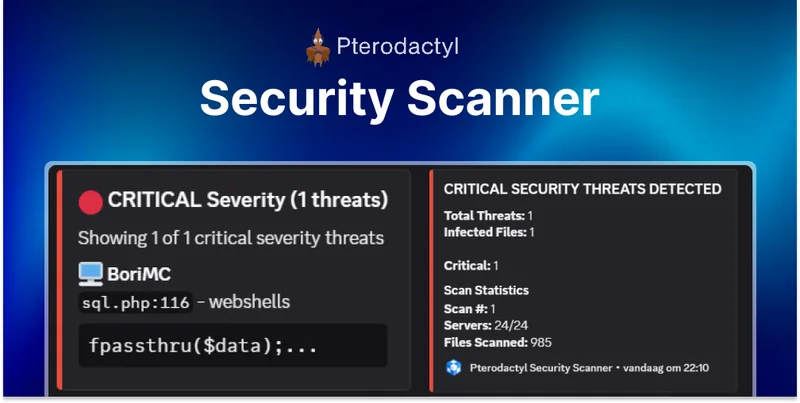 Security Scanner | Pterodactyl
 AlwaysMOTD Addon | Pterodactyl