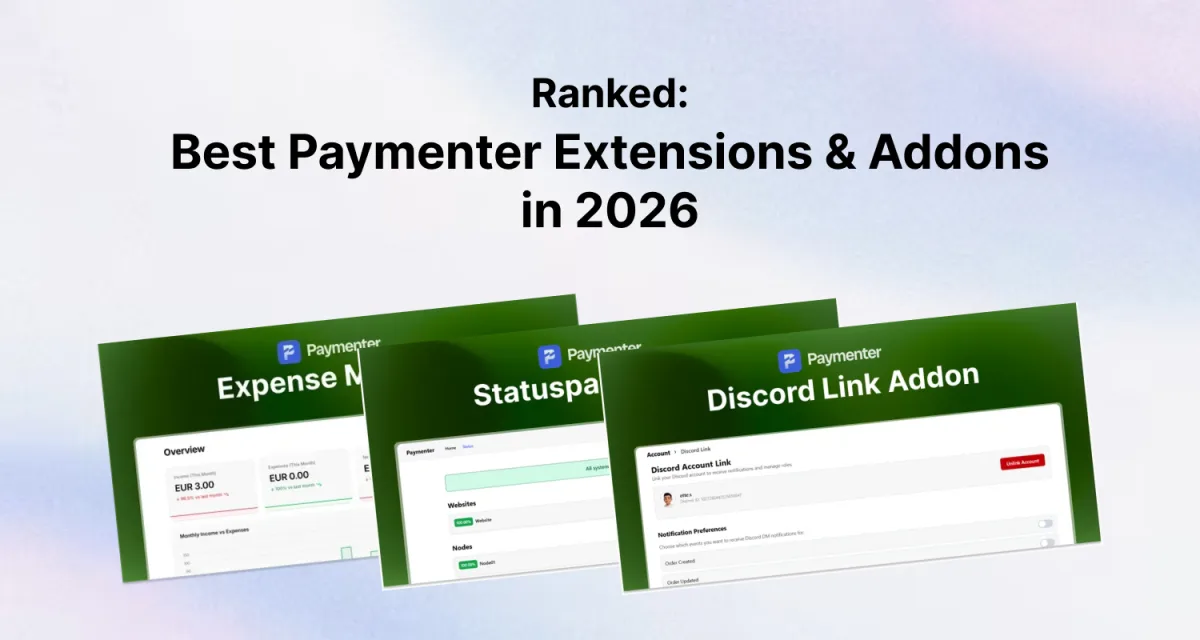
Paymenter covers the billing essentials out of the box, invoicing, service provisioning, payment gateways, and a client portal. But a production hosting business needs more than that. Extensions fill the gaps, and the marketplace has grown significantly in 2026.
This list covers the most useful Paymenter extensions available today, grouped by what they solve. All prices are at the time of writing.
Where to Buy Paymenter Extensions
Before diving in: Paymenter extensions are sold on BuiltByBit and sourceXchange. If you want to know which marketplace is the better choice, we covered that in detail in our Paymenter extensions marketplace comparison.
Security & Compliance
These should be installed before you open your platform to real customers.
Security Addon, $5.99
The most widely used Paymenter extension. It adds IP blocking, country restrictions, VPN/proxy detection, and disposable email blocking. Without something like this, you'll spend hours manually banning abusive sign-ups.
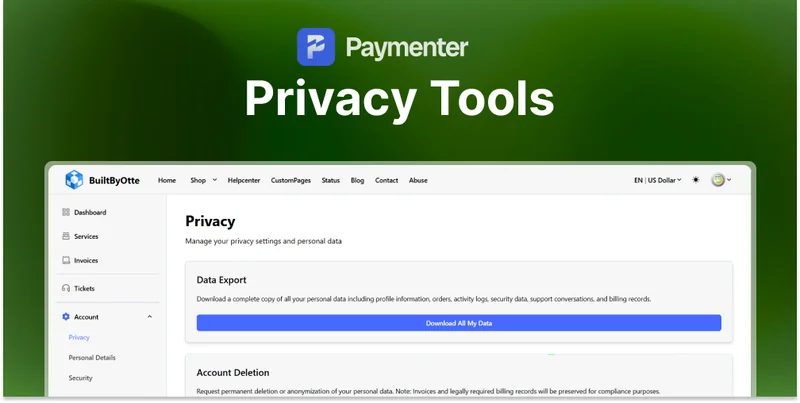
Best for: Every Paymenter installation.Privacy Tools, $7.99
Adds GDPR-compliant features: cookie consent banner, data export requests, and account deletion. If you have customers in the EU or UK, this isn't optional, it's legally required.
Best for: Hosting businesses with European customers.Contact & Abuse Page, $4.99
Adds a public contact and abuse report page. Useful for hosting providers that need to accept abuse complaints from third parties, ISPs, upstream providers, and compliance departments often require this.
Best for: VPS and dedicated server providers.Client Experience
Extensions that improve the day-to-day experience for your customers.
Helpcenter / Knowledge Base, $12.99
Adds a full knowledge base and FAQ system to your Paymenter portal. Clients can find answers without opening a ticket. If you're handling even a moderate volume of support requests, this pays for itself quickly.
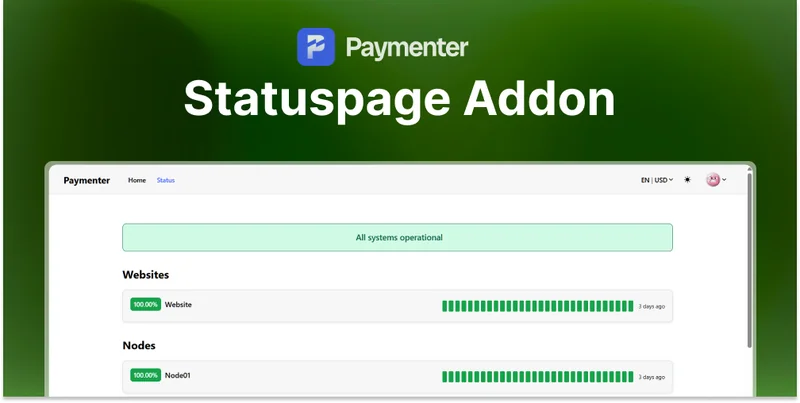
Best for: Any hosting business fielding repetitive support questions.Statuspage, $14.49
Adds a professional status page where you can post incidents and maintenance notices. Reduces inbound tickets dramatically during outages, clients check the status page instead of opening tickets asking "is it down?"
Best for: Any hosting provider with multiple services.Loyalty Rewards, $7.49
Adds a points-based loyalty system. Customers earn points for purchases and can redeem them for discounts. Improves retention and encourages repeat purchases.
Best for: Hosting providers focused on customer retention.Gifts Addon, $6.99
Lets you create gift cards and gift codes that clients can purchase and share. Useful for promotions, referral programmes, and reseller setups.
Best for: Businesses running promotions or reseller programmes.Customer Tools, $5.99
Adds useful admin tools for managing customer accounts, bulk actions, account notes, and enhanced client filtering. Saves time when managing a large client base.
Best for: Hosting businesses with many clients.Content & Marketing
Extensions that help you grow traffic and create content directly within Paymenter.
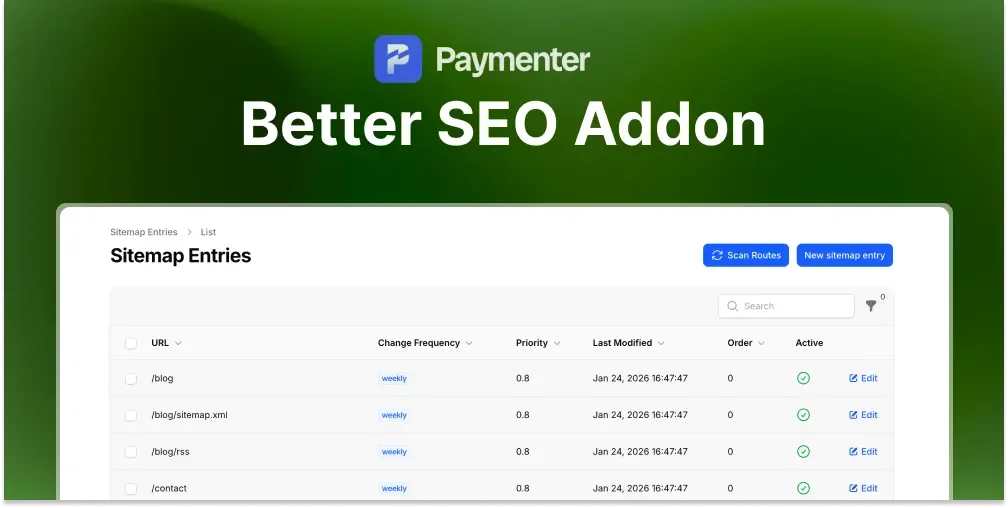
Better SEO Addon, $4.99
Paymenter has almost no SEO features out of the box. This extension adds per-page meta titles and descriptions, Open Graph tags, Twitter Cards, canonical URLs, XML sitemap generation, and structured data. If you're relying on search traffic at all, this is essential. We've written a full guide on boosting Paymenter SEO if you want to go deeper.
Best for: Any Paymenter site that cares about organic search.Blog Addon, $4.99
Adds a full blog to your Paymenter site with posts, categories, and tags, all manageable from the admin panel. Useful for publishing announcements, tutorials, and content that drives organic traffic.
Best for: Hosting businesses investing in content marketing.Vanity Links, $5.99
Create short, branded redirect links within your Paymenter domain. Useful for referral links, campaign tracking, and Discord/social sharing.
Best for: Marketing-focused hosting businesses.Administration & Operations
Extensions that make running the business side of your platform easier.
Translation Manager, $5.99
Adds a UI-based translation editor so you can customise all text in your Paymenter installation without editing language files directly. Essential if you're running a non-English portal or want to adjust the default wording.
Best for: Non-English markets or businesses that want full control over copy.Navigation Bar Editor, $5.99
Lets you rearrange and customise the Paymenter navigation bar from the admin panel. Add, remove, and reorder links without touching theme files.
Best for: Anyone who wants a custom navigation structure.Expense Manager, $5.99
Track your hosting business expenses inside Paymenter, server costs, software licences, domain renewals. Gives you a clearer picture of margins without needing a separate spreadsheet.
Best for: Solo operators and small teams tracking profitability.Gateway Fees, $4.99
Lets you add surcharges for specific payment gateways, useful if you want to pass on credit card processing fees to customers who choose more expensive payment methods.
Best for: Hosting providers who want to offset payment processing costs.Manual Servers, $4.99
Adds manual provisioning workflow for services that don't have an automated integration. Admin gets notified when a customer purchases, and can manually approve or provision the service.
Best for: Providers offering services that can't be fully automated.Discord Link Addon, $14.49
Lets clients link their Discord account to their Paymenter account. Useful for gating Discord roles or channels to paying customers, and for building a tighter community around your hosting service.
Best for: Community-focused hosting providers using Discord for support.Downloadable Products, $4.99
Sell digital downloads through Paymenter, plugins, themes, scripts, or any file. Includes licence key generation and download limits to reduce piracy.
Best for: Providers selling digital products alongside hosting services.Cosmetic & Seasonal
Snowflakes, Free
Adds a falling snowflake animation to your Paymenter portal for the holiday season. Purely cosmetic, but a small touch that clients notice.
Best for: Seasonal decoration. Install it in December, remove it in January.How to Choose
If you're just getting started, install these four first:
- Security Addon: protect yourself before you launch
- Privacy Tools: legal requirement for EU customers
- Helpcenter: reduce support load from day one
- Better SEO Addon: get indexed properly by search engines
From there, add extensions based on what your business actually needs. The Statuspage and Loyalty Rewards addons tend to come next for most growing hosting businesses.
If you sell VPS rather than game servers, your first extension is a server module instead. See our guide to selling VPS hosting with Paymenter and Proxmox.
Browse the full collection at BuiltByOtte Paymenter Extensions.
Frequently Asked Questions
Where can I buy Paymenter extensions?
On BuiltByBit and sourceXchange. Each BuiltByOtte resource page links directly to both marketplaces.
Are Paymenter extensions safe to install?
Extensions from reputable developers with good reviews are safe. Always check purchase count and review history before buying from an unknown seller.
Do Paymenter extensions get updates?
Quality extensions are updated with each major Paymenter release. BuiltByOtte extensions are actively maintained and updated for compatibility.
Which Paymenter extension should I install first?
The Security Addon. It protects your platform from the abusive sign-ups that every hosting business eventually attracts.
 Statuspage Addon | Paymenter
 Privacy Tools | Paymenter
 Better SEO Addon | Paymenter