
When a game server crashes or a billing job stalls, the first thing most customers do is open a support ticket — unless there's somewhere they can check first. A status page is one of the cheapest trust-builders a hosting business can add: it tells customers you already know about the problem, and it cuts down the "is it just me?" tickets during an incident.
The harder question is which tool to use. We looked at four realistic paths for a Paymenter, Pterodactyl or Calagopus based hosting store: a free self-hosted monitor, a dedicated status-page app, a paid SaaS plan, and a Paymenter-native addon.
Why hosting providers need one
Game server hosts and shared/VPS providers both have the same problem: outages are visible to customers immediately, but the cause (a node, a panel, a payment gateway, an upstream provider) isn't. A public status page separates "we know and we're on it" from silence, and a private incident log saves you from re-explaining the same outage in ten different tickets. It also gives you something to point to during renewal or sales conversations: a page with a long green history is a quiet way of showing you run a reliable operation.
What to put on a status page
Whichever tool you pick, the content matters more than the software. At minimum, break your services into components customers actually recognize: the panel (Pterodactyl, Calagopus), the billing site (Paymenter), node groups if you run more than one location, and any payment gateway you depend on. When something breaks, post an incident the moment you know about it, even with a one-line "investigating" status, and update it as you learn more rather than waiting for a full explanation. Most of the tools below also let subscribers get an email or webhook when a component changes status, which is worth turning on so customers check the page before they open a ticket.
Option 1: Uptime Kuma (free, self-hosted)
Uptime Kuma is a self-hosted monitor with a status page built in, rather than a status page you feed from somewhere else. It watches your services (HTTP, TCP, ping, DNS, push and more) and turns the results straight into a public page, so you don't need to pair it with a separate monitoring tool.
The project ships often. Its GitHub releases page lists version 2.5.9 on 31 October, which followed closely on 2.5.8 and 2.5.7. Those three releases are worth knowing about specifically because two of them were security fixes: 2.5.8 patched an admin-only authenticated remote-code-execution issue via Apprise CLI argument injection, and 2.5.9 fixed an RSS cache-poisoning bug, on top of the usual monitor and retry fixes. If you self-host Uptime Kuma, treat it like any other internet-facing panel and keep it updated — our Pterodactyl security checklist covers the same discipline for your panel.
The tradeoff is that you run and patch it yourself. There's no vendor to call if it goes down, and since it's also your monitor, an outage that takes down the box hosting Uptime Kuma can take the status page down with it unless you host it somewhere separate from what it's watching. For most small and mid-size hosting stores that's a manageable tradeoff: put it on a small VPS away from your main nodes, turn on its built-in notifications, and it costs nothing beyond that server.
Option 2: Cachet (free, status page without built-in monitoring)
Cachet is a dedicated status-page application: it shows components, incidents and metrics, but it expects something else (your own scripts, Prometheus, or Uptime Kuma itself, which ships a Cachet notification type) to report status into it rather than monitoring anything on its own.
Its most recent tagged release on GitHub is v2.4.1, and the project's own blog shows it has been working toward a 3.x rewrite for a while: a January 2025 update said the team was "still working towards the 3.x release," and the Cachet blog's most recent entry is a "Cachet Update — July 2026" post. We couldn't confirm from what we read whether 3.x is considered production-ready yet, so if you're picking Cachet today, check its current release notes directly before committing a live status page to it.
Option 3: Atlassian Statuspage (paid SaaS)
If you'd rather not host anything, Atlassian's Statuspage is the established paid option. Its official pricing page lists a free tier and four paid tiers, based on subscriber count:
| Plan | Price | Subscriber limit |
|---|---|---|
| Free | $0/mo | 100 |
| Hobby | $29/mo | 250 |
| Startup | $99/mo | 1,000 |
| Business | $399/mo | 5,000 |
| Enterprise | $1,499/mo | 25,000 |
The free plan also includes 25 components and two team members, per the same page. That's enough for a small store to try it out, but a growing hosting business with a few thousand subscribers watching its status page will land on the Startup or Business tier, which is real recurring cost for something you could otherwise self-host. The appeal is that it's someone else's uptime problem: Atlassian runs the infrastructure behind the status page itself, so an outage on your own servers is less likely to also take the status page down.
Option 4: A Paymenter-native status page
If your store already runs on Paymenter, there's a fourth option that skips running a separate app altogether: our own Statuspage Addon ($14.49, 67 purchases, 4.6/5 from 9 reviews) adds a status page straight into your Paymenter install, with monitors that check whether your services are up. Because it lives inside Paymenter, there's no second login, no separate server to patch, and no subscriber-count pricing tier to outgrow. You can see it running on our demo site, and the docs page covers setup.
It won't out-monitor a dedicated tool like Uptime Kuma if you need dozens of complex checks across infrastructure that isn't tied to Paymenter at all. But for a hosting store that mainly wants customers to see "is my panel/billing/network up" without adding another app to the stack, it's the simplest of the four.
Side by side
| Tool | Cost | Hosting | Monitoring included | Best for |
|---|---|---|---|---|
| Uptime Kuma | Free | Self-hosted | Yes | Technical teams wanting full control and no subscriber limits |
| Cachet | Free | Self-hosted | No (feed it from elsewhere) | Teams that already monitor elsewhere and just want an incident page |
| Atlassian Statuspage | $0–$1,499/mo | Hosted (SaaS) | No (reports status you set) | Businesses that want zero maintenance and don't mind the bill |
| Statuspage Addon | $14.49 one-time | Inside your Paymenter install | Yes | Paymenter stores that want it built into what they already run |
Which should you choose
If you're comfortable running another self-hosted app and want monitoring and a status page in one place for free, Uptime Kuma is the strongest pick — just keep it patched given how often security fixes show up in its release notes. If you already have monitoring and only need the public-facing incident page, Cachet can still do that job, though we'd check its current release status first given how long the 3.x rewrite has been in progress. If you want a vendor to own uptime and support and are fine paying for it as your subscriber count grows, Atlassian Statuspage is the safe paid route. And if your business runs on Paymenter and you'd rather not add a fifth app to your stack just to show a status page, the Statuspage Addon keeps it inside the panel you're already logged into every day.
Whichever you pick, treat the decision as reversible: a status page's value is in the habit of posting to it during every incident, not in which logo is on it. Start with whichever option fits what you're already running today, and switch later if your needs outgrow it.
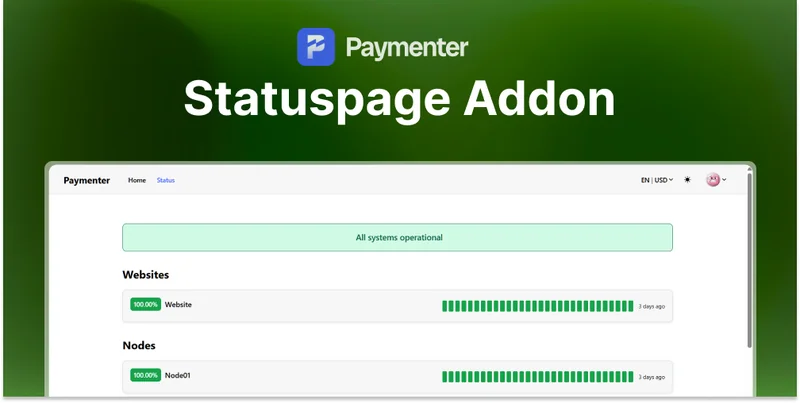 Statuspage Addon | Paymenter
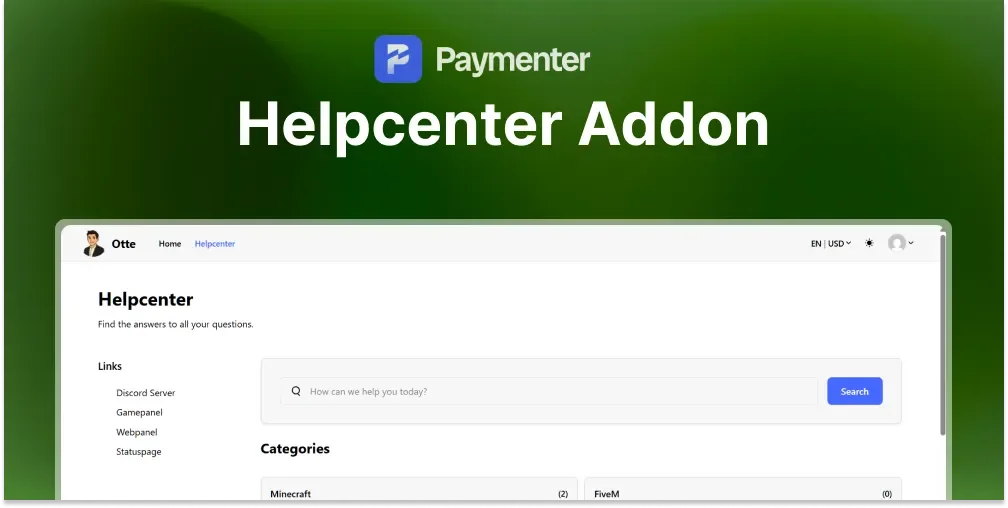 Helpcenter/KnowledgeBase | Paymenter
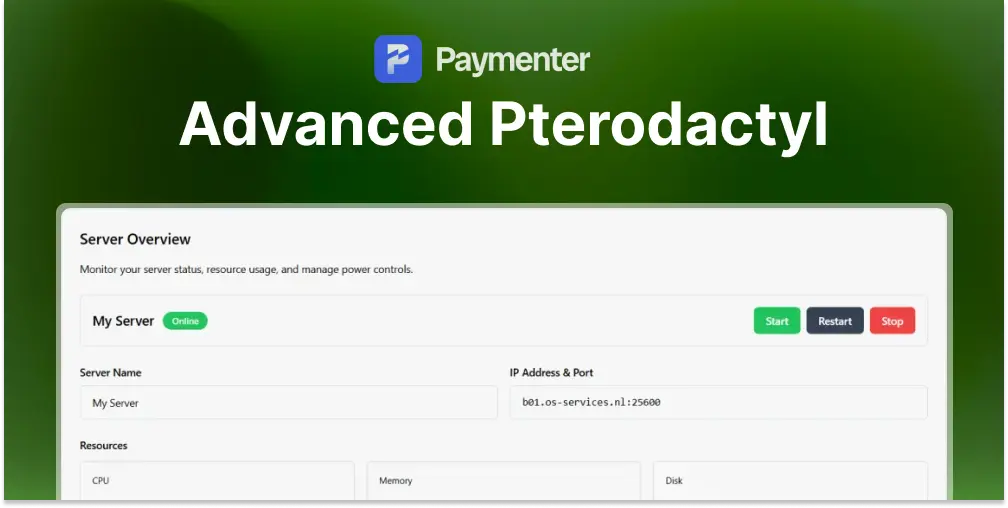 Advanced Pterodactyl | SSO & More